How to draw lines and paths in HTML Canvas
Overview
Lines are drawn by joining two points on the canvas. A path is a list of points, connected by segments of lines that can be of different shapes (curved or not), widths, and colors. A path, or even a subpath, can be closed.
Syntax
To make shapes with paths, we need the following APIs:
-
beginPath(): Begins a path on the canvas. -
closePath(): Ends the path created bybeginPath. -
moveTo(x, y): Moves the cursor to the and position on the canvas grid. -
lineTo(x, y): Marks a path or line beginning from the position specified by themoveTomethod to the position specified bylineTo. -
stroke(): Outlines the marked path(s) withlineToandmoveTo. -
fill: Fills the content area of the path(s) marked bylineTo.
To draw a single line, you need the following commands:
context.beginPath()
 context.moveTo(50, 50)
 context.lineTo(100, 100)
 context.stroke()
Explanation
-
First, we create the path with
beginPath. -
We set the drawing pen/cursor at the = postion.
-
Then, we use the
lineTomethod to draw a line. We tell it to mark a line beginning from = , set bymoveTo, to = .context.stroke()draws the outline set by the previouslineTo(100,100).context.stroke()draws the line from = to = .
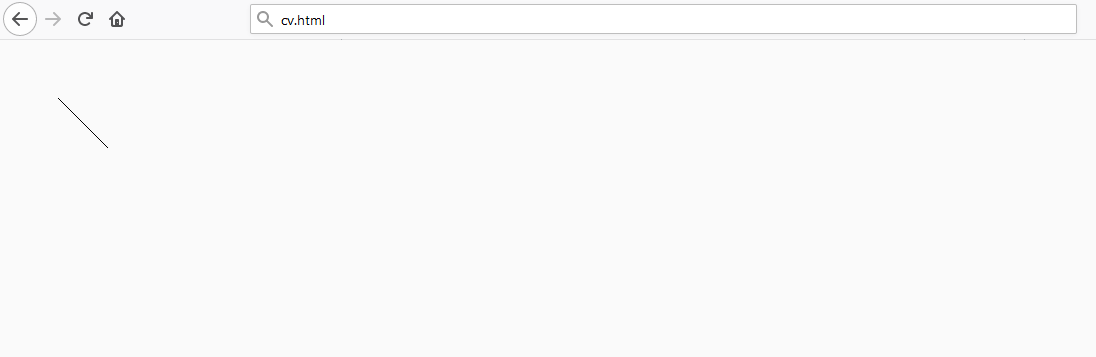
As shown above, the line is visible in the browser. Without the stroke() call, we won’t see the line. The color of the line is black, which is the default of the canvas when no color is set.
Example
We can draw lines on the canvas by beginning and closing paths.
context.beginPath()
 context.moveTo(50, 50)
 context.lineTo(100, 100)
 context.stroke()
 context.closePath()

 context.beginPath()
 context.moveTo(30, 60)
 context.lineTo(200, 200)
 context.stroke()
 context.closePath()
Explanation
The code above draws two lines in our browser, the first line from our previous example and a new line.
- Before you begin the new line, you have to close the path of the last line and begin a new one.
- Use
moveToto move the pen to = as the starting point. - Then, you can mark a line from there to (x,y) = .
- We use
stroke()to draw out the outline.
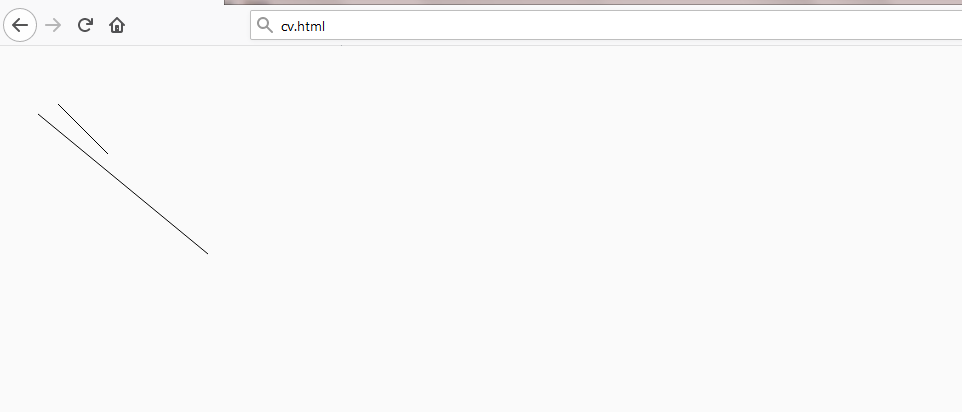
As shown above, the two lines are visible in the browser.
Example
We can draw and connect lines to form complex shapes.
context.beginPath()
 context.moveTo(50, 50)
 context.lineTo(100, 100)
 context.lineTo(290, 200)
 context.stroke()
 context.closePath()
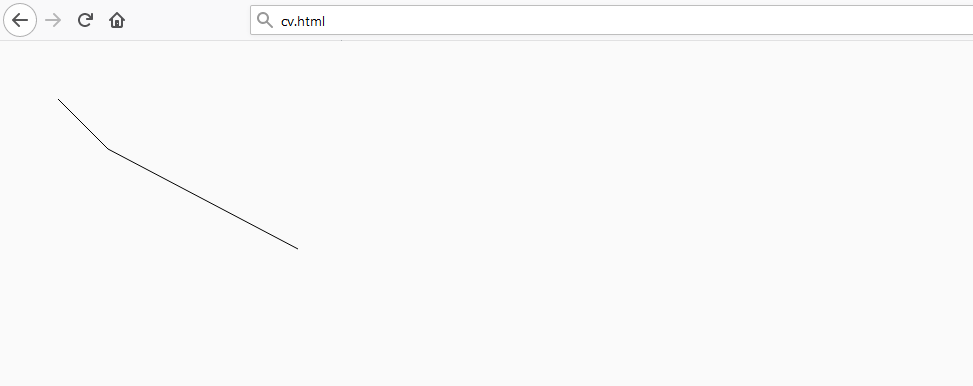
The code above will draw the following shape:
Explanation
moveTo(50,50)sets the pen at position = .- Then,
lineTo(100,100)marks a line from = to = . lineTo(290,200)traces the line from = , until eventually the line reaches = . This forms the shape we see in our browser.
Note: Please refer to the following shots for information related to this topic:
Drawing triangles
Filling paths
Drawing rectangles
Drawing circles and arcs