How to fix error 0x80240017
When a user tries to install any program to their computer, they receive the 0x80240017 error. With this error, it may be difficult to install software updates, download apps, or generally perform any modifications to the computer at all. Moreover, the computer might become slightly unresponsive and be unable to recognize certain external devices (e.g., gaming equipment).
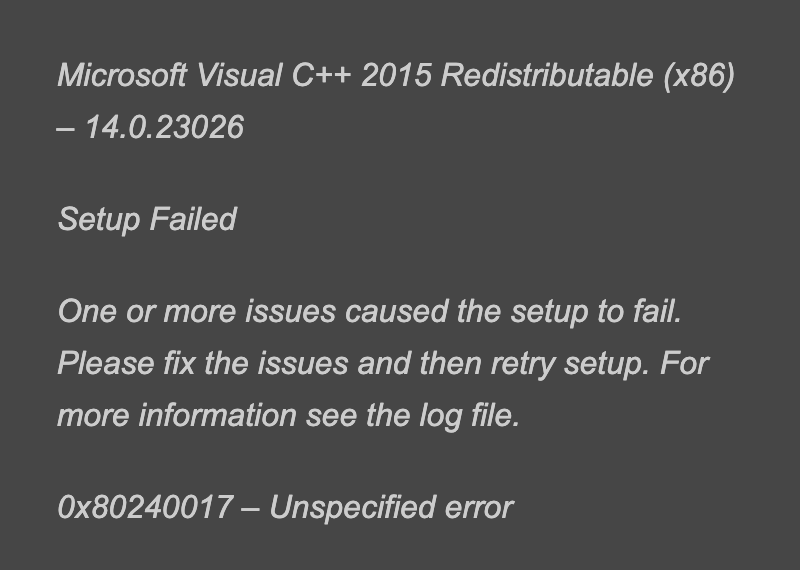
The following error is displayed when the user tries to install Microsoft Visual C++ 2015 Redistributable (x86):
Fixing this error
Please follow the steps below to fix this error:
-
Restart your computer.
-
When Windows loads, use the admin account to log in.
-
Once Windows is running, go to the desktop and click and hold the
Windowskey +Rbutton to open theRunbox. You can also search for theruncommand. -
Type
wsreset.exeand pressEnter. -
Let the process reboot the Windows store.
-
Try re-installing the desired software.
Free Resources