How to implement canvas in React
In React, developers can easily build engaging and interactive applications like games, data visualizations, and drawing tools by smoothly integrating the canvas element.
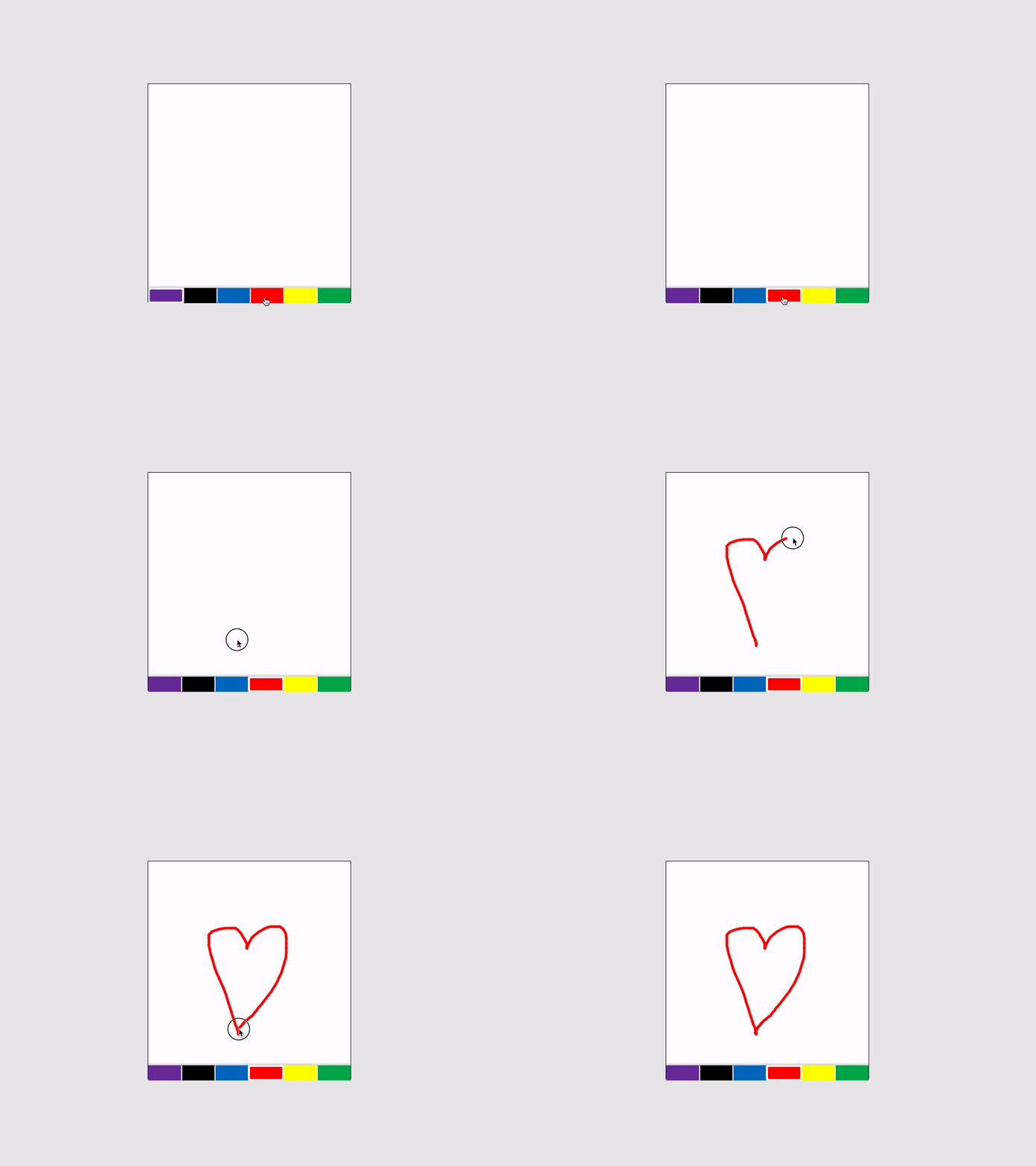
For this purpose, we use react-canvas-paint library, which enables developers to incorporate canvas into their React applications easily.
Installing dependencies
We'll need to install a few packages using npm, so make sure that your React application is built before we proceed.
You can see here how to create a React application.
Navigate to the root directory of your React project and install the dependencies using the following commands. We can name the folder as 'canvasReact' .
cd canvasReactnpm i react-canvas-paint
Rendering canvas in React
Let's see how react-canvas-paint helps to render canvas in your application.
{
  "name": "gfg",
  "version": "0.1.0",
  "private": true,
  "dependencies": {
    "@testing-library/jest-dom": "^5.16.5",
    "@testing-library/react": "^13.4.0",
    "@testing-library/user-event": "^13.5.0",
    "react": "^18.2.0",
    "react-canvas-paint": "^1.0.1",
    "react-dom": "^18.2.0",
    "react-scripts": "5.0.1",
    "web-vitals": "^2.1.4"
  },
  "scripts": {
    "start": "react-scripts start",
    "build": "react-scripts build",
    "test": "react-scripts test",
    "eject": "react-scripts eject"
  },
  "eslintConfig": {
    "extends": [
      "react-app",
      "react-app/jest"
    ]
  },
  "browserslist": {
    "production": [
      ">0.2%",
      "not dead",
      "not op_mini all"
    ],
    "development": [
      "last 1 chrome version",
      "last 1 firefox version",
      "last 1 safari version"
    ]
  }
}
Lines 8–10: The component returns a
divelement that wraps theReactCanvasPaintcomponent, which is responsible for rendering the drawing canvas on the screen.Line 9:
ReactCanvasPaintis given two props,widthandheight, which controls the dimensions of the canvas. In this case, thewidthis set to 4000 pixels, and theheightis set to 800 pixels.
When this component is rendered to the screen, it will display a large drawing canvas that users can interact with. The width and height of the canvas can be adjusted as needed to fit the application's requirements.
There are a few props of ReactCanvasPaint which are tabulated below.
Props
Property | Type | Default | Description |
| number | 400 | Canvas width |
| number | 400 | Canvas height |
| bool | false | Set to true disable drawing on canvas |
| Object | undefined | Initial imageData that can be put on the canvas |
| function | undefined | Function with imageData on every line drawn |
| Array | ['#7030A2', '#000000', '#0170C1', '#FE0002', '#FFFF01', '#00AF52'] | array of choosable colors to draw |
| number | 5 | width of drawing stroke |
Free Resources