How to implement search in Laravel
Step 1: Create Laravel application
laravel new searchy
Step 2: Create a database and connect to it
Create a database and update your .env file with the connection details, like so:
DB_CONNECTION=mysql
DB_HOST=127.0.0.1
DB_PORT=3306
DB_DATABASE=searchy
DB_USERNAME=root
DB_PASSWORD=
Step 3: Seed database with fake data
To implement a search, there has to be some data to search from. To keep this simple, we would be searching the user’s table, using the default migration, factory, and seeder.
To do this, uncomment the call to the user factory, and update the count to 20. This would create 20 fake users when run.
public function run()
{
    Step\App\Models\User::factory(20)->create();
}
Now, run migrations and seed:
php artisan migrate --seed
Step 4: Build search form
Now, we have a database full of users to search from. Update the welcome blade file to include a search input field and a list of all users.
<!doctype html>
<html lang="en">
<head>
    <!-- Required meta tags -->
    <meta charset="utf-8">
    <meta name="viewport" content="width=device-width, initial-scale=1">
    <link href="https://cdn.jsdelivr.net/npm/bootstrap@5.1.3/dist/css/bootstrap.min.css" rel="stylesheet" integrity="sha384-1BmE4kWBq78iYhFldvKuhfTAU6auU8tT94WrHftjDbrCEXSU1oBoqyl2QvZ6jIW3" crossorigin="anonymous">
    <script defer src="https://unpkg.com/alpinejs@3.x.x/dist/cdn.min.js"></script>
    <title>Laravel Search</title>
</head>
<body>
    <div>
    <!-- Search input -->
    <form>
        <input type="search" placeholder="Find user here" name="search">
    </form>

    <!-- List items -->
    <ul>
        <li>Apple</li>
        <li>Banana</li>
        <li>Guava</li>
        <li>Ape</li>
        <li>Bands</li>
    </ul>
</div>
    <script src="https://cdn.jsdelivr.net/npm/bootstrap@5.1.3/dist/js/bootstrap.bundle.min.js" integrity="sha384-ka7Sk0Gln4gmtz2MlQnikT1wXgYsOg+OMhuP+IlRH9sENBO0LRn5q+8nbTov4+1p" crossorigin="anonymous"></script>
</body>
</html>
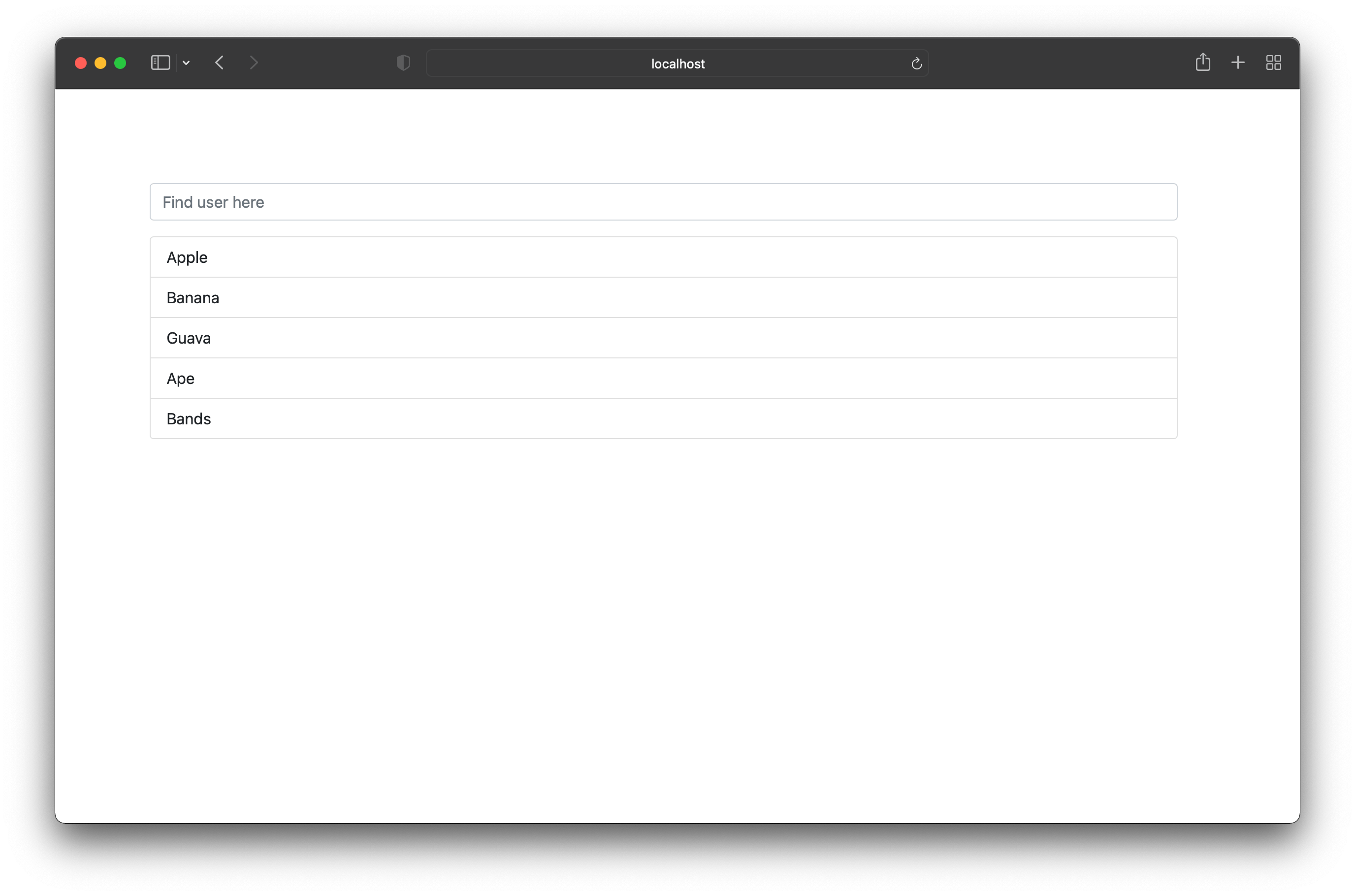
This displays static content, just to show how the app would look.
The output should look like this:
Step 5: Query database for searched terms
Now, the form on the page works and can be tested. In our web.php route file, update the closure to check for a
Route::get('/', function () {

    // Check for search input
    if (request('search')) {
        $users = User::where('name', 'like', '%' . request('search') . '%')->get();
    } else {
        $users = User::all();
    }

    return view('welcome')->with('users', $users);
});
Step 6: Update view to be dynamic
Replace the dynamic list with this new one:
<ul>
        @forelse($users as $user)
            <li>{{ $user->name }}</li>
        @empty
            <li>User Not Found.</li>
        @endforelse
    </ul>
Also, for better user experience, the search bar should contain the searched content after the search. Add the value property and set it to the search key in the request body.
<input
    type="search"

    placeholder="Find user here"
    name="search"
    value="{{ request('search') }}"
>
