How to install and setup Postgres environment on Mac
To install the Postgre on Mac OS X:
- Download
Go to the Enterprise website and download the installer for the version you want to download. - Launch
Run the downloaded dmg package as root. The following screen will appear. Click theNextbutton:

- Select the location and components
Choose the directory where you wish to install the folder and select the tools you want to install. You must install the PostgreSQL server and command line, and you may choose to install Stack Builder or pgAdmin 4 if needed. Then, clickNext.
pgAdmin 4 provides a GUI that manages the server and database. Stack builder may be used to download and install additional tools, drivers, and apps.

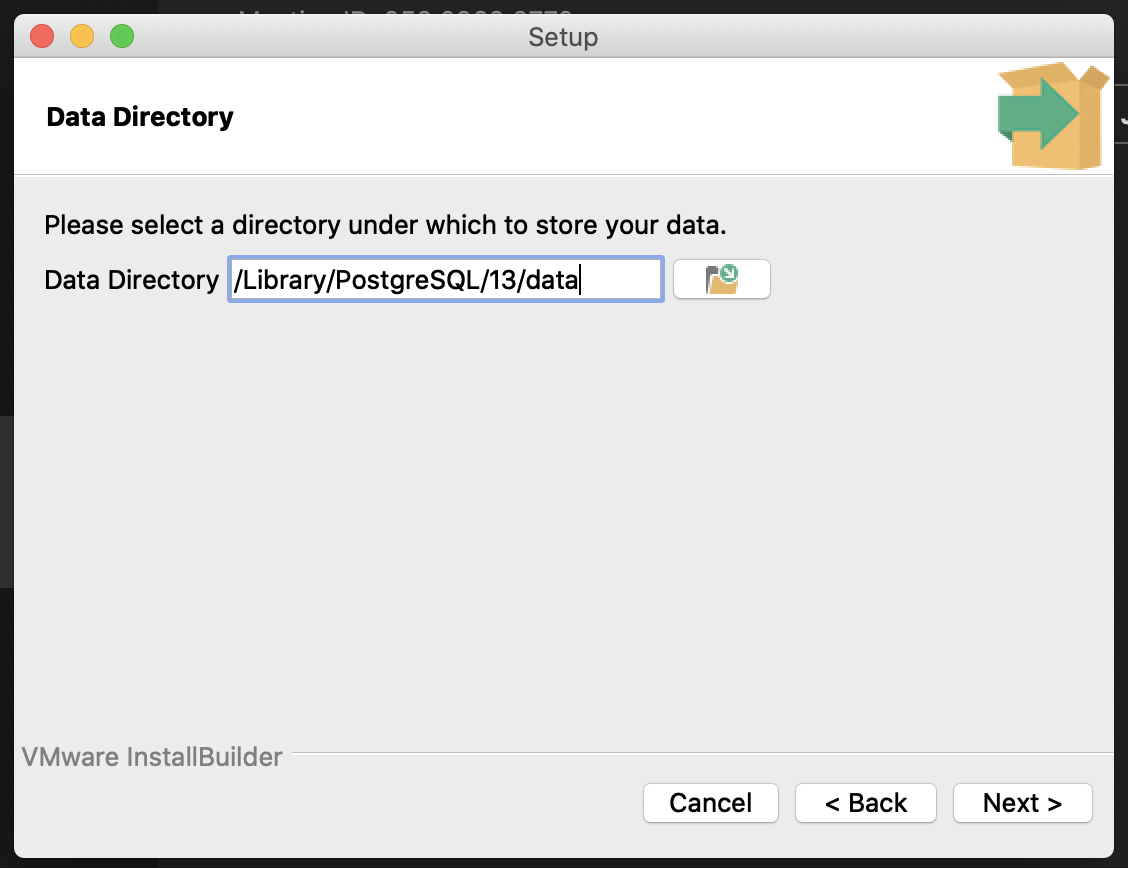
- Data Directory
Select where you want to set the Postgres cluster’s Data Directory, and clickNext.
- Set the superuser password
On this screen, you will set the password for the Postgres Unix superuser. Choose a strong password and clickNext.

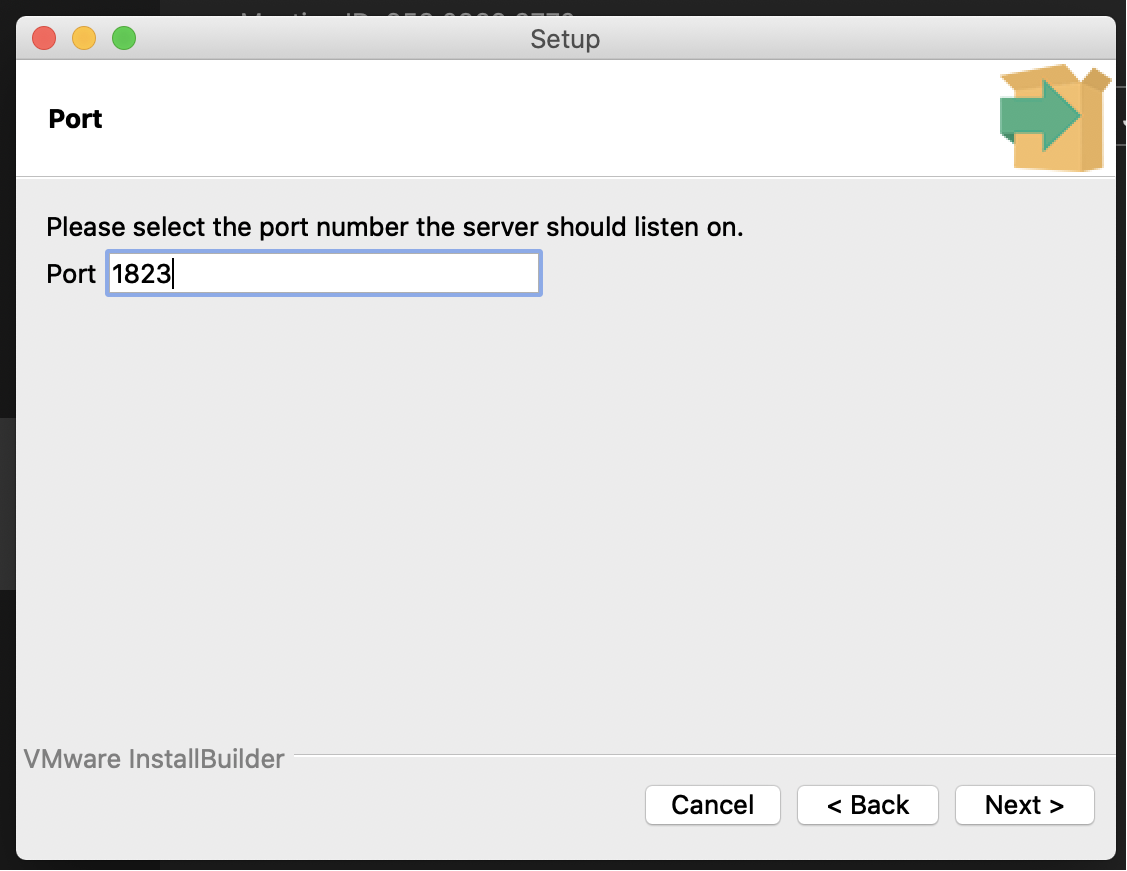
- Selecting the port number
You will be asked to select a port for SQL to run on – make sure this is opened from your firewall. Do not use any of the reserved port numbers, such as port 80.
- Select the language and review
Select the language (locale) and review the installation. If you are unsure, selecten_US.UTF-8and clickNextto install.

- Confirm installation
Open the Terminal and type the following to review that the installation has been completed successfully.
ps -ef | grep postgres
Free Resources
Copyright ©2026 Educative, Inc. All rights reserved