How to install Pycharm

Pycharm is a cross-platform IDE that was developed by JetBrains. It provides all the tools for Python development, a consistent environment to carry out python programming, and is highly compatible with Windows, macOS, and Linux operating systems.
Installing Pycharm
Requirements
| Requirement | Minimum | Recommended |
|---|---|---|
| RAM | 4 GB | 8 GB |
| Space | 2.5 GB | 5 GB at least |
| Resolution | 1024x768 | 1920×1080 |
Steps:
- Installing Python. To download and install Python click here, and choose the most suitable version – I have chosen version 3.6.3. After downloading, run the downloaded exe file to install python. The steps are provided below:

1 of 3
- Downloading Pycharm. To download PyCharm, visit the website here and download the community version by clicking on the “DOWNLOAD” sign under the Community section:
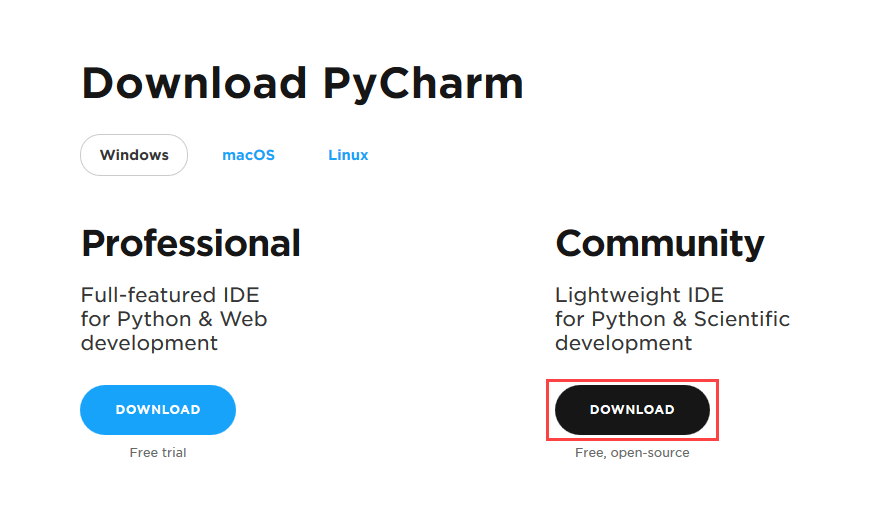
- Installing Pycharm. Run the downloaded exe file to install Pycharm and follow the steps below:
1 of 6
Free Resources
Copyright ©2026 Educative, Inc. All rights reserved