How to install Xamarin?
Xamarin allows developers to build cross-platform iOS, Android, and Windows applications using the .NET framework.
To ensure a smooth installation process, please follow the steps outlined below:
Step 1 - Install Visual Studio
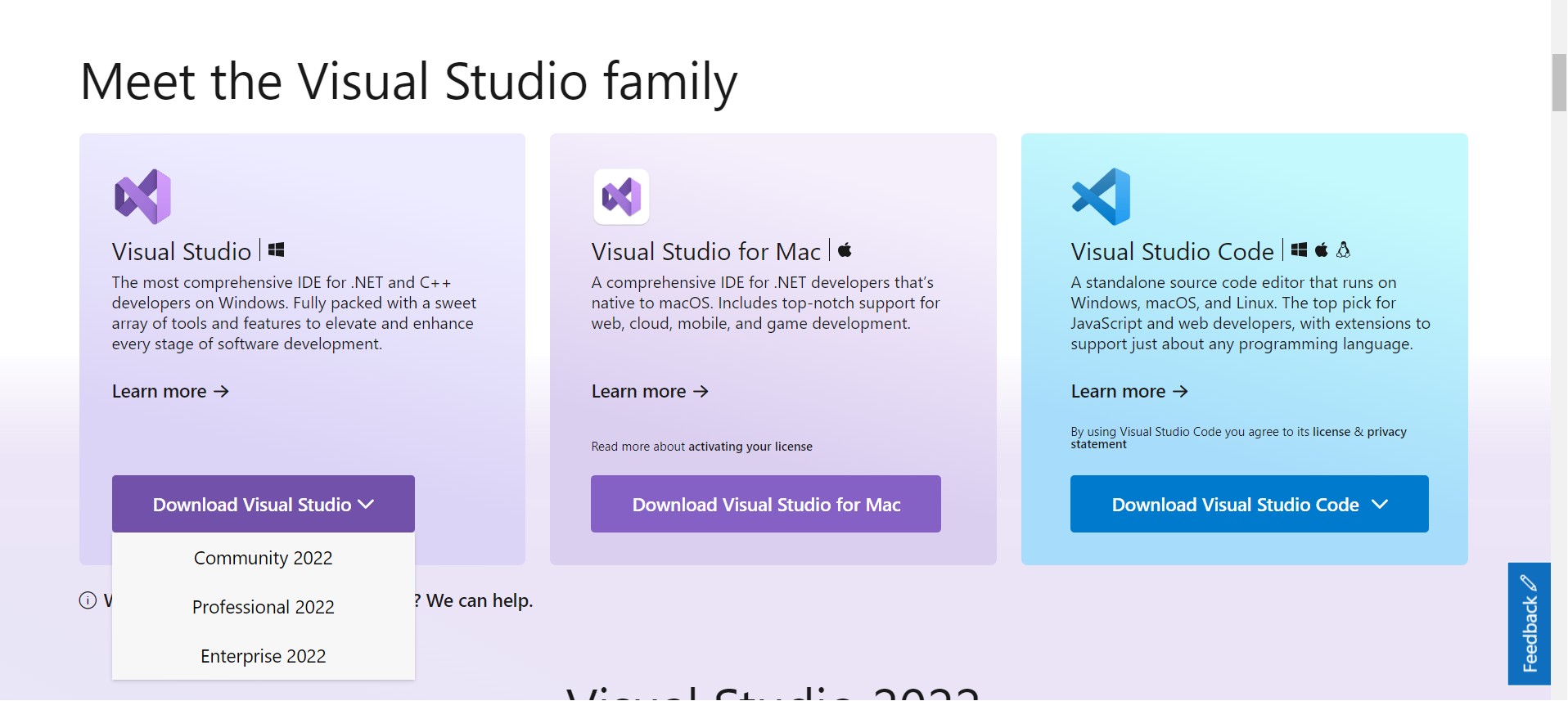
Download the latest version of Visual Studio or any other edition that supports Xamarin from the Microsoft Visual Studio website.

Step 2 - Select the workload
Choose a workload that includes Mobile Development with .NET during the Visual Studio installation process. This workload will install all the tools and components required for Xamarin development.
Select the .NET Multi-platform App UI development workload from the installation screen, and under Optional, check Xamarin:


Step 3 - Installation
Click the Install button when you are ready to begin installation:

Step 4 - Launching
After completing the installation, click the Launch button to start Visual Studio.


Step 5 - Final look
Installation is complete, and we can now create cross-platform applications using Xamarin and the .NET framework.


Free Resources