How to use Readline.moveCursor() in Node.js
readline.moveCursor() moves the cursor relative to its current position.
Prototype
readline.moveCursor(stream, dx, dy[, callback])
Parameters
stream<stream.Readable>: The stream to read from.dx<number>: Relative distance from the current position in the direction of .dy<number>: Relative distance from the current position in the direction of .callback<function>: The function that is invoked after the operation completes.
Return value
readline.moveCursor() returns a boolean; it returns false if the stream expects the calling code to wait for the drain event to be emitted. Otherwise, readline.moveCursor() returns true.
Code
In the code below, we create an instance of the interface. We associate it with the standard input for the Readable stream and the standard output for the Writeable stream.
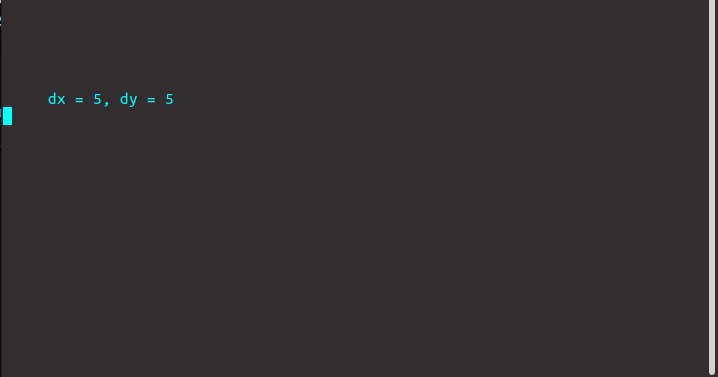
The readline.moveCursor() method is used to move the cursor to the desired location. After this, we can print the location coordinates on the screen.
const readline = require('readline');const rl = readline.createInterface({input: process.stdin,output: process.stdout});readline.moveCursor(process.stdout, 5, 5);console.log("dx = 5, dy = 5");rl.close();
Output
Free Resources
Copyright ©2026 Educative, Inc. All rights reserved