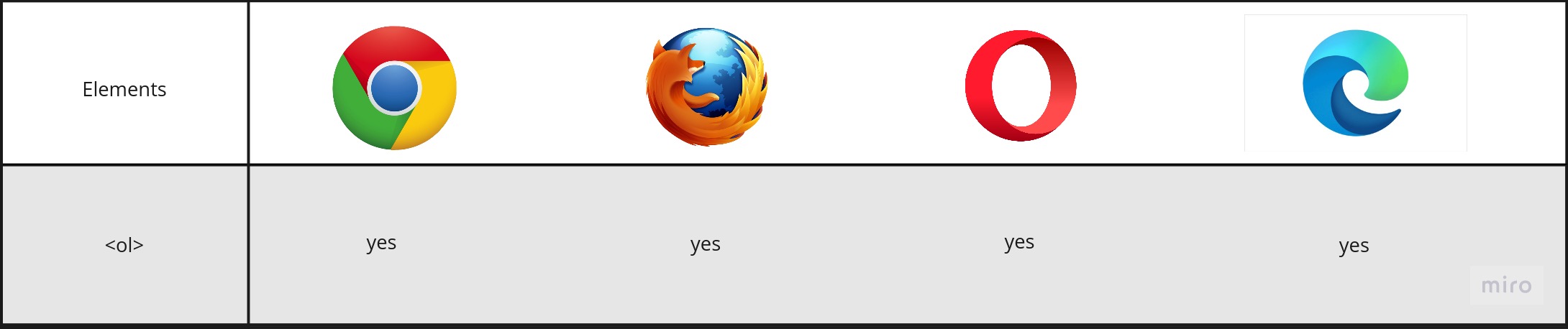
<ol> tag: How does the HTML ordered list work?
Definition and usage
-
The
< ol >HTML element represents an ordered list of items. An ordered list can be numerical or alphabetical, which is different from an unordered list< ul >where the list items are preceded by bullet points. -
The
< ol >element is used when the list is ordered and the< ul >element is used when the list is unordered. -
An ordered list is created by nesting one or more
< li >elements between the opening and closing< ol >tags. -
Alternatively, the
< ol >and< ul >can be nested together.
Attributes
Attribute |
Value |
Description |
|---|---|---|
| Start | Number | Specifies the start value of an ordered list |
| Type | 1 (default; for numbers), A (for uppercase letters), a (for lowercase letters), I (for uppercase Roman numerals), i (for lowercase Roman numerals) | Specifies the kind of marker to use in the list |
| Reversed | This Boolean attribute specifies that the list’s items are in reverse order. Items will be numbered from high to low. |
Code example
Below is a simple example.
- This example uses an ordered list to show 3 different types of language.
<ol><li>Hello World!</li><li>Bonjour!</li><li>Buenos Dias</li></ol>
Output:
1.Hello World!
2.Bonjour!
3.Buenos Dias
Here is an example of an unordered list inside an ordered list, which is called a nested list.
- This example uses an ordered list that is nested to show 3 different types of language.
<ol><li>Hello World!</li><li>Bonjour!</li><li>Buenos Dias<ul><li>Buenas Noches</li><li>Buenas Tardes</li></ul></li></ol>
Output:
1. Hello World!
2. Bonjour!
3. Buenos Dias
   . Buenas Noches
   . Buenas Tardes
This next example uses the Roman Numeral type.
- This example uses an ordered list to show 3 different types of language in roman numerals.
<ol type="i"><li>Hello World!</li><li>Bonjour!</li><li>Buenos Dias</li></ol>
Output:
  i. Hello World!
 ii. Bonjour!
iii. Buenos Dias