Semantic HTML
Semantic tags were introduced in HTML5. They describe the meaning of the particular elements of a webpage. They help us to build a clear structure of our website. Semantic tags give accessibility and readability to users, creators, and search engine optimization.
Headers
-
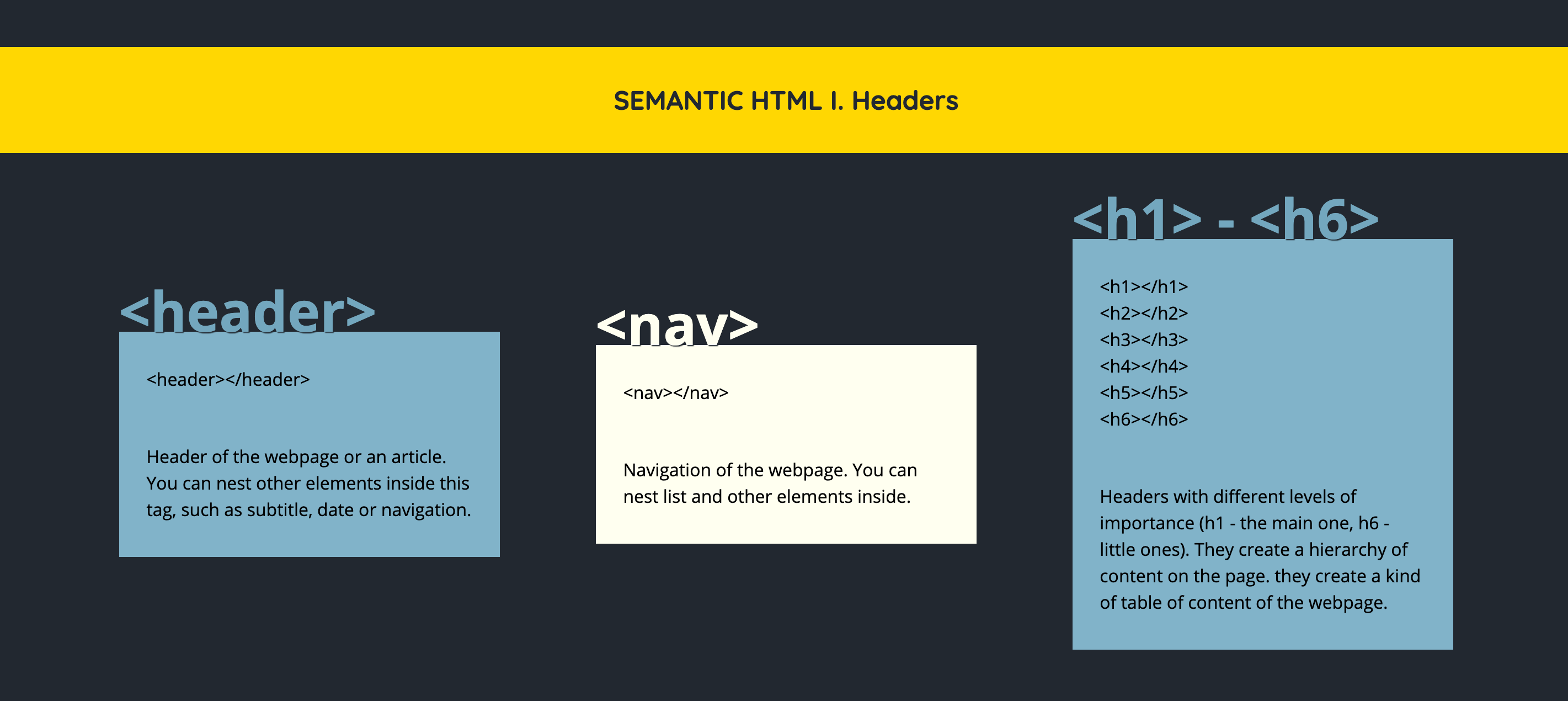
<header>Header of the webpage or an article. You can nest other elements inside this tag, such as subtitle, date, or navigation. -
<nav>Navigation of the webpage. You can nest list and other elements inside. -
<h1> - <h6>Headers with different levels of importance (h1 - main one, h6 - little ones). They create a hierarchy of content on the page, sort of a kind of table of content on the webpage.
Main contents
-
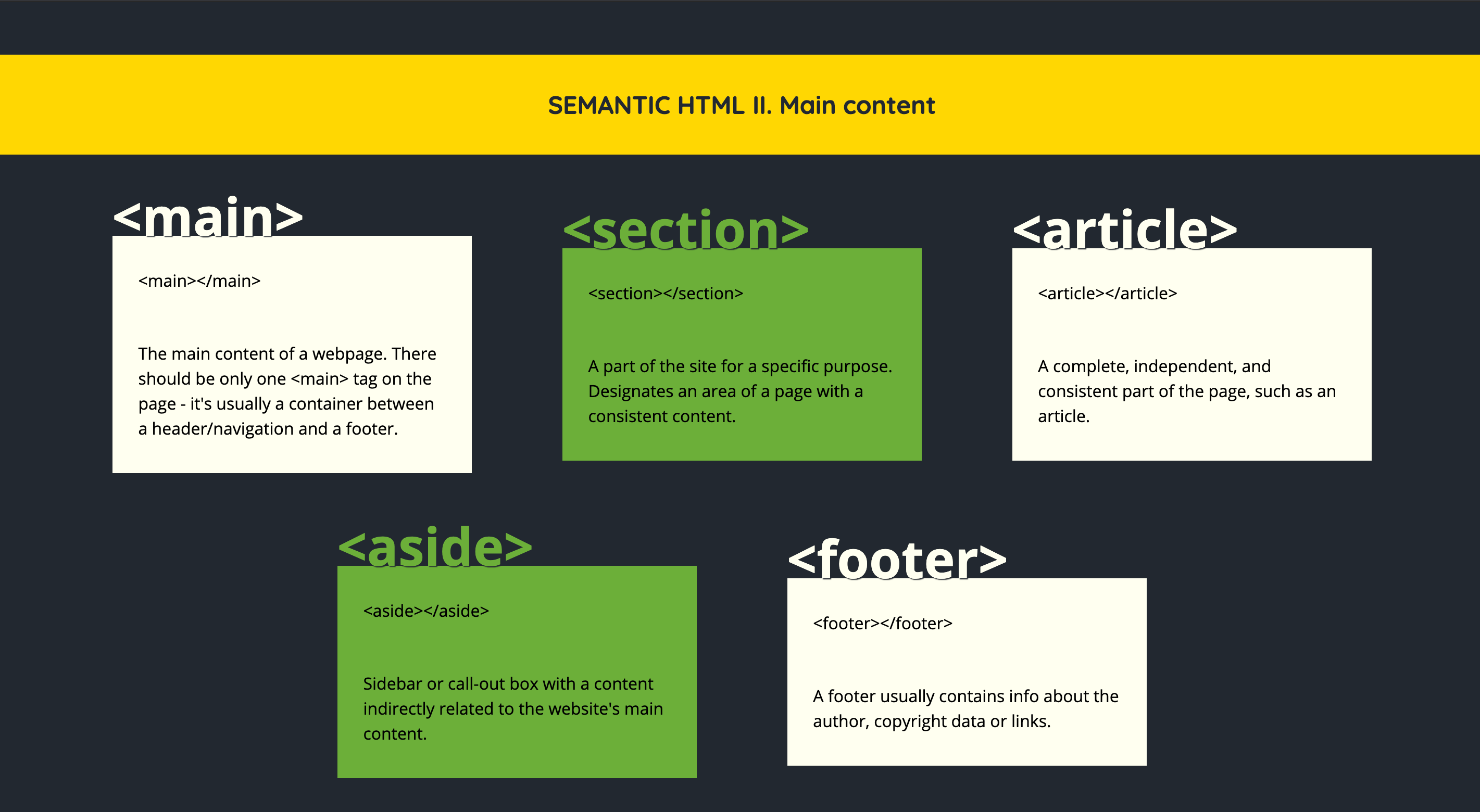
<main>The main content of a webpage. There should only be one main tag on the page - it’s usually a container between a header/navigation and a footer. -
<section>A part of the site for a specific purpose. Designates an area of a page with consistent content. -
<article>A complete, independent, and consistent part of the page, such as an article. -
<aside>Sidebar or call-out box with content indirectly related to the website’s main content. -
<footer>A footer usually contains info about the author, copyright data, or links.
Other
-
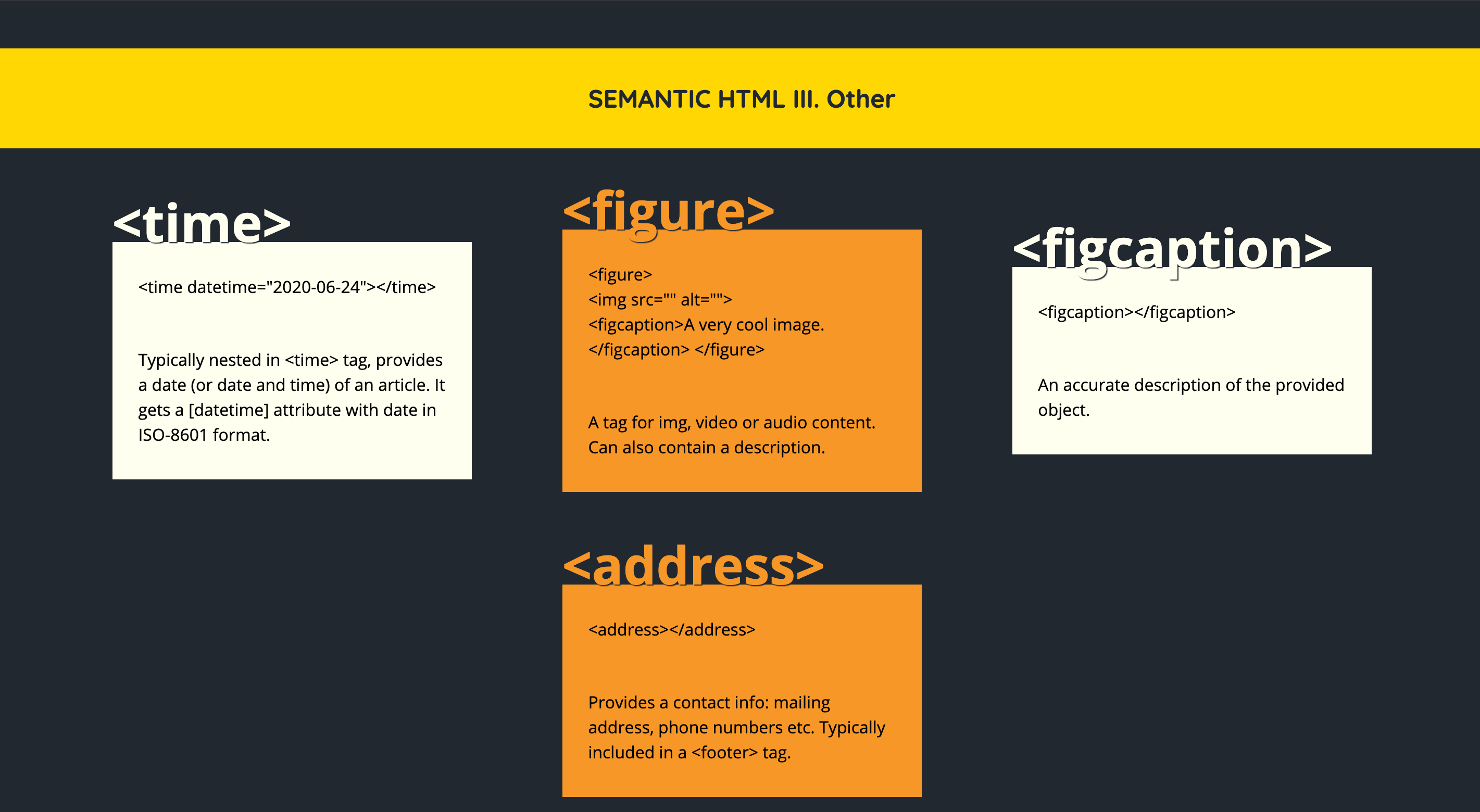
<time>Provides a date (or date and time) of an article. It gets a [datetime] attribute with date in ISO-8601 format. -
<figure>A tag for img, video, or audio content. Can also contain a description. -
<figcaption>An accurate description of the object provided within the figure tag. -
<address>Provides contact info: mailing address, phone numbers, etc. Typically included in a footer tag.
Free Resources
- undefined by undefined
- undefined by undefined