Testing with Hound
Testing our code while writing can be a great tool to keep us within the coding standards and helps us to better review, manage, and maintain our codebase. There is where Hound, or Hound CI, comes in. Hound is a code review tool for GitHub. It comments on code quality and styling format to create a cleaner, better-managed coding experience.
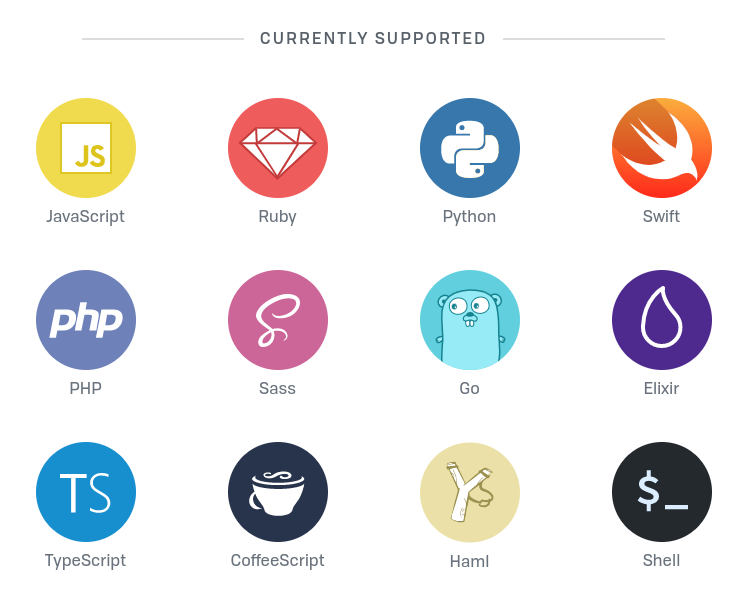
Hound connects with any GitHub repositories and then reviews its code. For public repositories, it is a free service; however, it is paid for private repositories. Moreover, Hound supports multiple languages, including but not limited to JavaScript, Ruby, Python, and many more.

Implementation
Now we will look at how to use Hound for our GitHub repositories.
Step 1: First, we will go to the official HoundCI homepage. We sign in to our GitHub account to HoundCI to connect both sources.
Step 2: Then we will arrive at the given screen, click "Add GitHub repos," select your desired repository, and proceed with the given steps.


Step 3: Let us now go to our GitHub repository page. Here, we need to create a ".hound.yml" file with our desired configurations. Given below is an example configuration file for a Python code that uses pylintrc as its
linter a static code analysis tool used to flag programming errors, bugs, stylistic errors and suspicious constructs.
python:enabled: trueconfig_file: .pylintrc
Step 4: For our desired Hound configurations, we have to create separate configuration files for every language we mentioned in our yml file. In our example, we create a ".pylintrc" file with the given contents.
[FORMAT]max-line-length = 120indent-string = spacesindent-after-paren = 4indentation = spaceblank-line-after-class-docstring = 2blank-line-after-function-docstring = 2[MESSAGES CONTROL]disable = missing-docstring
Step 5: Now we can go and create a pull request as Hound only reviews our code when a pull request is created.


Step 6A: When a pull request is created, Hound reviews the entire code and returns with either, comments on where the code can be improved or, the code passes the given standards.


Step 6B: Here is an example of where Hound comments on our code's standard and advises us on what to fix to meet our set requirements.


Step 7: After this, we can either choose to ignore the given suggestions and proceed or we can fix our files and then proceed. The latter option is recommended.
Conclusion
After going through this Answer, we now know the importance of Hound and how to conduct texts with it. Keeping your code up to a set standard is vital for any organization and highly recommended even for individuals. It is always beneficial to keep your code standardized for ease of use and clarity.
Free Resources