What are AR trackables in Unity AR?
AR trackables are all elements of the real world that can be detected and tracked by the AR system. These trackables are essential to Augmented Reality experiences as they allow you to interact with and place virtual content in the real world.
AR trackable managers
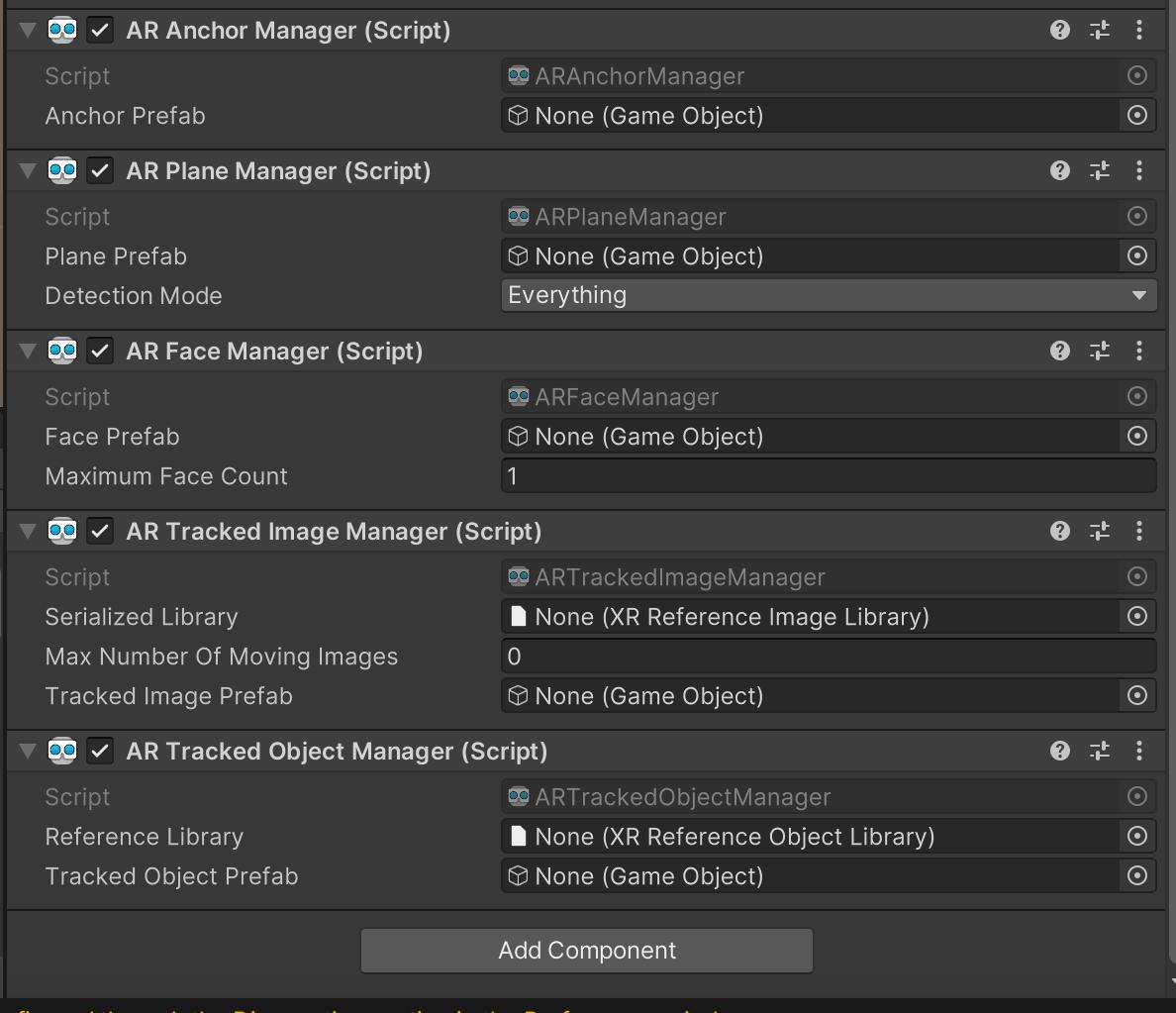
For every trackable element, there exists a manager called AR trackable manager to manage them. AR trackables include:
AR anchors
Anchors are positions in the physical world that AR content can be attached to. They help in anchoring virtual objects to specific locations and maintaining their position and orientation relative to the real environment.
AR planes
AR planes represent detected flat surfaces in the real world, such as floors, tables, or walls. They are commonly used as surfaces to place virtual objects on or to provide context for AR interactions.
AR faces
AR faces represent detected human faces. They allow developers to overlay virtual content on faces, enabling AR face filters, virtual makeup, or other facial AR experiences.
AR images
AR images represent detected real-world images that act as triggers for specific AR content. When the AR system recognizes a pre-defined image, it can trigger the display of virtual content related to that image.
AR-tracked objects
AR tracked objects are 3D objects that the AR system can track and recognize. You can define specific 3D objects, and when the AR system detects them in the real world, it can overlay virtual content on top of them.
Conclusion
AR trackables provide a foundation for building interactive and immersive AR experiences. They allow you to understand the real-world environment, track changes over time, and enable virtual content to interact seamlessly with the physical world.
Free Resources