What are GitHub classroom auto-grading test cases?
As a computer science instructor, one needs to spend more time teaching and automate evaluation and grading processes whenever possible.
GitHub classroom helps instructors with this.
Step-by-step
The following steps help in preparing and understanding the workflow.
Step 1:
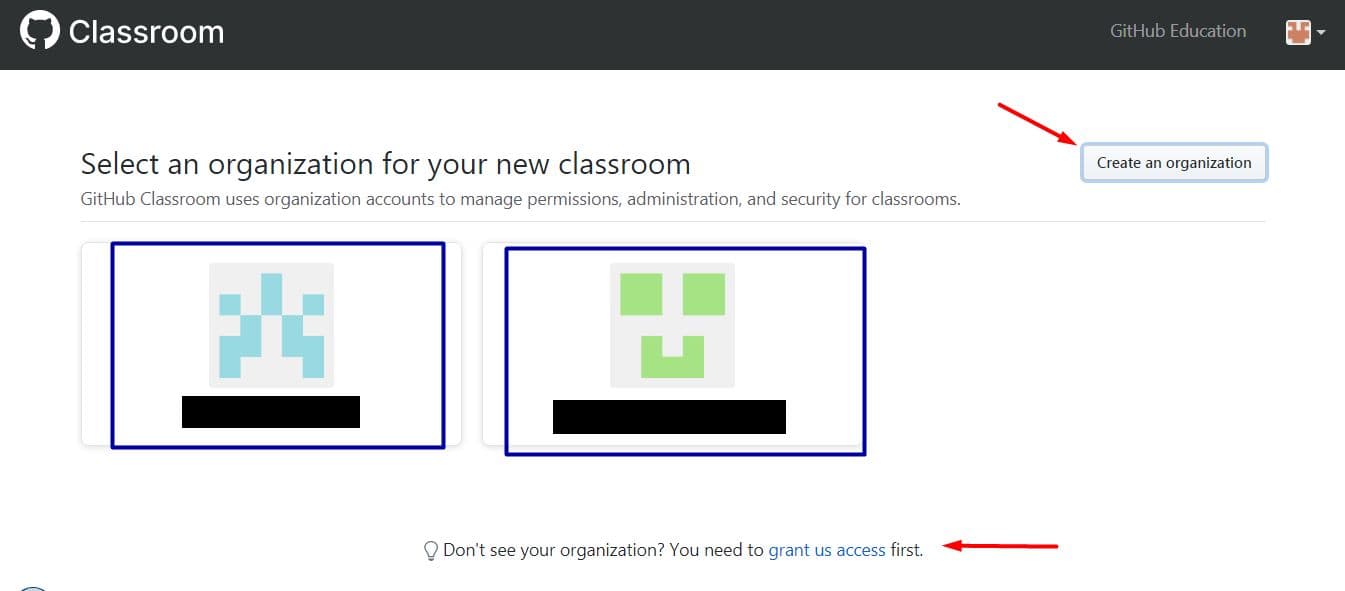
Login to GitHub classroom and select an organization to set up a new classroom. If you do not see your organization, click the “grant us access” link visible at the bottom of the web page.
Create an organization if not created earlier.
Step 2:
Set up your classroom by providing a suitable name that students can identify with.

Step 3:
One can join teaching assistants (TAs) or other faculty to the classroom as admins. They can be given the classroom invitation URL.

Step 4:
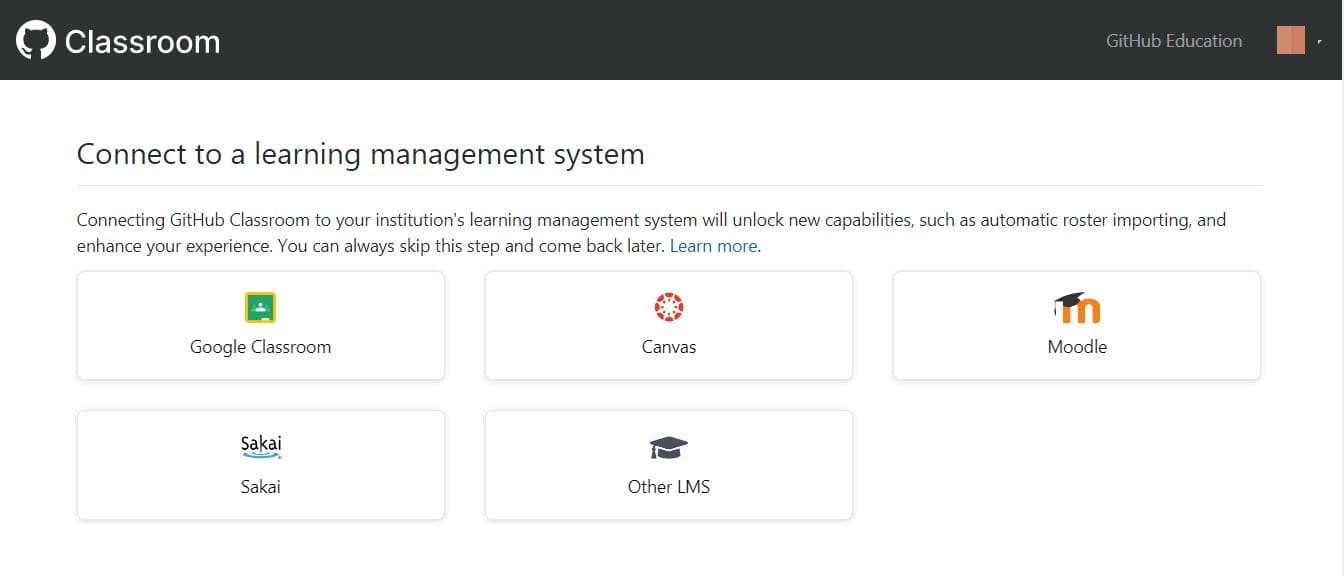
You can choose any of the learning management systems (LMS) or skip it.
Step 5:
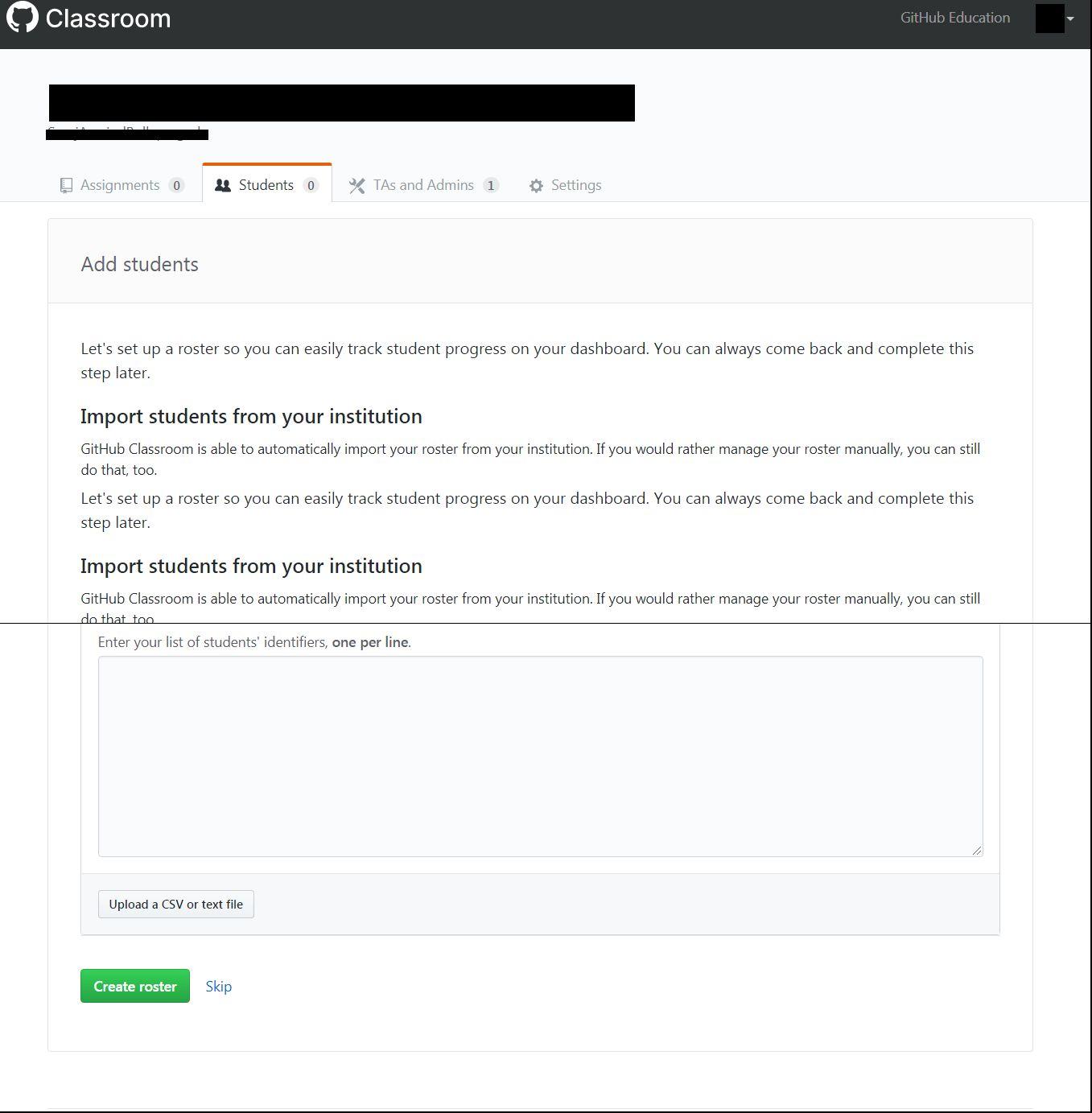
Add students to the classroom.
Step 6:
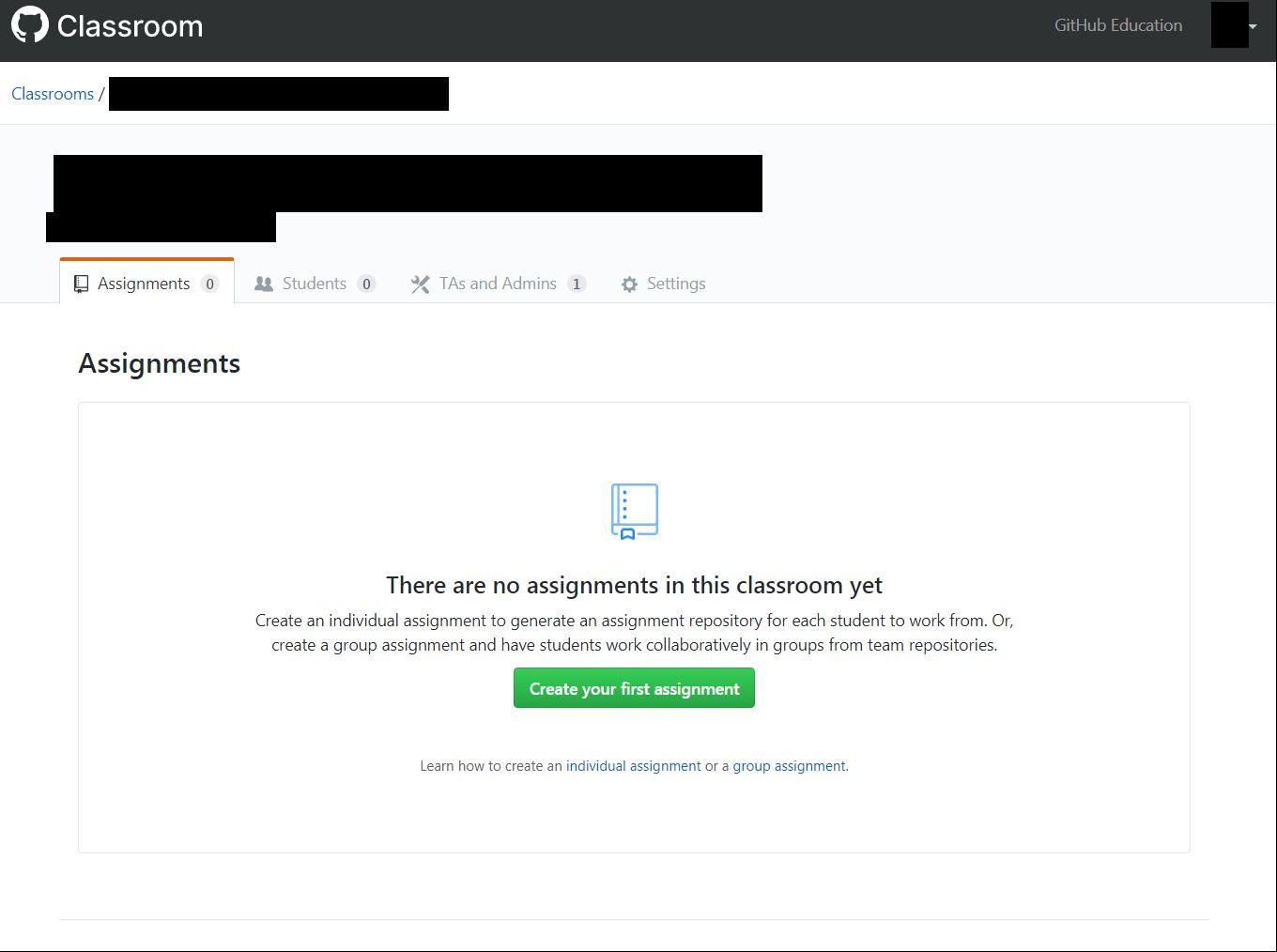
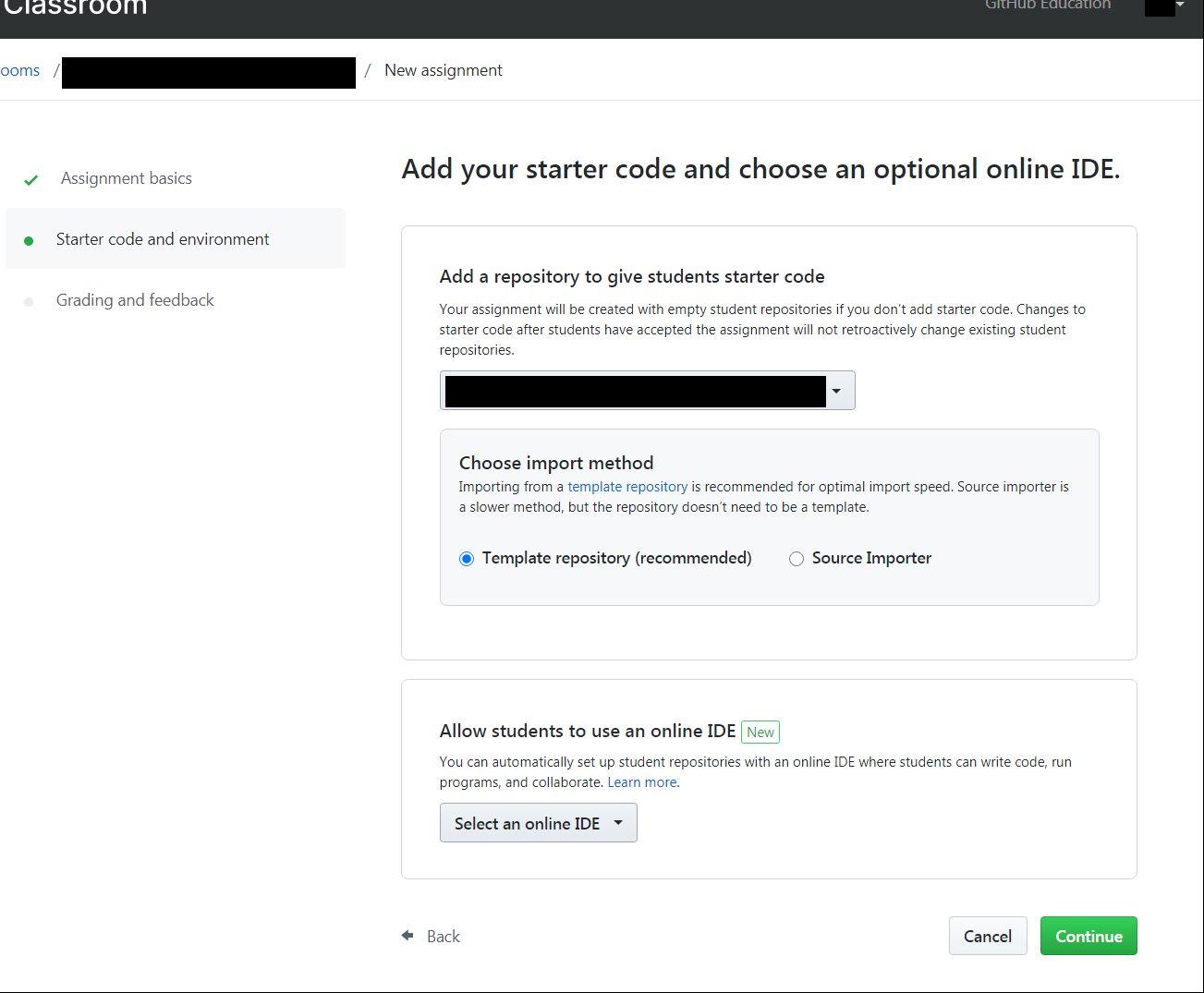
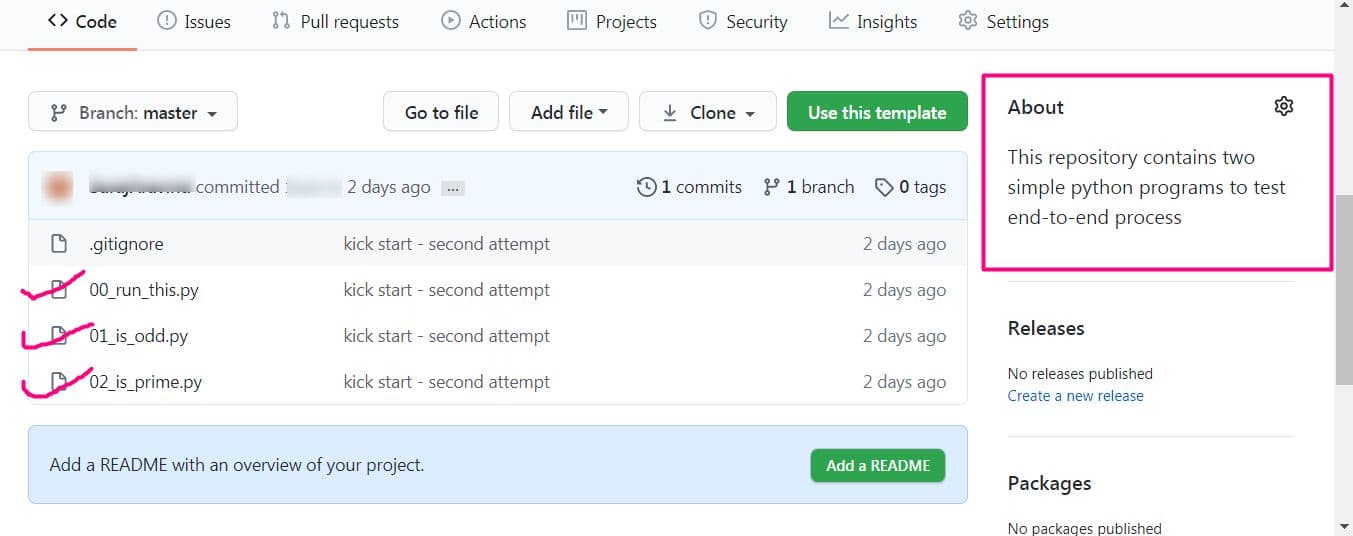
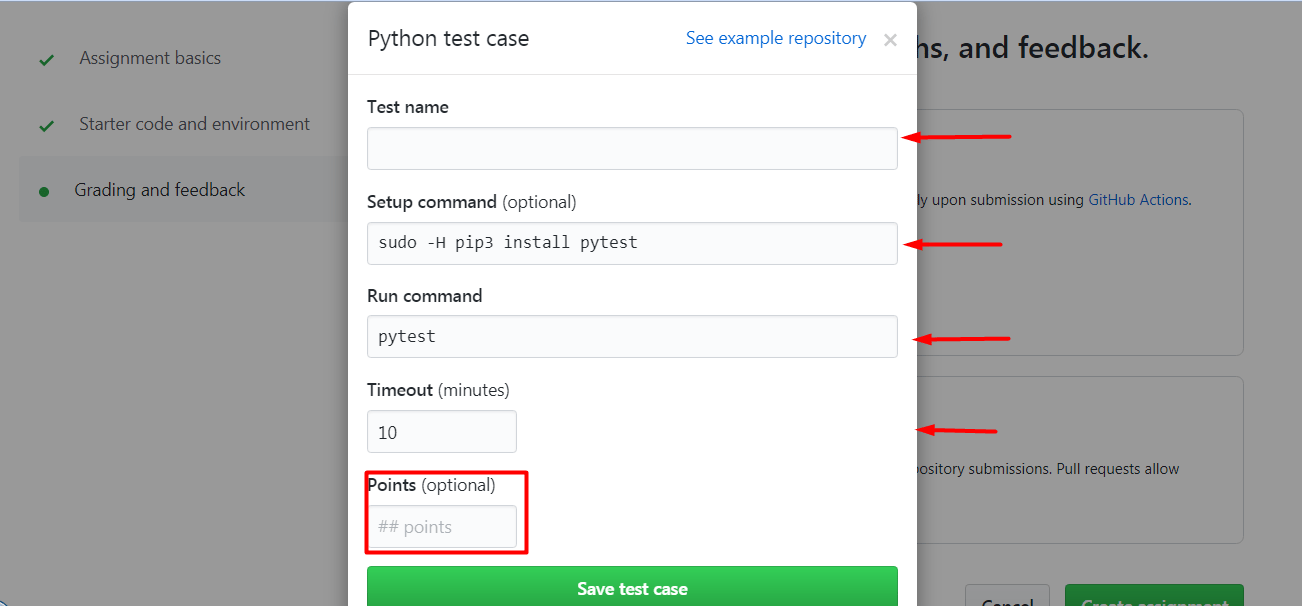
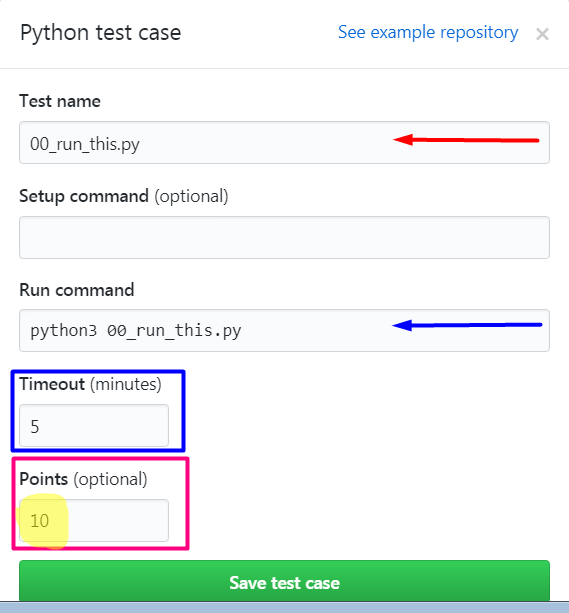
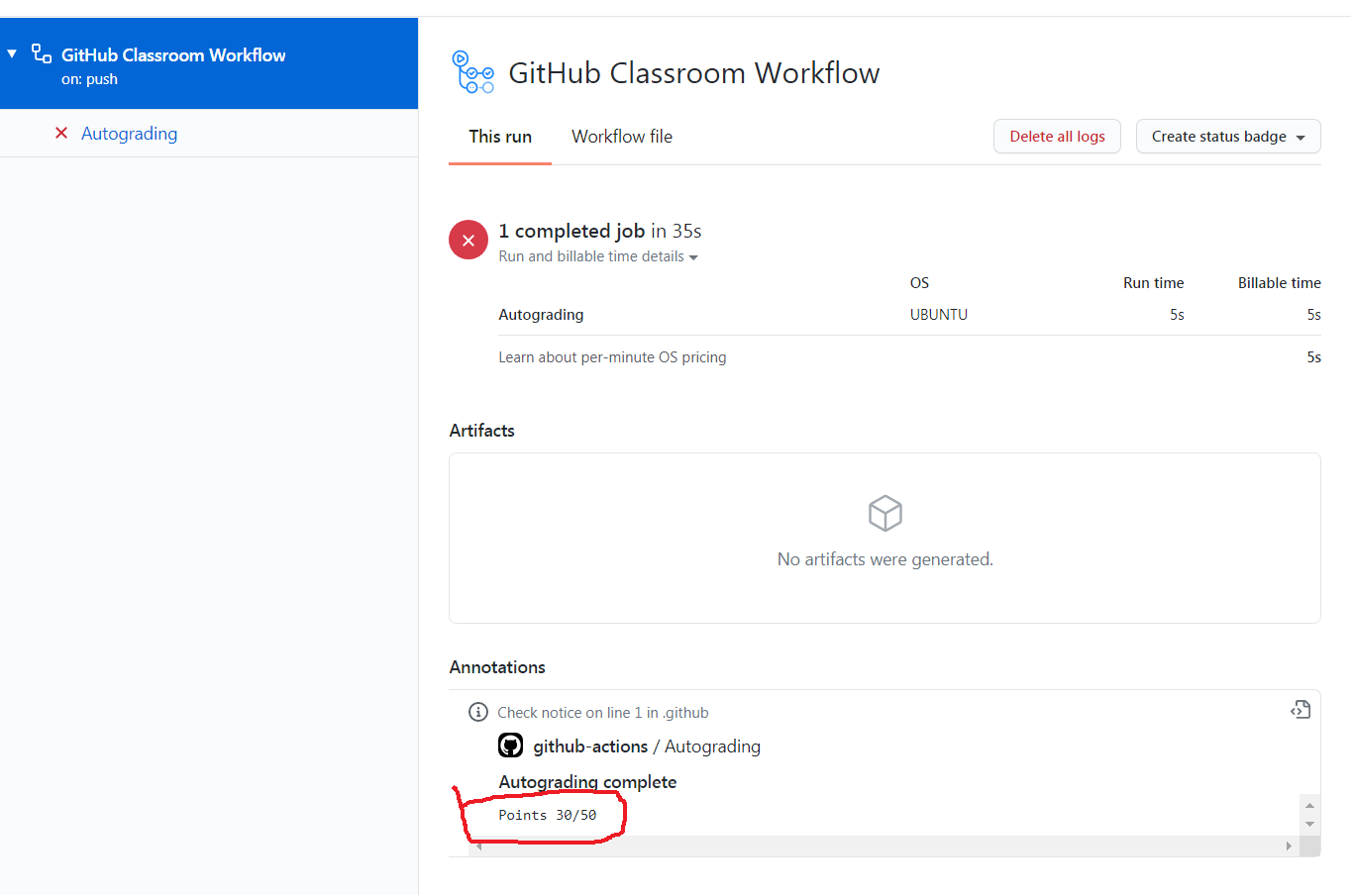
Set up the assignment and auto-grading according to the figures shown below.



Conclusion
This article showcases the basic features of GitHub classroom auto-grading for Python program test cases. Faculty can experiment with other programming languages available to understand the basic workflow.