What are strip charts in R?
In R programming, the stripchart() method is used to create strip charts. This method accepts a numeric vector and a list of more than one vector, then generates the strip chart for every vector.
Syntax
stripchart(x, method, jitter, main, xlab, ylab, col, pch, vertical, group.names)
Parameter
-
x: It represents the numeric vector that has to be plotted. It may also contain the list of the vector. -
method: It helps to separate the points that have the same values. The method has an over-plot value to over-plot points by default. But it also has the option of jitter and stack. -
Jitter: This helps represent the amount of jittering that has to be applied. -
main: This shows the title of the chart. -
xlab: The label regarding x-axis. -
ylab: The label regarding y-axis. -
col: The color of the points regarding the plot. -
pch: The shape related to the points of the plot. -
vertical: The default dimension of the plot is horizontal. But if the vertical is set as true then the plot will be vertical. -
group.names: These are the group labels.
Example
We are using a built-in mtcars dataset to generate the strip chart. data("mtcars") is used to load the pre-loaded dataset. In line 4, we generate a strip chart with multiple attributes (mpg, hp, wt, vs, gear etc.) in different ranges along the x-axis.
# 1. Load dataset(Pre-loaded)data("mtcars")# 2. Generate Strip Chartstripchart(mtcars)
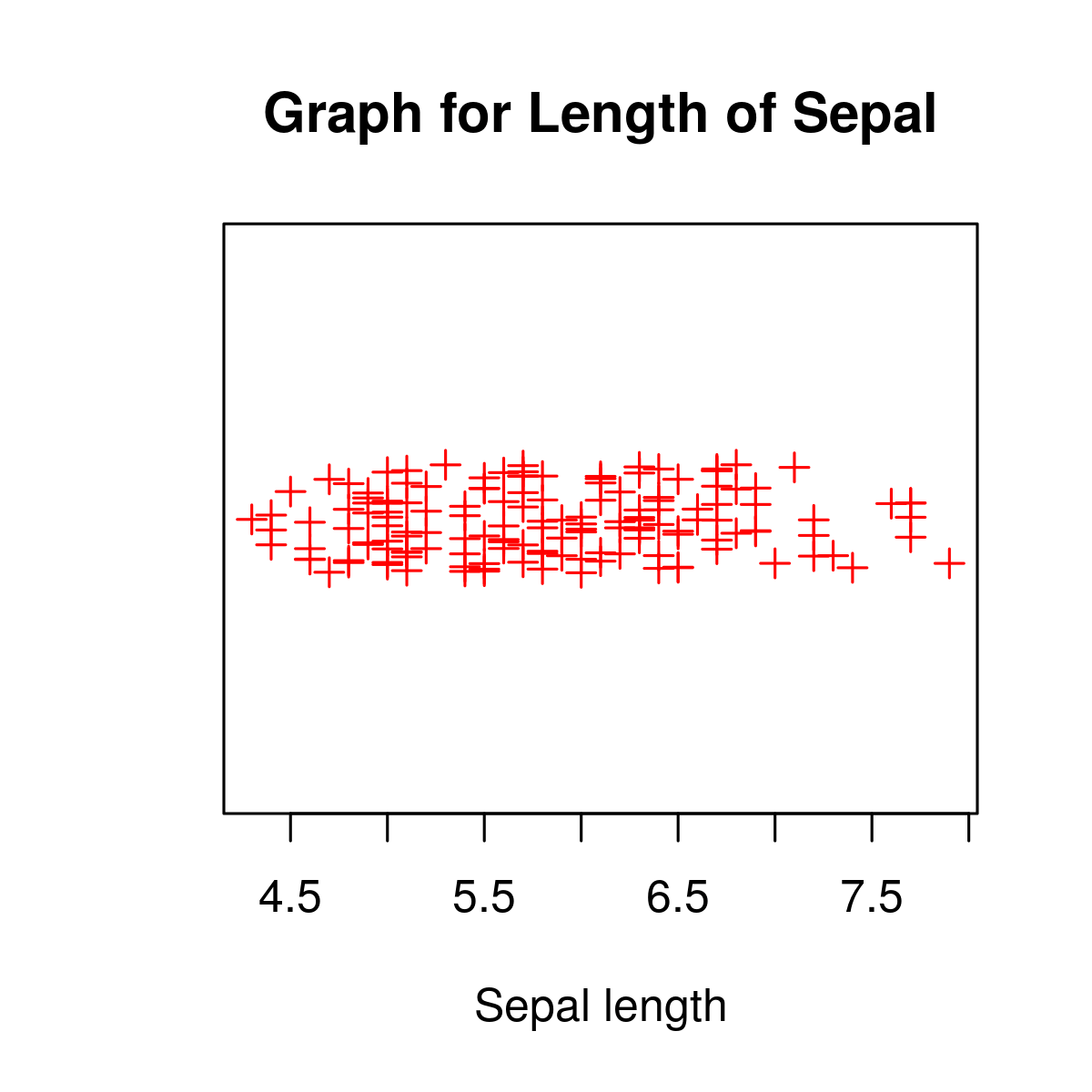
Now let’s import the iris dataset in our program and try to plot the strip chart using _jitter_.
By using:
-
xlab= "Sepal length", -
method= "jitter", -
col= "Red", -
pch= 3, -
and the graph name
"Graph for Length of Sepal",
we will get the following output.
# Load datasetdata("iris")# Plotting chartstripchart(iris$Sepal.Length,main="Graph for Length of Sepal",xlab="Sepal length",method="jitter",col="Red",pch=3)