What is Crosh?
What is Crosh?
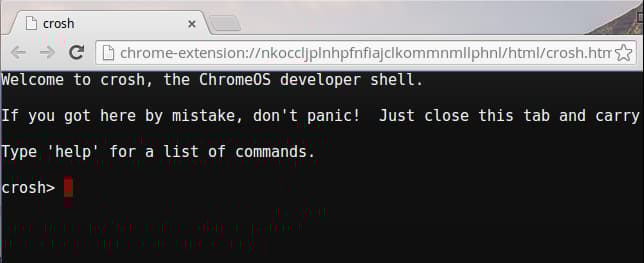
Chrome shell, or Chrosh, is a shell prompt for ChromeOS that allows users to run commands, debug machines, or run tests using Command Line Interface.
You can run Crosh with or without being in Developer Mode. To open Crosh, press ctrl + alt + T and type shell. When in the Crosh environment, the user can run various commands. Here are some common commands to get you started.
Basic commands
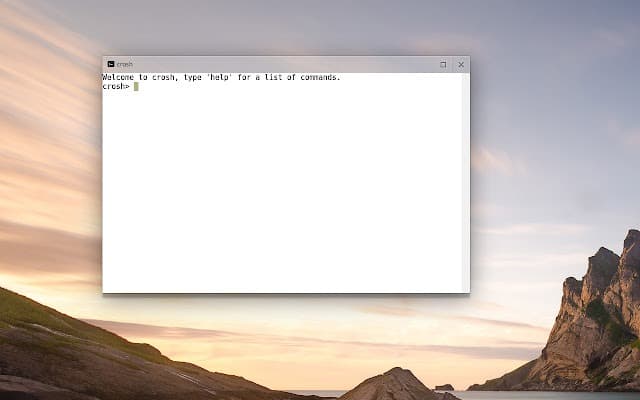
To get a list of basic commands in the shell, type help:
crosh> help
To get more commands with their details, type help_advanced:
crosh> help_advanced
Ping
To check network connectivity, type ping followed by hostname or IP address:
crosh> ping {hostname or IP address}
You can use -c to specify how many times you want to ping:
crosh> ping -c {no. of ping} {hostname or IP address}
ssh
To connect to other users, type ssh:
crosh> ssh {user} {host}
OR
crosh> ssh {user} {host} {port}
Memory
To get a detailed breakdown of memory usage, type meminfo:
crosh> meminfo
To do extensive memory testing, type memory_test:
crosh> memory_test
Battery
To know the physical details of the battery (e.g., OEM and model number), type battery_firmware info:
crosh> battery_firmware info
To know details about battery health, type battery_test. You can give the exact time (in seconds) for the test or let it default to 300 seconds:
crosh> battery_test 50
Halt
To stop any process going on in Crosh shell, press ctrl + C.
Close
To close Crosh, type exit:
crosh> exit
Free Resources