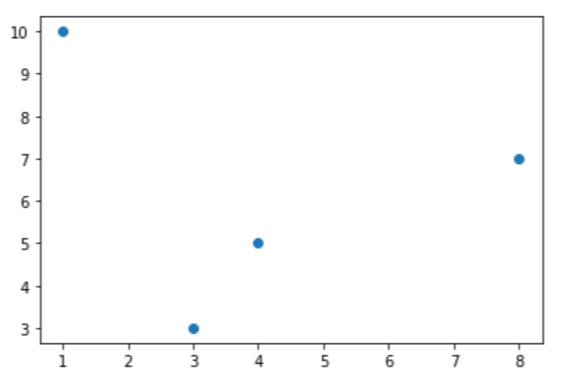
What is matplotlib.pyplot.plot() in Python?
Data visualization is a significant aspect of data science. It is used to present data in a sensible manner for statistical or comparative analysis.
matplotlib is a Python library that provides a multitude of functions to visualize and plot data.
The matplotlib.pyplot.plot() function is used to plot two scalar values against each other as lines or markers.
Syntax
plot([x], y, [fmt], *, data=None, **kwargs)
Parameters
-
x,y: Can be arrays or scalars. They correspond to the x-axis and y-axis values. The x-axis values are optional and the default value ofxisrange(len(y)). -
fmt: A string value that specifies the formatting of the lines. (Optional) -
data: A object that contains labeled data. (Optional)
Return value
matplotlib.pyplot.plot() returns a list of Line2D objects that represent the data.
Code
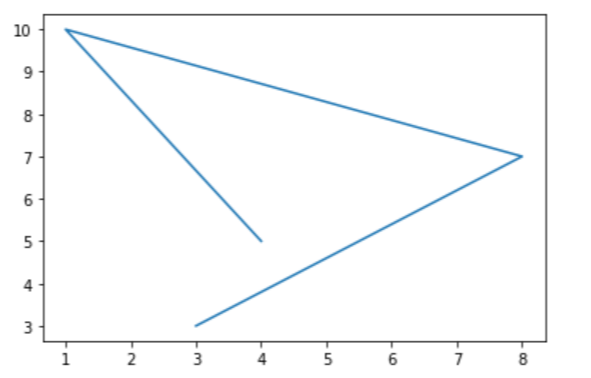
The code below plots a line that joins multiple points.
#import librariesimport matplotlib.pyplot as pltimport numpy as np#initialize x-axis and y-axis valuesx = np.array([1, 2, 3, 4])y = np.array([1, 4, 9, 16])#plot a lineplt.plot(x, y)plt.show()
To plot points without a line, the relevant format string is passed as parameter.
#import librariesimport matplotlib.pyplot as pltimport numpy as np#initialize y-axis values with default x-axis valuesy = np.array([5, 10, 7, 3])#plot points onlyplt.plot(x, y, 'o')plt.show()