What is the browser readyState document in JavaScript?
readyState
The readyState property of the document objects denotes the current state of the document (document.readyState tells us the status of the page load).
There are 3 different possible states:
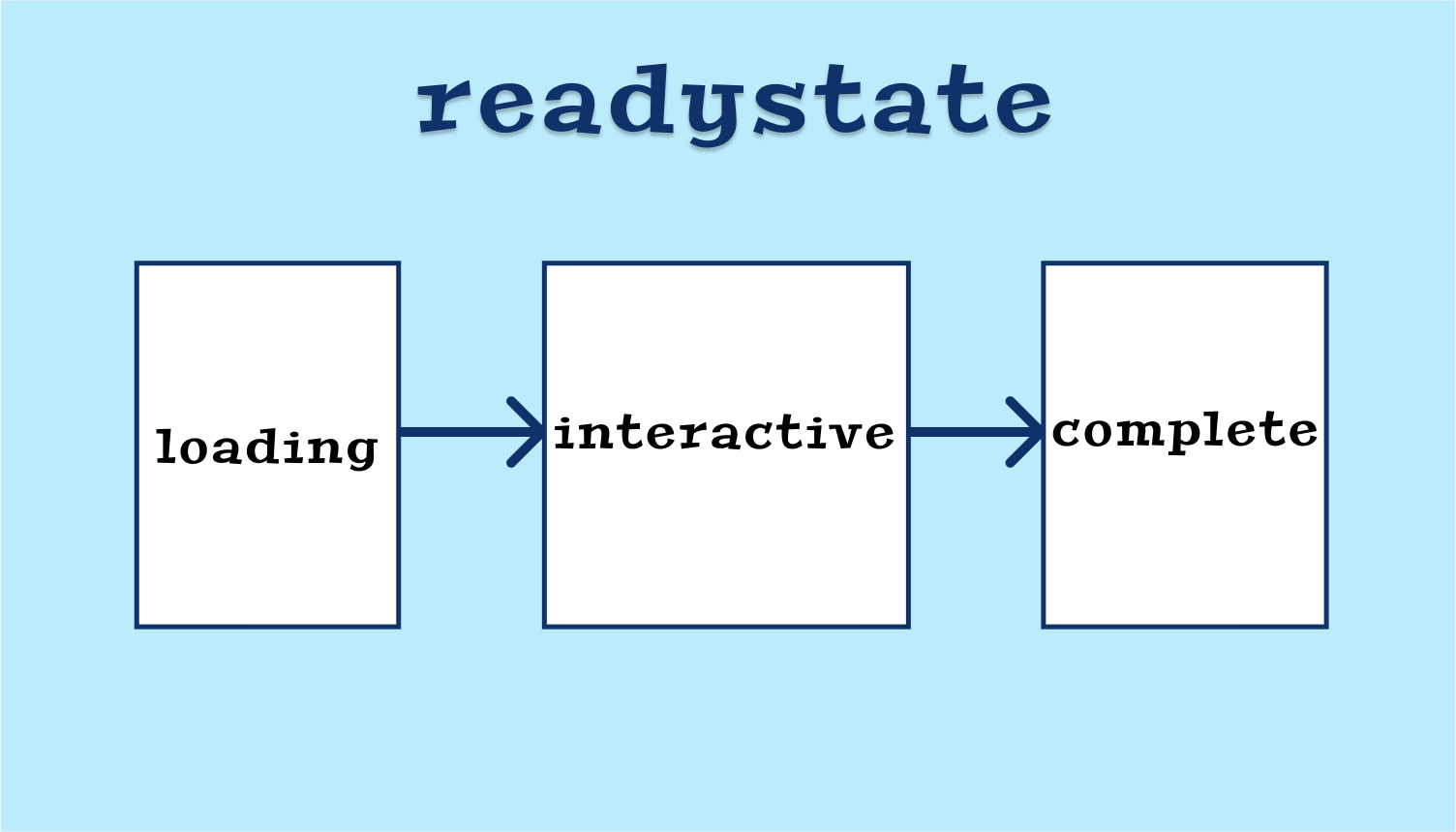
loading— The document isloading the .html file is being downloaded/parsed interactive— In this state, the DOM is loaded and accessible. However, resources like images, stylesheets, and JavaScript files will not have finished downloading/loading/parsing.complete— The document and all resources (like images/stylesheets have finished loading).
Let’s look at an example. We have a website educative.io, let’s compare the readyState when we type the URL in the browser and hit enter.
1. Loading
In this state, the document is
2. Interactive
If the readyState is interactive, then the DOM is loaded, but resources like script, img, and css files will still be downloading. The DOMContentLoaded event is also fired when the readyState changes from loading to interactive. Once the state is interactive, we can access the DOM elements.
3. Complete
When readyState is changed to complete, it means that the document is now parsed and loaded, and all known additional resources like CSS, images, and JS have also been parsed and loaded.
readyStateChange event
To detect the state change, we can add the readyStateChange event listener to the document.
document.addEventListener('readystatechange', function(ev) {
    console.log(document.readyState)
});
Example
Below is an example that shows how to print the ready state in the console.
Free Resources
- undefined by undefined