What is the pyplot.imshow() method?
Matplotlib is a package in Python that is primarily used for plotting. It works in a way that emulates MATLAB. However, it can also be used to display images on the screen with the help of pyplot.im.show().
Code
The following image will be loaded in the examples below:

educative.png
Using pyplot.im.show() with the default parameters
# Importing dependanciesimport matplotlib.pyplot as pyplotimport matplotlib.image as mpimg# loading the imageimage = mpimg.imread("educative.png")# displaying the imagepyplot.imshow(image)pyplot.show()
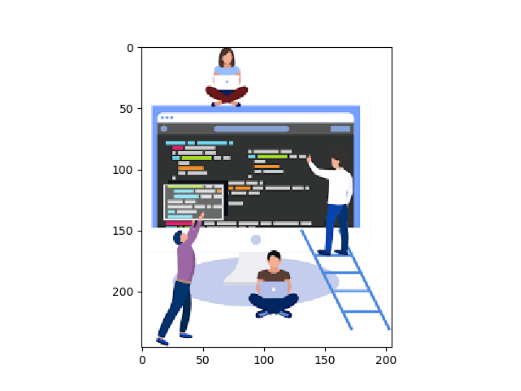
Output of the above code
Using pyplot.im.show() to convert an image to gray-scale
# importing the dependenciesimport matplotlib.pyplot as pyplotimport matplotlib.image as mpimg# loading the imageimage = mpimg.imread("educative.png")img = image[:,:,0]# cmap = grey sets the image to grayscale# Interpolation calculates what the color or value of a pixel “should” be, according# to different mathematical schemes. Setting it to bicubic means that# the image will get blurred instead of getting pixelatedpyplot.imshow(img, cmap = "gray", interpolation = 'BICUBIC')# We dont want the axis values that were displayed in the previous example.pyplot.axis("off")pyplot.show()

Output of the above code
Free Resources
Copyright ©2026 Educative, Inc. All rights reserved