What is the setColors method of AxesHelper in three.js?
AxesHelper's setColors method in three.js
Three.js is a JavaScript library that is built on top of WebGL and is used for rendering animations on the web.
Creating a scene in three.js can sometimes be tricky. Setting invisible objects inside the scene can be hard without having something to visualize them. Three.js offers the use of built-in helpers in this case.
One of the built-in helpers in three.js, the AxesHelper can be used to visualize the three axes inside the scene. To read more on AxesHelper, please follow this link.
By default, the
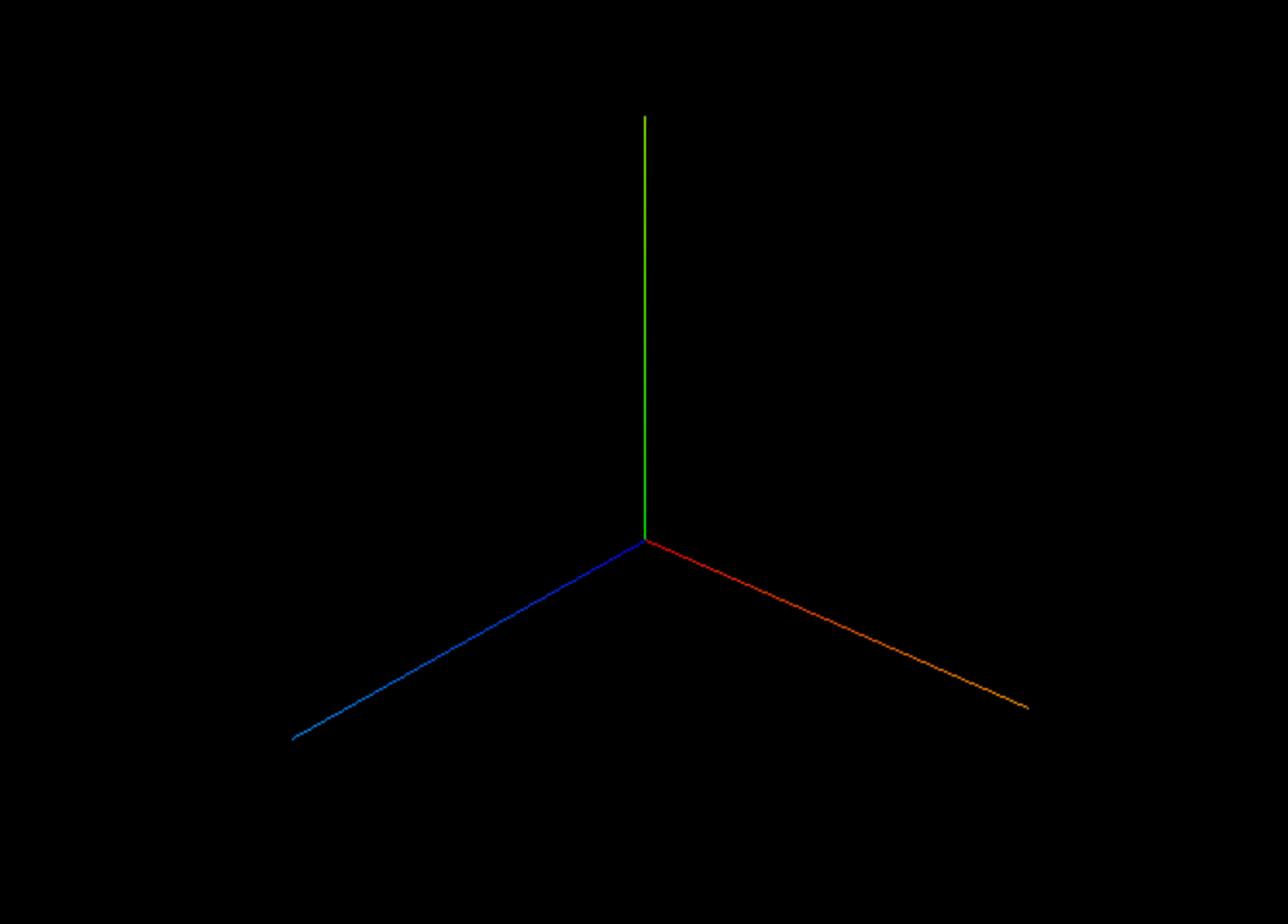
However, these colors can be changed using the setColors() method.
Syntax
The syntax for using this method is given below:
helper.setColors(xColor, yColor, zColor);
Here, the helper is an instance of AxesHelper class, on which the method setColors() is callable. It takes three parameters that are of type THREE.Color. To read more on colors in three.js, please follow this link.
xColor: This is the new color for-axis. yColor: This is the new color for-axis. zColor: This is the new color for-axis.
Example
The example below makes use of the setColors() method. The scene is initialized with OrbitControls so the user can pan around the scene. To read more on OrbitControls, please follow this link.
Explanation
In the example shown above,
Line 35: Here, we add
OrbitControlsto the scene so the user can pan around the scene and view the axes from a different angle.Lines 41–43: Here, we initialize the colors for each axis.
Line 46: We use the
setColors()method and set the colors we initialized earlier.
Free Resources