What's a quick way to switch to your previous Git branch?
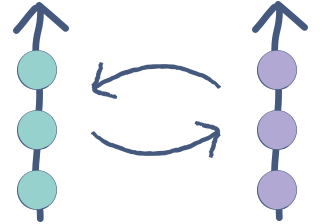
When using Git for version control, a quick way to switch back to your previous branch is the following:
$ git checkout -
For example, suppose you have two branches:
$ git branch
  master
* test
You are on branch test (indicated by the *) and, assuming you came from branch master, switching back to branch master only requires git checkout -.
Here’s a quick demo:
$ git branch
  master
* test
$ git checkout -
Switched to branch 'master'
$ git checkout -
Switched to branch 'test'
This comes in handy when experimenting with new features and switching between previous branches regularly.
Aside from its utility, git checkout - is cool because it’s not mentioned in the documentation, so it’s a bit of an insider secret. 😉