Zero to Kotlin hero: An introduction to the Anko library

Let’s take a look at Anko library, the Beyonce of Kotlin Android libraries. Don’t judge me, it’s my opinion (lol).
The Anko library is an Android library written and maintained by JetBrains. Anko helps you to work faster and smarter when building Android apps.
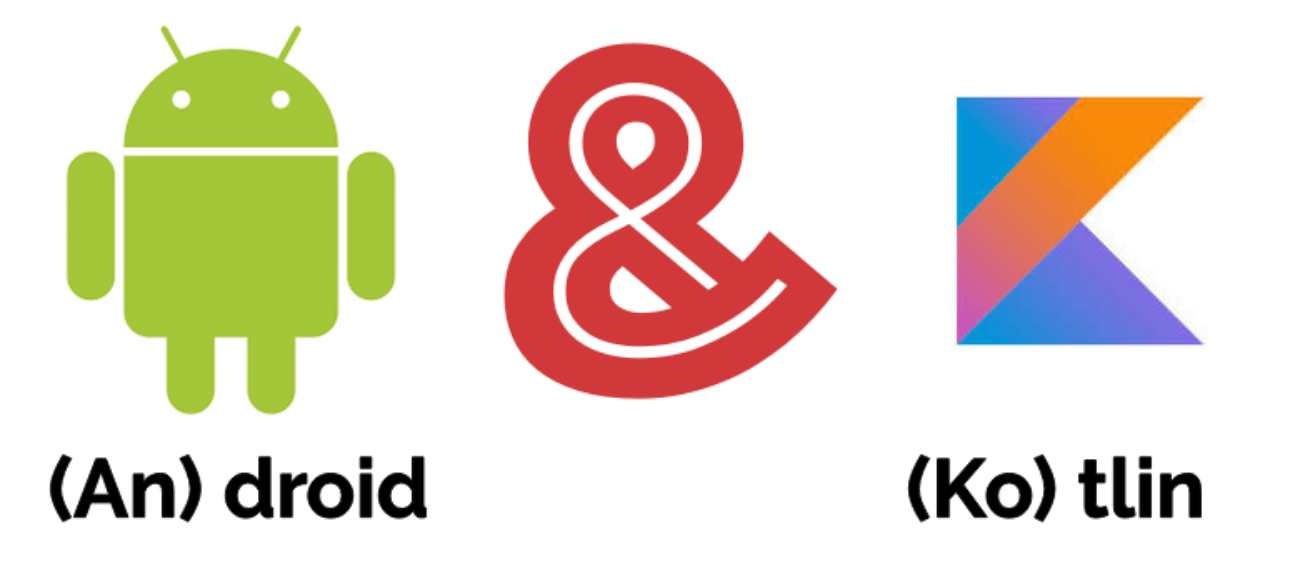
From what I’ve gathered, the above graphic is how the name Anko came about.
Anko has four parts:
- Anko Commons
- Anko Layouts
- Anko SQLite
- Anko Coroutines
To add the dependency for Anko to your project, simply go to your project-level build.gradle file and add this:
buildscript{...ext.anko_version = '0.10.8' // this new linerepositories{...}dependencies{...}}
You should add the latest stable Anko version to your project. At the time that this article was written, the latest version was 0.10.8.
After this, go to the app level build.gradle to add the Anko dependency.
...dependencies{implementation "org.jetbrains.anko:anko:$anko_version"}
If you do not want the whole library, you can just install the modules that you need.
...dependencies{// Anko commonsimplementation "org.jetbrains.anko:anko-commons:$anko_version"// Snackbarsimplementation "org.jetbrains.anko:anko-design:$anko_version"// Anko sqliteimplementation "org.jetbrains.anko:anko-sqlite:$anko_version"// Anko Coroutinesimplementation "org.jetbrains.anko:anko-coroutines:$anko_version"// Anko Layoutsimplementation "org.jetbrains.anko:anko-sdk25:$anko_version"implementation "org.jetbrains.anko:anko-appcompat-v7:$anko_version"// Coroutine listeners for Anko Layoutsimplementation "org.jetbrains.anko:anko-sdk25-coroutines:$anko_version"implementation "org.jetbrains.anko:anko-appcompat-v7-coroutines:$anko_version"}
Anko commons
Anko commons is a lightweight library that contains a lot of helpers for the Android SDK.
Anko commons contains helpers for intents, dialogs & toasts, logging, resources, and dimensions.
Anko commons for intents
Anko Commons can be used for explicit or implicit intents.
With the regular Kotlin Android code, you can move from one activity to another (e.g., SecondActivity) by doing:
val intent = Intent(this, SecondActivity::class.java)startActivity(intent)
With Anko, it’s done this way:
startActivity<SecondActivity>()
That’s it!
You can also pass some data while launching intents:
// Anko versionstartActivity<SecondActivity>("firstname" to "Nenne", "surname" to "Nwodo")
With normal Kotlin, the same command would be more verbose:
// Normal Kotlin versionval intent = Intent(this, SecondActivity::class.java)intent.putExtra("firstname", "Nenne")intent.putExtra("surname", "Nwodo")startActivity(intent)
Anko reduced four lines to one line.
Let’s also try to open a link in an external browser. Using the default Kotlin code, we would have three lines:
val intent = Intent(Intent.ACTION_VIEW)intent.data = Uri.parse("https://adoranwodo.com")startActivity(intent)
Let’s call on the Anko magician to transform this. We now would have:
browse("https://adoranwodo.com")
Anko has other wrappers for Intents; I will list them below. These methods return Boolean values. If the intent was sent, true is returned; if otherwise, false is returned.
If you want to make a call, you can simply call:
makeCall(number)
If you want to send a text:
sendSMS(number, [text]) // [text] is optional
If you would like to share text:
share(text, [subject]) // [subject] is optional
If you would like to send an email:
email(email, [subject], [text]) // [subject] and [text] are optional
Anko commons for dialogs and toasts
As we have established, Anko makes code shorter and more readable when talking about intents. When using the default syntax, we can launch toast messages like this:
Toast.makeText(this, "Hello!", Toast.LENGTH_SHORT).show()
With Anko, however, we can launch the same message like this:
toast("Hello!")
Anko also has a longToast() method if we want the duration of the toast message to be longer.
Similarly, if we want to show a snackbar using Anko, all we have to do is:
view.snackbar("Hello!")
Showing alerts using Anko commons
Using the AlertDialog in Android can get messy when you have to call setTitle(), setMessage(), create(), etc.
By default, creating an alert dialog can be done using the syntax below:
val alertdialog = AlertDialog.Builder(this)alertdialog.setTitle("Hello")alertdialog.setMessage("Welcome to this section, would you like to continue?")alertdialog.setPositiveButton("Ok"){ _, _ ->Toast.makeText(this, "Thanks for clicking yes.", Toast.LENGTH_SHORT).show()}alertdialog.setNegativeButton("Cancel"){ _, _ ->Toast.makeText(this, "We are sad you clicked no.", Toast.LENGTH_SHORT).show()}alertdialog.create().show() // The frustrating part. If you forget this, your dialog won't show
However, Anko made it easier for us by giving us the power to do this:
alert("Welcome to this section, would you like to continue?", "Hello"){yesButton{toast("Thanks for clicking yes.")}noButton{toast("We are sad you clicked no.")}}.show()
The Anko version seems cleaner to me 🤷🏼♀️.
In the next article, we will cover logging, resources & dimensions. See you there!
Free Resources
- undefined by undefined