Deploying to Production
Explore how to set up a continuous deployment pipeline for production using Azure DevOps. Learn to clone and configure deployment stages, adjust tasks for backend and frontend services, enable automatic releases, and verify the deployment by triggering builds from code changes. This lesson helps you automate production deployments to ensure efficient and reliable delivery using CI/CD pipelines.
We'll cover the following...
Carry out the following steps in the release pipeline to deploy build artifacts to the production environment:
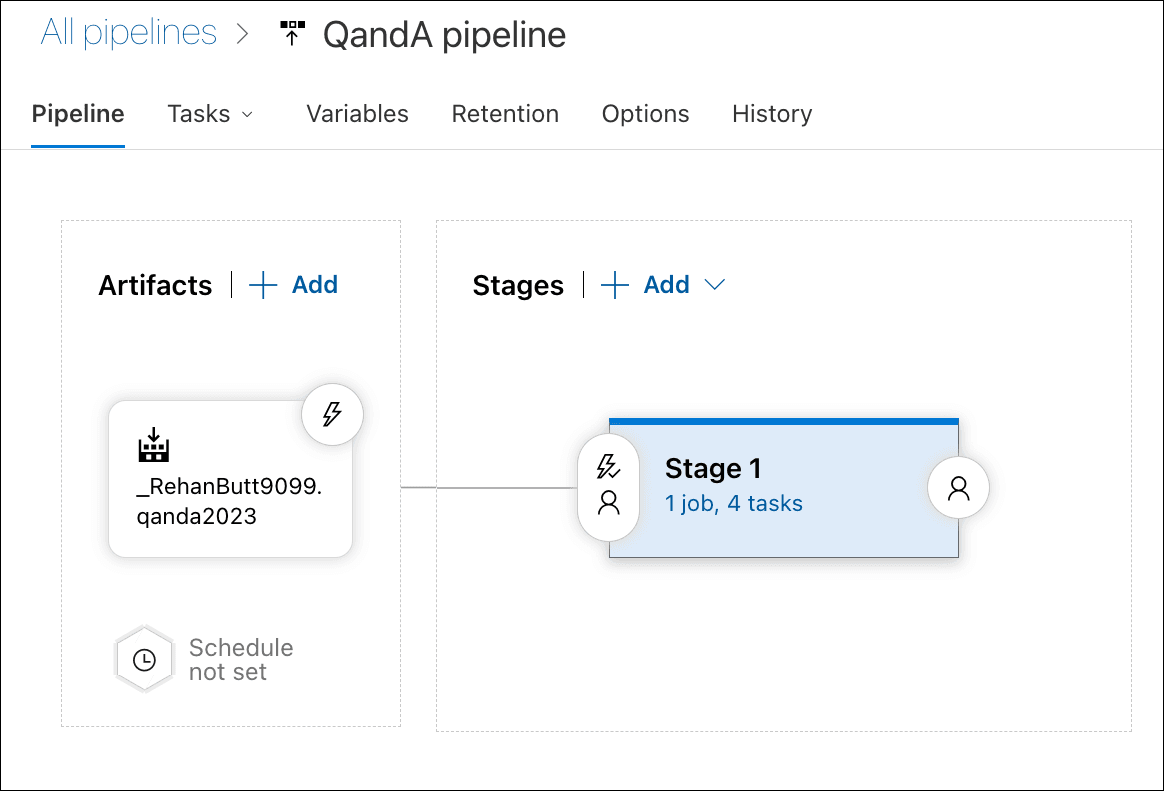
If it's not open already, open the release pipeline with the “Pipeline” tab selected, with a visual diagram showing.
Here, we are going to add a stage for the production deployment. Hover over the “Staging” card, and click on the “Clone” option, as illustrated in the following screenshot:

Let's click on the stage we have just created and call it ... ...