Build the Functionality
Explore how to build key functions for a budget tracker app in JavaScript. Learn to create addIncome and addExpense functions, structure your code with variables and reusable functions, and use a command-line interface loop for interactive input. Gain practical experience developing an interactive finance app while preparing to scaffold and test remaining features.
We'll cover the following...
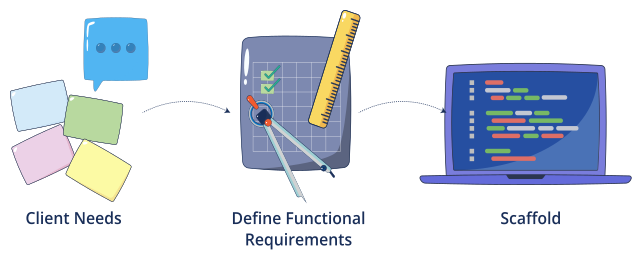
In the previous lesson, you:
Chatted with a simulated client and gathered needs.
Converted notes into functional requirements.
Created a clean skeleton of eight function stubs.
Next, we’ll code the two core functions, scaffold the rest with AI, and add tests plus a reference solution.

We’ll keep a tiny in-memory data model:
// Monthly income (one number we can update)let income = 0.0;// A growing list of expenses// Each entry: { category: string, amount: number }let expenses = [];// Allowed categories for expense loggingconst allowedCategories = ["Food", "Rent", "Transport", "Entertainment","Utilities", "Health", "Education", "Other"];
We’ll use the following conventions:
Use positive amounts only.
Use arrays and objects (no external libraries or file I/O).
Keep functions small and reusable. ...