This device is not compatible.
PROJECT
Deploy and Scale an AI Inference Service on Kubernetes
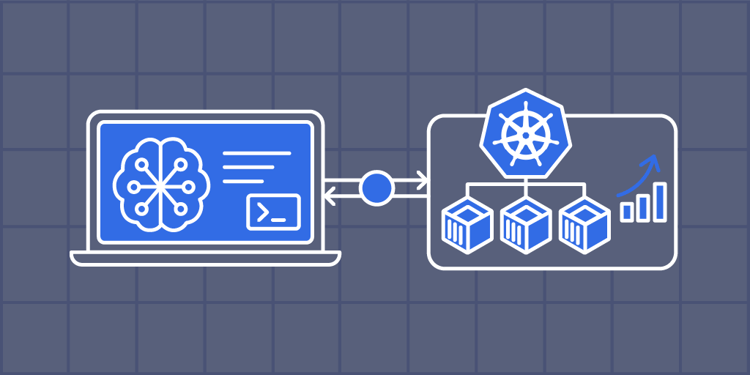
In this project, we’ll build a terminal-based workflow to deploy, operate, and autoscale an AI service on Kubernetes using Docker, kind, and kubectl. We’ll create an optimized NGINX image, provision a local cluster, configure the application with Kubernetes manifests, define resource requests and limits, stream logs, and inspect events to troubleshoot deployment and scheduling issues.
You will learn to:
Containerize an application using a Dockerfile.
Provision a local Kubernetes cluster using kind and side-load container images.
Create Kubernetes Deployments, Services, ConfigMaps, and Secrets.
Configure Liveness and Readiness probes to enable automated self-healing.
Skills
Docker Containers
Docker
Kubernetes
Prerequisites
Basic knowledge of Docker and containerization
Familiarity with Kubernetes concepts (Pods, Deployments, Services)
Understanding of YAML syntax and declarative configuration
Comfort with the Linux command line and basic networking
Basic knowledge of React builds and NGINX
Technologies
Docker
Node.js
Project Description
Deploying modern applications consistently across environments requires containerization and orchestration. Docker packages applications into portable container images, while Kubernetes manages workload deployment, health checks, and resource allocation.
In this project, we’ll build an end-to-end containerization and orchestration workflow for an AI Meeting Notes frontend application. We’ll use a multi-stage Dockerfile to build the static React application files and serve them with NGINX. We’ll then create a local Kubernetes cluster with kind and deploy the application using declarative manifests for a Deployment, Service, and ConfigMap.
We’ll configure port mappings to access the application, define container resource requests and limits, and troubleshoot scheduling failures. We’ll also configure Liveness and Readiness probes, stream application logs, and inspect Kubernetes events. By the end of the project, we’ll have practical experience with Docker containerization, Kubernetes resource management, application health monitoring, troubleshooting, and observability.
Project Tasks
1
Introduction
Task 0: Get Started
Task 1: Set Up Local Application
2
Containerization and Cluster Setup
Task 2: Configure Dockerfile and Build Image
Task 3: Configure kind-config and Cluster
3
Network Exposure
Task 4: Configure ConfigMap and Secret
Task 5: Configure Deployment and Service Manifest
Task 6: Deploy and Verify Workloads
4
Resource Debugging and Health Probes
Task 7: Simulate Failures
Task 8: Add Health Probes
5
Operational Monitoring and Inspection
Task 9: Monitor Application Logs and Cluster Events
6
Wrap Up
Congratulations!
Subscribe to project updates
Atabek BEKENOV
Senior Software Engineer
Pradip Pariyar
Senior Software Engineer
Renzo Scriber
Senior Software Engineer
Vasiliki Nikolaidi
Senior Software Engineer
Juan Carlos Valerio Arrieta
Senior Software Engineer
Relevant Courses
Use the following content to review prerequisites or explore specific concepts in detail.