Unity Project Setup and Installations
Explore the essential steps to install Unity Editor via Unity Hub for AR development. Understand how to create a new 3D project, navigate the Unity Editor interface, and get familiar with key windows like Scene, Game, Inspector, and Hierarchy to prepare for building AR applications.
Before we delve into AR development, this lesson guides us on the necessary setup and installation essentials for AR development.
Unity Editor installation with Unity Hub
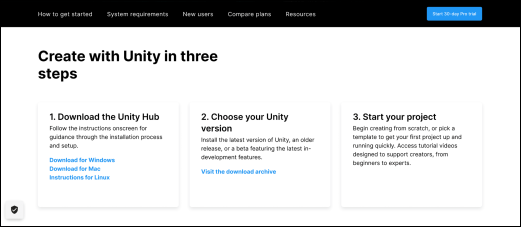
To download and install Unity Editor using Unity Hub, visit Unity’s download page.

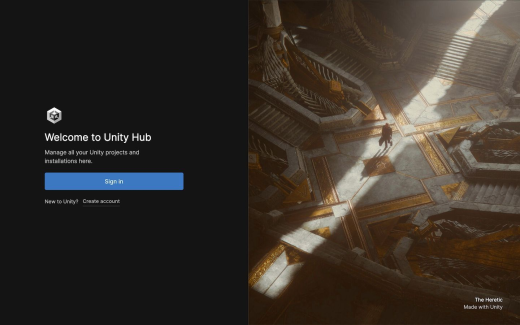
Unity Hub
Unity Hub is a convenient and powerful application that allows users to easily manage their Unity projects and installations. It provides access to different versions of the Unity Editor, as well as a variety of services and add-ons for game development.
Before we begin, open the Unity Hub setup file, and select “Agree” to complete installation.
Open the Unity Hub and sign in using your Unity credentials; if you don’t have a Unity account, feel free to create a new one.