What We'll Be Building
Explore the Recipes application developed in this course, featuring Next.js and Strapi integration. Understand key workflows like browsing meal categories, viewing detailed recipes, and managing favorites with user authentication. Gain insight into the Jamstack architecture's practical application throughout the build.
We'll cover the following...
The Recipes application
In this course, we’ll create a Recipes application that presents a list of recipes using TheMealDB API. We’ll also integrate Strapi as a headless CMS, enabling us to authenticate users and allow them to save their favorite recipes.
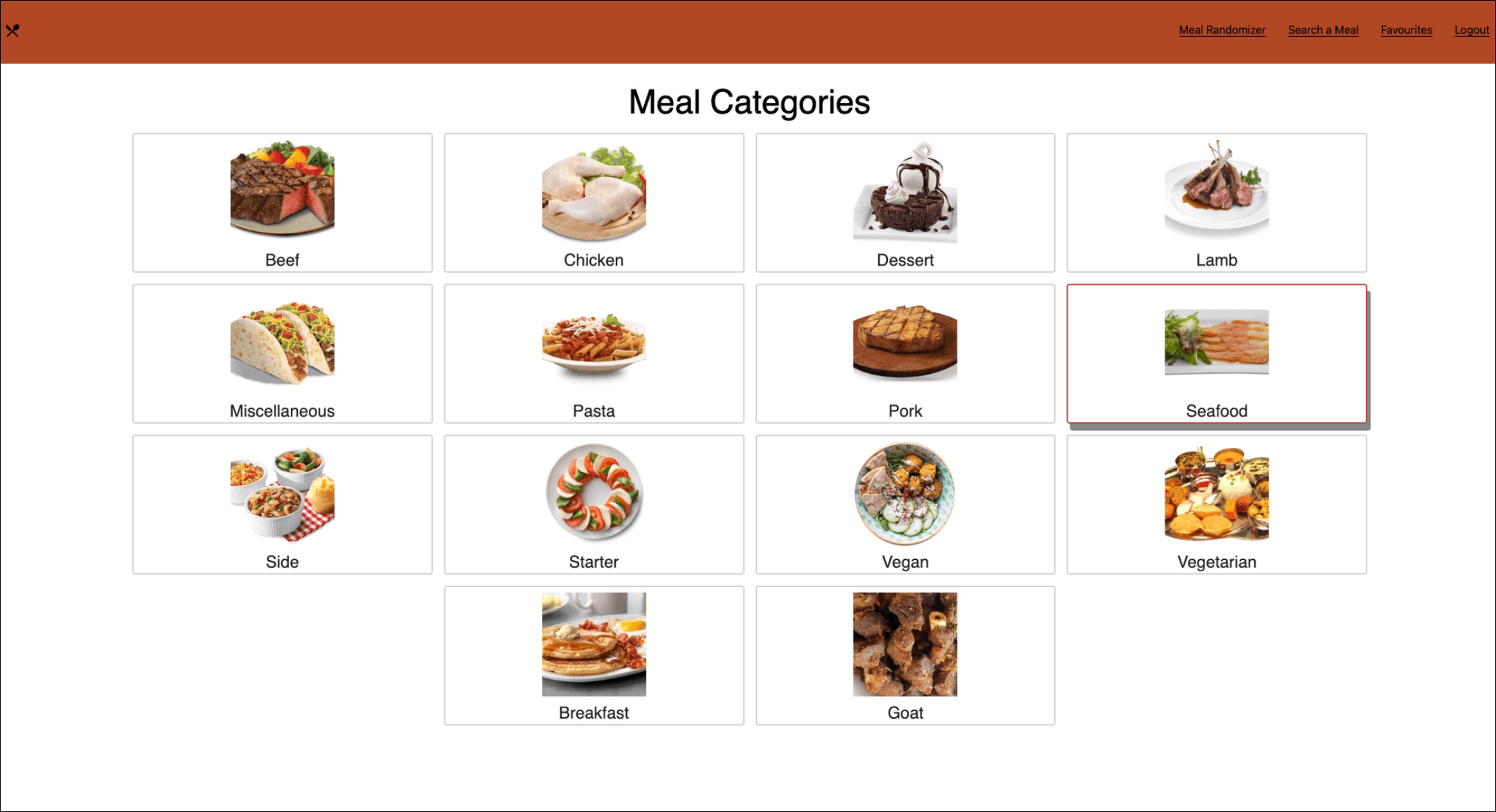
Let’s take a quick look at the application we’ll be building as we progress through the course:

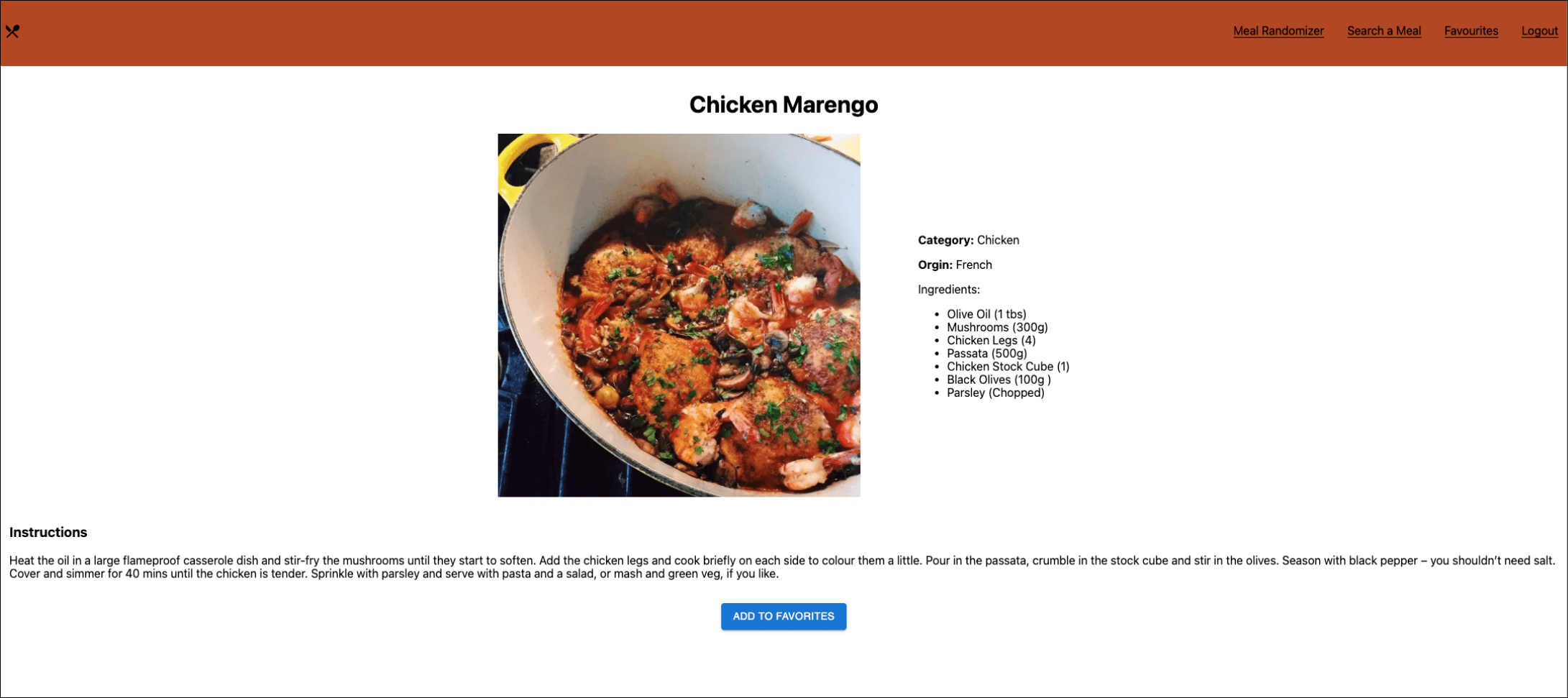
When a user selects a specific meal, they’re taken to the meal details page. Here, they can view the meal recipe and add it to their favorites. This is what the meal details page will look like in our application:

The application workflow
The workflow of the application is as follows:
When we run the application, the landing page is rendered and displays the page where we can see all the meal categories.
We can click a category to see all the meals in that category.
We can click a meal to display its details as well as add it to our favorites.
We can move between different pages using the top navigation bar.
We can see the logo in the top-left corner. Clicking the logo returns us to the home page.