Setting Up a New Project
Explore how to set up a new NPM project and install Cypress to prepare your environment for end-to-end testing. Understand the system requirements, installation options using npm or yarn, and how to run Cypress for the first time to access its folder structure and sample tests.
To save some time, we’re going to test an existing application, so we only need to care about Cypress. And what better way to test out Cypress than running it against its own site, cypress.io.
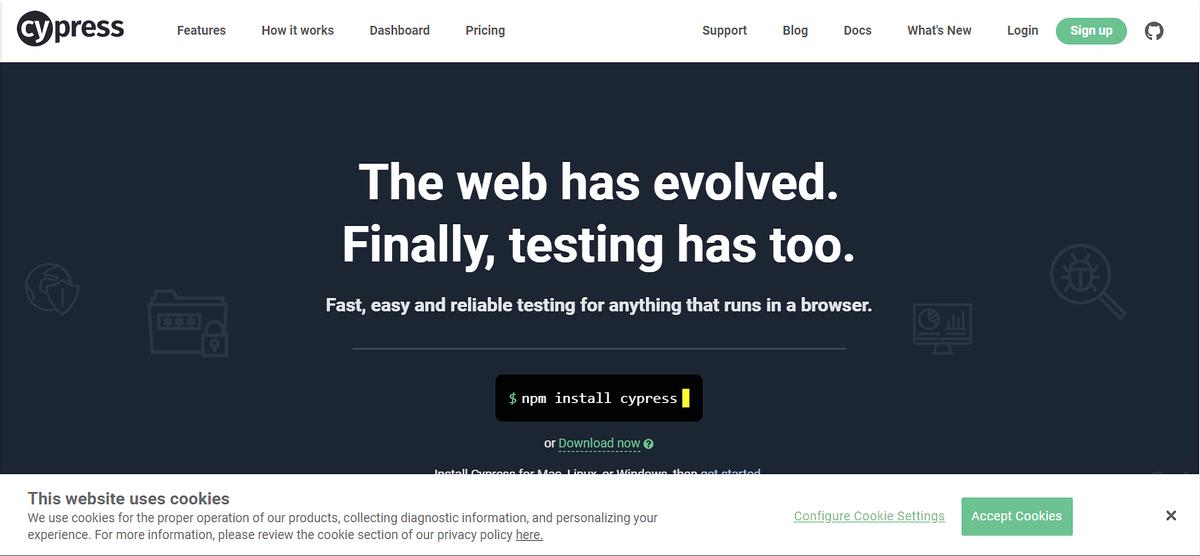
The front page of the official site of Cypress: cypress.io
To be able to use Cypress, we will need an NPM project nonetheless. This is where we will store all our assets related to Cypress.
Creating a new NPM project
Even though our application is up and running, ...