Optional in Java 8: Part 2
Explore Java 8 Optional class methods to handle values safely and avoid null errors. Understand how to check presence, apply actions conditionally, retrieve values with defaults, and transform optionals using map and flatMap. This lesson builds on the basics of Optional and helps improve your code robustness.
In the previous lesson, we looked at the Optional<T> class. You learned what an Optional is and how to create it.
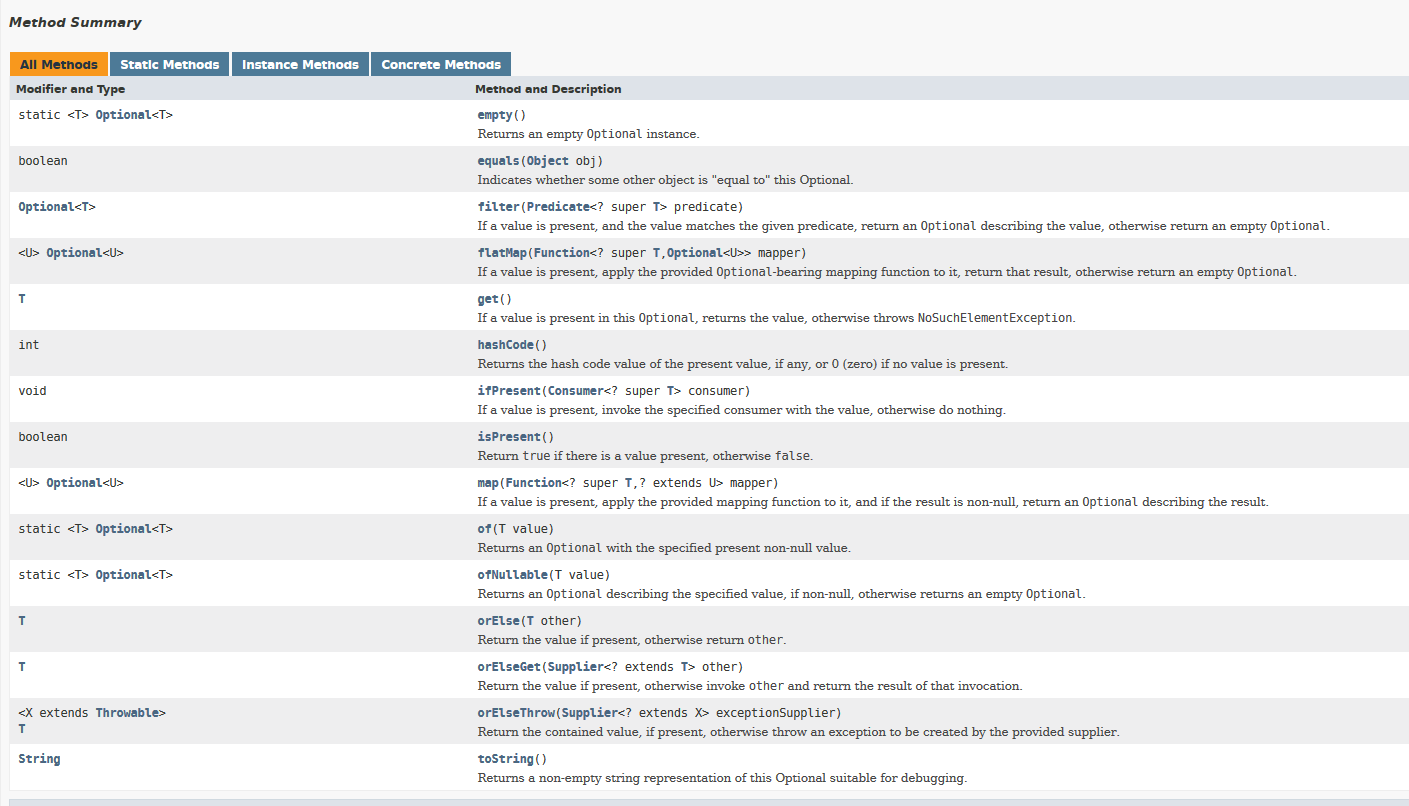
In this lesson, we will look at all the operations that we can perform using an Optional.
Below is the list of methods available in the Optional class.
1) isPresent()
The isPresent() method is used to check if the optional contains a value or if it is null.
The method isPresent() returns the value true in case the id of the Optional objects contains a non-null value. Otherwise, it returns a false value. ...