Run the Blazor WebAssembly Application
Explore running the basic Blazor WebAssembly application using .NET commands and learn to troubleshoot platform-specific issues. Understand how to access your app via secure HTTPS and navigate key client-side features like the counter and data fetch pages to confirm the app functions correctly before adding Auth0 security integrations.
We’ll run our basic Blazor WebAssembly application based on the standard .NET project template to make sure that everything works as expected.
Launch the application
Let’s move to the MyBlazorWasmApp folder and type the following command in our terminal window:
dotnet run --project Server
Heads up for Mac users!
If you’re using a Mac, you may be affected by an issue when running an ASP.NET Core application through the .NET CLI. The following window may appear repeatedly:
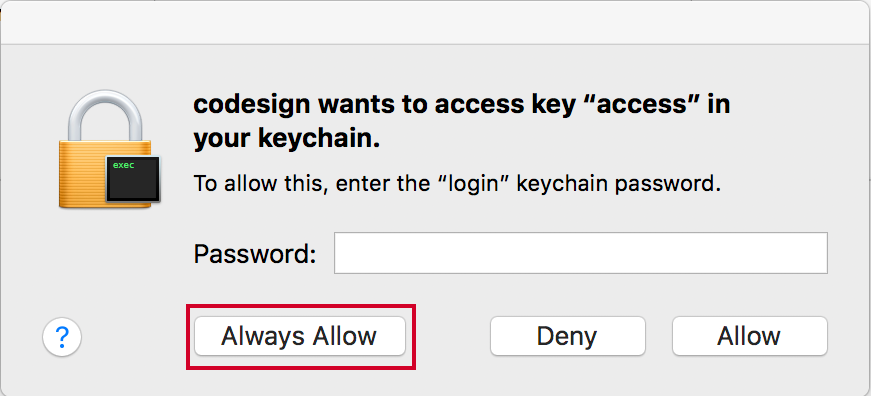
To work around the issue, let’s move to the Server folder and open the ...