Align-content
Explore how to use the align-content property in Flexbox containers to control the spacing of wrapped rows or columns along the cross-axis. Understand how different align-content values affect layout distribution and improve your mobile-responsive designs.
We'll cover the following...
We'll cover the following...
When a flex container has a fixed cross-axis dimension, width, or height, we can decide how we would like to use the available space to display inner content.
The
align-contentproperty is used for wrapped Flexbox content. If you are planning to display one single line or column, usealign-itemsto position your content along the cross-axis.
Motivation for align-content
Let’s set up a container of six blog posts:
<div class="container"><div class="blogpost">Post 1</div><div class="blogpost">Post 2</div><div class="blogpost">Post 3</div><div class="blogpost">Post 4</div><div class="blogpost">Post 5</div><div class="blogpost">Post 6</div></div>
* {margin: 0;padding: 0;box-sizing: border-box;}.container {display: flex;flex-flow: row wrap;width: 600px;height: 300px;background-color: darkred;}.blogpost {border: 1px solid black;background-color: lightgrey;width: 200px;}
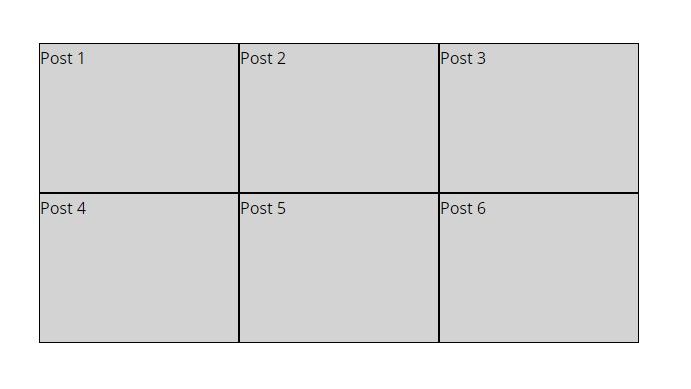
A container with six blog posts.
As the height of the container is specified, the elements are ...