Deploying the Backend on Heroku
Explore how to deploy a Node.js backend application on Heroku by setting up necessary configurations like the Procfile, package.json, and .gitignore. Understand how to connect the deployed backend to a MongoDB Atlas database and update your React frontend to use Heroku endpoints securely. Gain hands-on experience with Git version control for deployment.
In this lesson, we’ll deploy our back-end server to the web.
import express from 'express'
import cors from 'cors'
import movies from './api/movies.route.js'

const app = express()

app.use(cors())
app.use(express.json())

app.use("/api/v1/movies", movies)
app.use('*', (req,res)=>{
     res.status(404).json({error: "not found"})
})

export default app
We’ll be deploying our Node.js backend to Heroku’s servers, which will host and run the backend on the internet. The backend will connect to our MongoDB Atlas database in the cloud. The deployment process is relatively straightforward, and we can simply follow along with the instructions in the documentation to deploy Node.js applications on Heroku’s servers, as shown below:
Note: You need to purchase a Heroku subscription before executing the commands in this lesson that enable deployment.

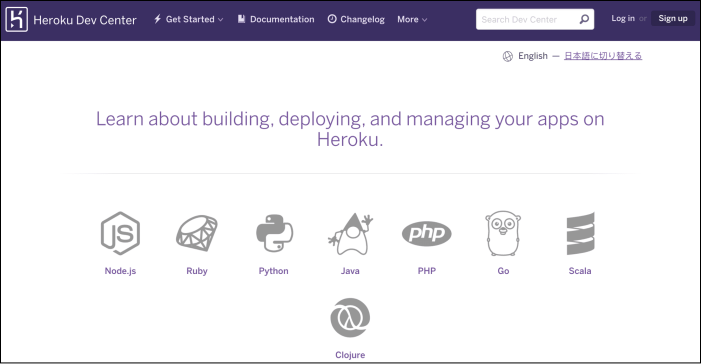
First, we need a Heroku account. Go ahead and sign up if you don’t have an account already. Next, we need to install the Heroku Command Line Interface (CLI) to create and manage our Express applications on Heroku, as shown below:
When the installation completes, we can start using the Heroku command in the terminal. Type heroku login -i, and this will prompt the user to enter their ...
If the ...