Alexa, How Do You Work?
Explore how Alexa processes voice commands by detecting wake words, converting speech to text, understanding user intent, executing business logic, and responding back, to help you understand Alexa Skills development.
We'll cover the following...
The technology behind Alexa
The previous decade has seen remarkable progress in various technologies, including Cloud Technologies, Deep Learning, Natural Language Processing (NLP), and Automated Speech Recognition (ASR). The convergence of these ground-breaking technologies has made something like Alexa possible. But how do they all work together within Alexa? Let’s take a closer look at the mechanics that are at play when a user asks Alexa for the latest news from “New York Times,” a custom Alexa Skill.
Understanding how Alexa Skills work
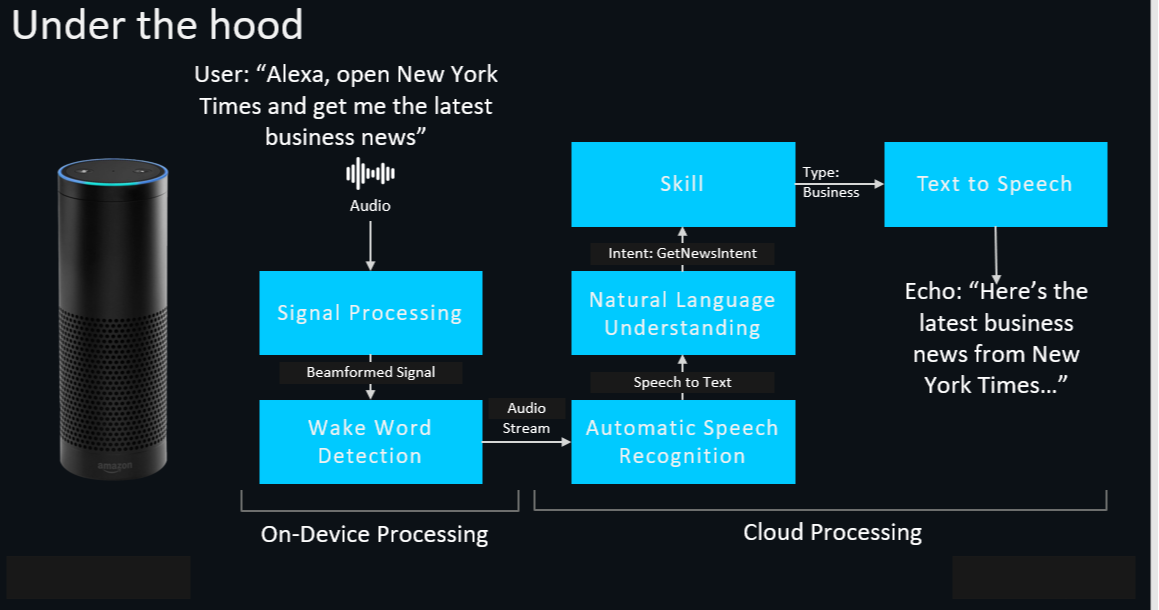
Let’s look at the various steps between us asking Alexa for something and Alexa giving a response. We can use the above diagram to get an overview view of the entire process.

Wake word detection
To start interacting with Alexa, we need to call her by her name, “Alexa.” This name is known as the wake word.
The device has a built-in microphone and speaker that constantly check for whether the wake word has been spoken. It does this by trying to match acoustic patterns of the spoken words to the wake word using a technology called keyword spotting. All this happens on the device. Once Alexa knows that we are trying to make a request, the magic begins.
Streaming audio to the cloud
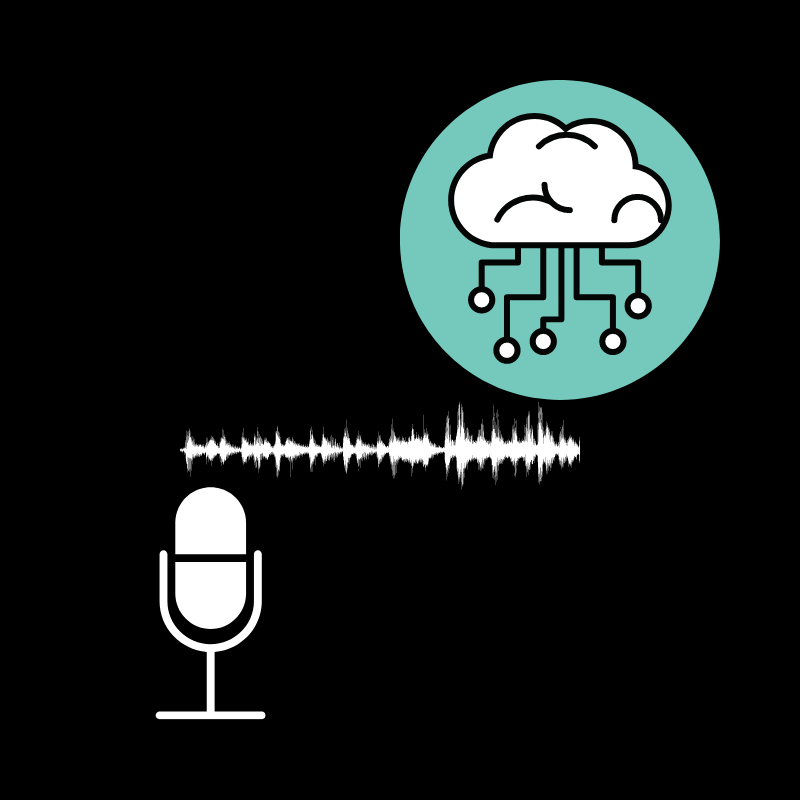
Alexa only starts recording audio once the wake word is detected. Once the command is completed, it is sent to the cloud.
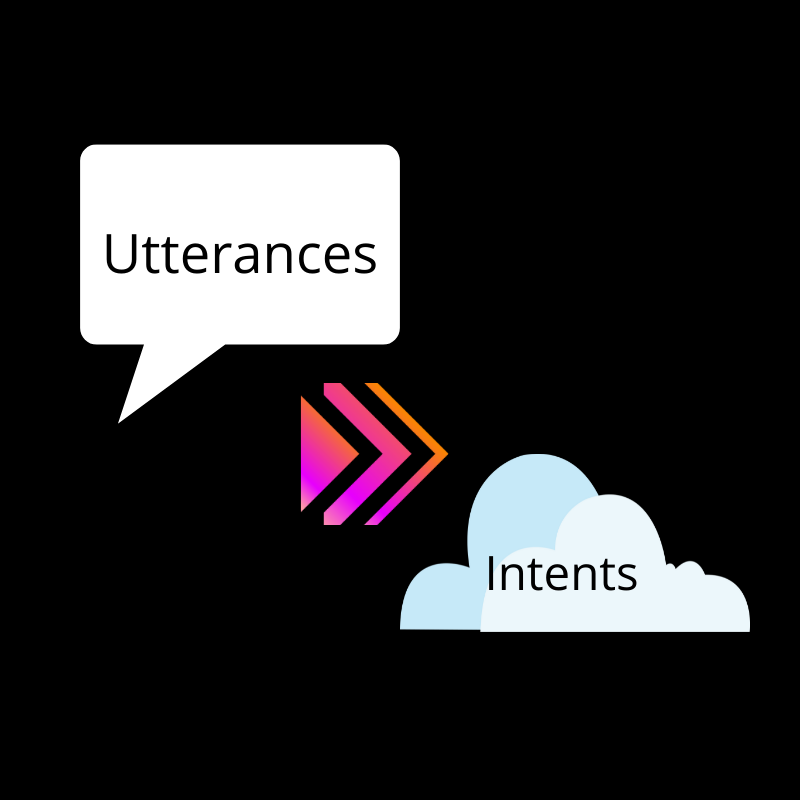
In the cloud, the powers of various technologies combine to turn our words into action. We will be referring to a user’s spoken words as utterances going forward.
Natural Language Processing/ Natural Language Understanding
First, the audio is processed, and our utterances are converted to text using Natural Language Processing and Automatic Speech Recognition.
Then, the NLU kicks in. Alexa needs to understand what exactly we are talking about and what task we are trying to accomplish. In other words, Alexa needs to know our intent.
Invocation names and Utterances-Intent mapping
Say we ask, “Alexa, open New York Times and get me the latest business news.” Alexa first needs to be able to understand that:
- We need the news from the “New York Times" Skill.
- We need business news.
Let’s take a closer look at both these parts of our speech next.

Invocation names
Let’s check on the “open ‘New York Times’” part of our speech first. Here “New York Times” is what is called the invocation name.
Just as app icons and names like “WhatsApp” serve as a way to identify the right apps on our phones, invocation names act as an entry point for our customer to uniquely specify and talk to our Skill.

Utterances
Let’s check on the “get me the latest business news” part of our speech.
This part of our utterance needs to be processed by Alexa for it to understand that we are asking for the latest business news. Alexa uses Natural Language Understanding to identify what the intent behind our utterance is. In this case, the intent is for us to get the latest business news.

Business logic execution
Once the Alexa service has detected the intent, it’s time to provide the user with what they are looking for.
The Alexa service sends a JSON payload containing various parameters, such as the intent, to an endpoint set up by the developer. This endpoint is where the developer explicitly defines logic that will be executed for various intents. In our case, this is to get the business news.

Getting the response back to the user
The endpoint responds with a JSON response that needs to be sent to the user. The Skill’s back-end creates a JSON payload that is sent back to the Alexa Service as a response. The Alexa service then runs the start of the process in reverse by converting the text in the JSON back into audio and streaming it to the user.
And that’s how we get to listen to the news from The New York Times!