Monitoring and Optimization
Explore how to monitor Cosmos DB using Azure portal metrics, Azure Log Analytics, and alerts. Understand how to identify performance bottlenecks like hot partitions and costly queries. Learn best practices for optimizing partition keys, queries, writes, and using features such as bulk operations, consistency levels, and multi-region configurations to maintain efficient and cost-effective databases.
Introduction
Maintaining a database is extremely important to keep performance high and costs down. However, before optimization, we need to identify what needs improvement. Let’s see what we can do about it.
Metrics
Metrics are at the core of Cosmos DB monitoring. We can get metrics of anything related to the account, from RUs, requests to databases created, and integrated cache hits.
The Azure portal
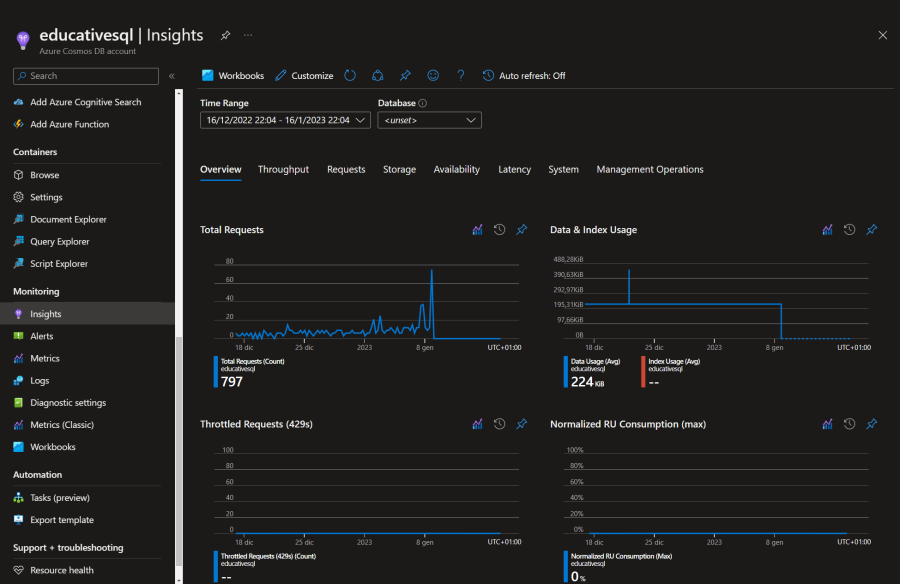
Our first stop is the account’s “Insights” panel. Here is an overview of the major metrics; we can customize the view and check individual databases.

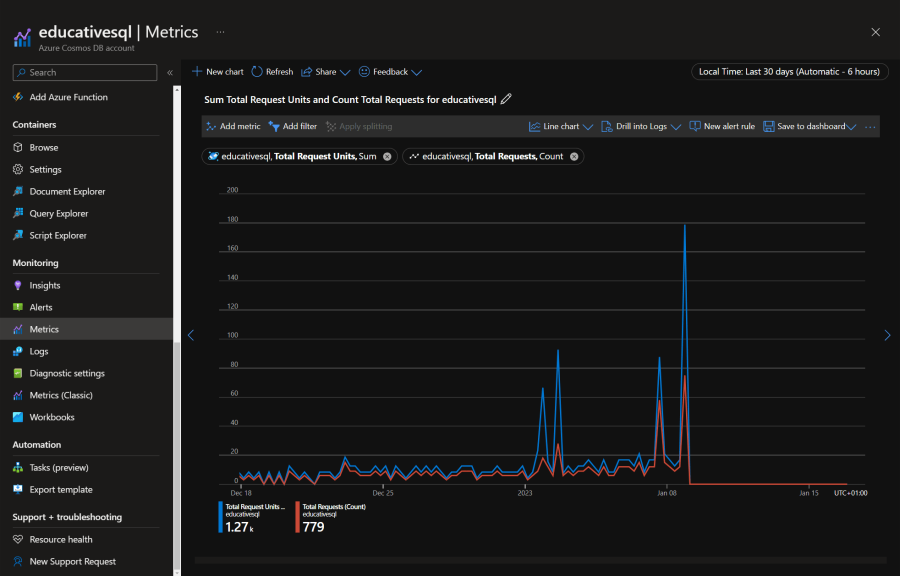
Another useful place is the account’s “Metrics” panel. Here, we can do the following:
Display multiple metrics.
Apply filters.
Choose a chart representation.
Split the data by property.

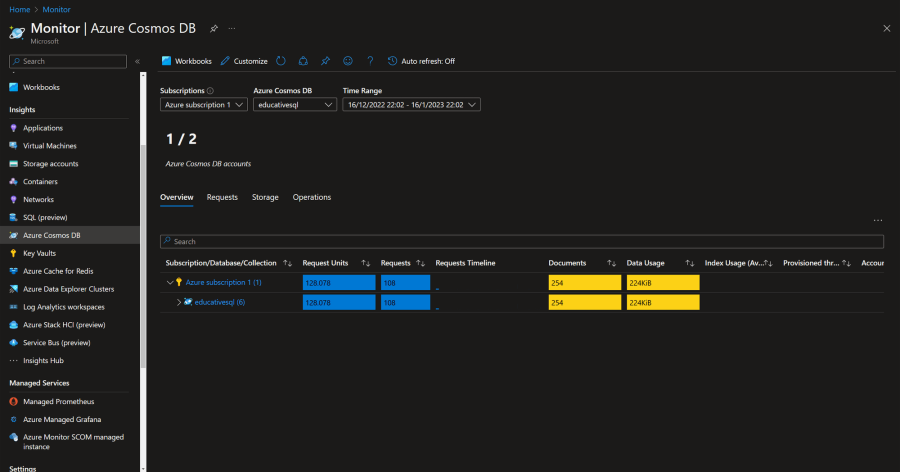
If we need a higher-level view, even from multiple subscriptions, we can use the Azure Cosmos DB panel in Azure Monitor.

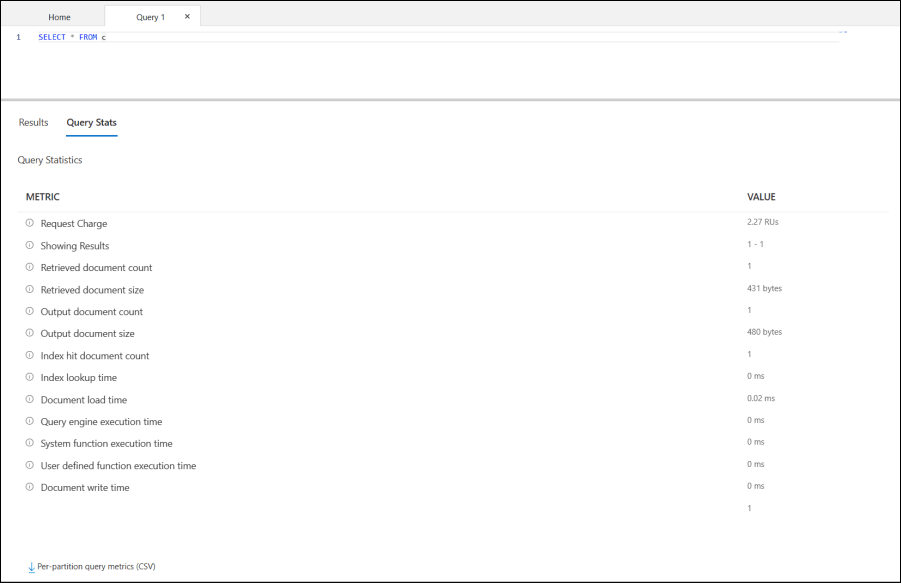
Finally, when running a query in the “Data Explorer” panel, we can check the “Query Stats” tab for more details.

Note: When using the SDK, we can get the request charge too. Each ...