Application Demo
Explore how to set up and run a demo React application that integrates Stripe for payments. Learn to navigate through adding billing details, submitting test payment information, and confirming successful transactions using the Stripe API and dashboard.
We'll cover the following...
We'll cover the following...
Check the integration
You can check out the example in the following graphics:
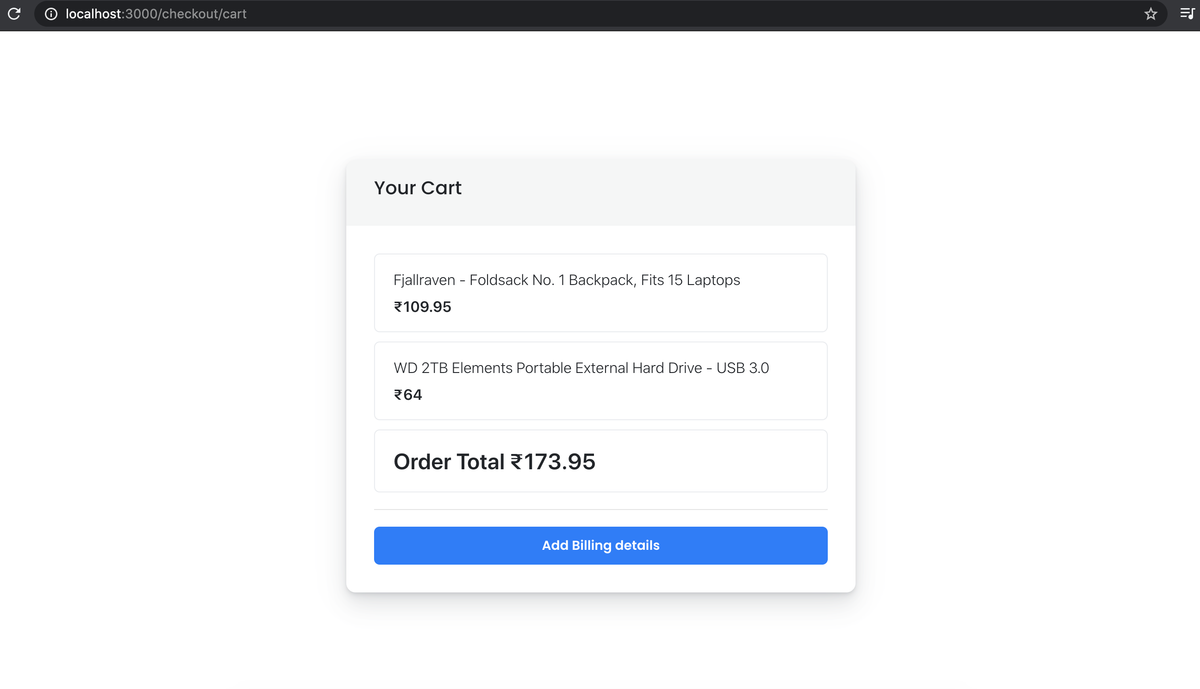
Cart page
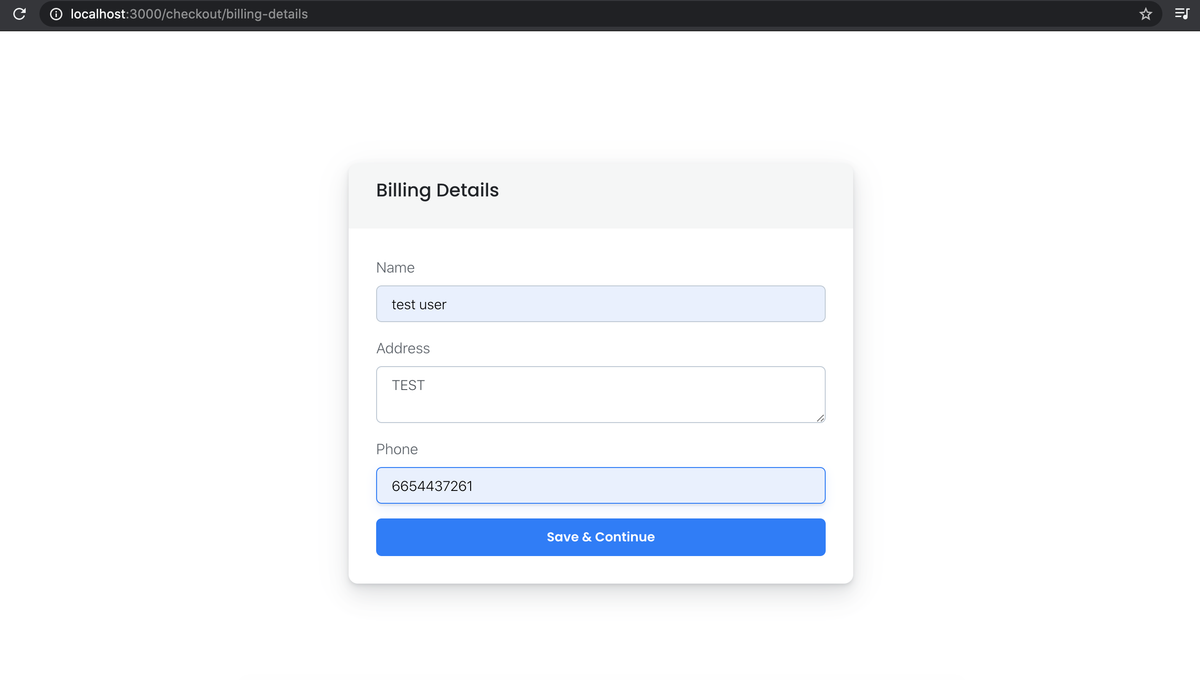
Billing Details page
On the payment page, enter the test card number 4242424242424242. The other card details (expiry date, CVC, and ZIP) can be random.
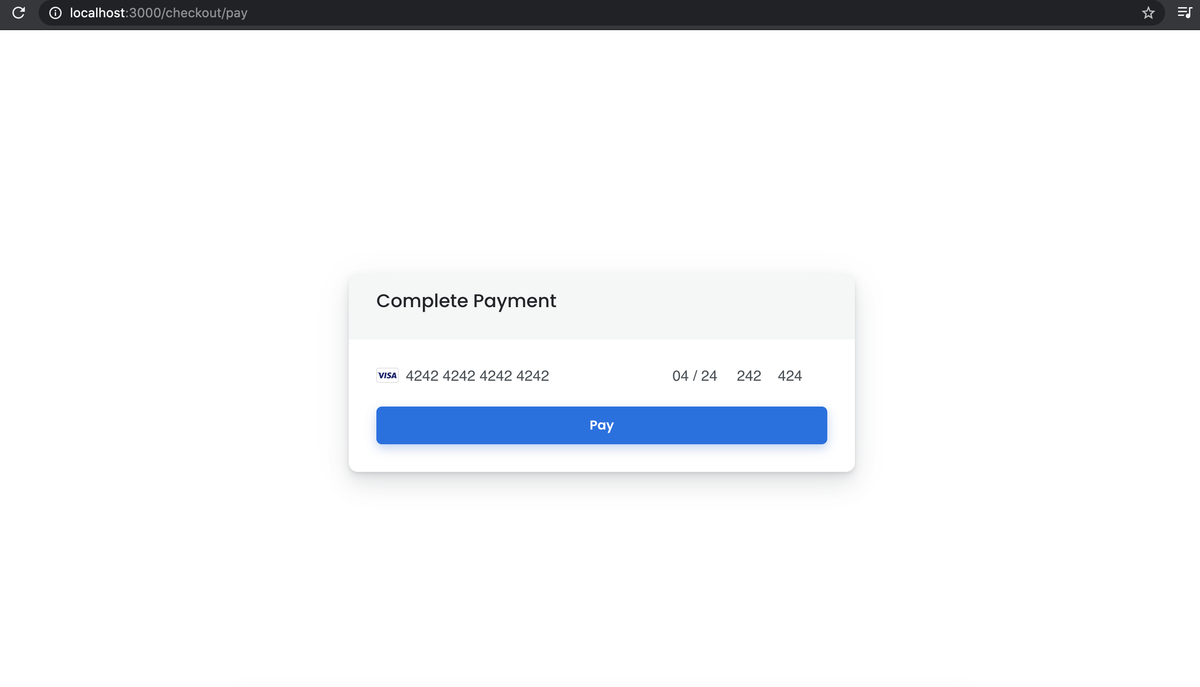
Payment page
Once the payment goes through successfully, you should see a success alert.
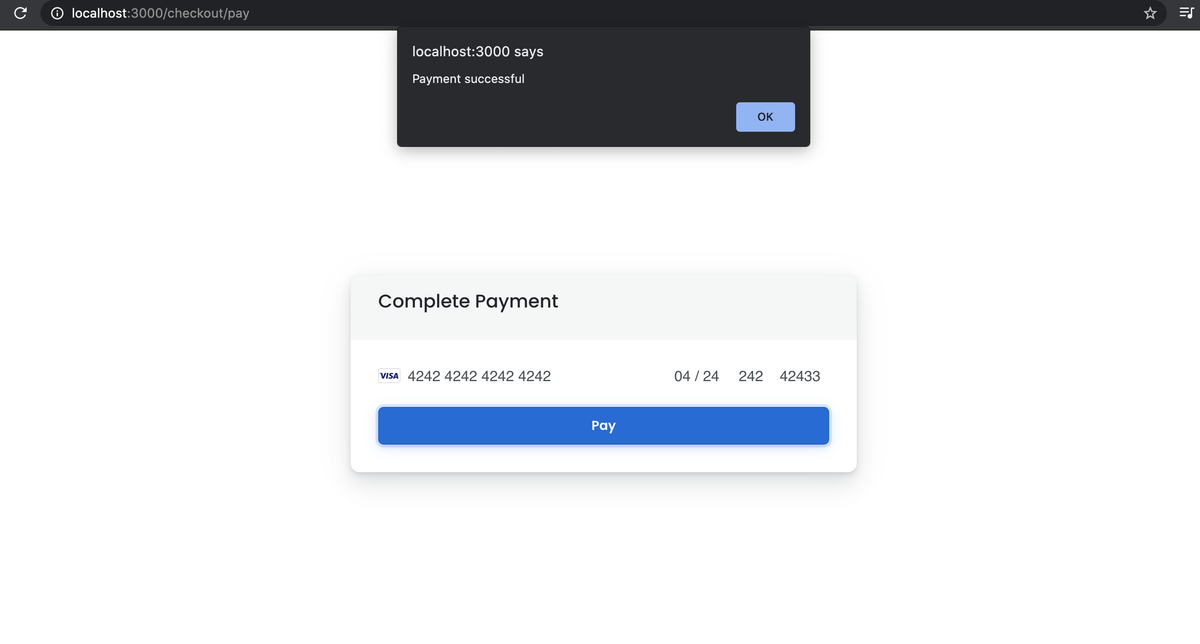
Payment successful
You ...