Build the Functionality
Explore how to implement key functions of a budget tracker app such as add_income and add_expense. Learn to structure your Python program with variables, functions, and a main execution flow, then use AI to scaffold remaining features. This lesson helps you build a functional interactive budget app foundation using basic Python concepts and user input handling.
We'll cover the following...
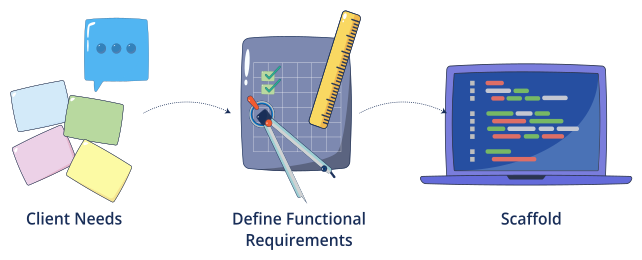
In the previous lesson, you:
Chatted with a simulated client and gathered needs.
Converted notes into functional requirements.
Created a clean skeleton of eight function stubs.
Now we’ll bring it to life. Starting with two core functions, then using AI to scaffold the rest. You’ll also get quick tests and a full reference solution.

We’ll keep a tiny in-memory data model:
# globals (top of your file)income = 0.0# A list of expense dictionaries, e.g. [{"category": str, "amount": float}, ...]expenses = [] # each entry: {"category": str, "amount": float}
Conventions we’ll use:
Positive amounts only.
Built-ins only, Python, no external libs / file I/O / classes. ... ...