Make Decisions
Learn to control flow using decision-making.
We'll cover the following...
Now it’s time to teach Python how to make decisions like you do every day.


In this lesson, we’ll learn how to write programs that react to different conditions using if, else, and elif.
Try this:
Python checked the condition and ran the code only if it was true.
Note: In Python, a colon
(:) starts a block of code—like after an if statement. The(the space before the next line) tells Python which lines belong to that block indentation Indentation means adding spaces at the beginning of a line of code. Most often, we use 4 spaces for indentation. Unlike some other languages, Python uses indentation to group code—it’s how it knows what belongs together.
Without the colon or correct indentation, Python will show an error.
Your turn: Make a choice
Try changing the value of age to something below 18. What happens?
Add an else to handle both cases:
Now the program makes a decision based on the condition.
How it works?
ifchecks a condition.If it’s
True, it runs the code inside the block (indented lines).elseruns if the condition isFalse.

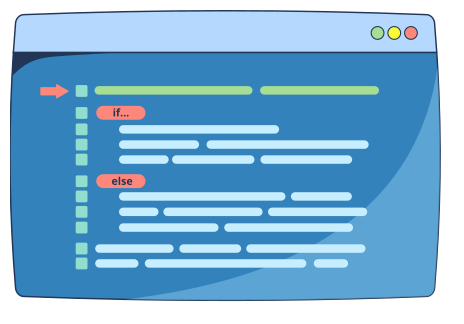
You can also check multiple conditions using elif (short for "else if"):
Try changing hour to see different messages.
Common comparison operators
Use these in your if conditions:
==—equal to!=—not equal to>—greater than<—less than>=—greater than or equal to<=—less than or equal to
Let’s look at the example below:
Note: In Python,
=is used to assign a value to a variable.
For example,temperature = 18means “store the value18in the variable calledtemperature.”But
==is used to check if two things are equal.
For example,temperature == 18asks “Is the value oftemperatureequal to18?”They may look similar, but they do very different jobs!