Testing Reducers
Understand how to unit test NgRx reducers by creating spec files, defining test suites, and using mock states and actions. This lesson guides you through verifying that the productsReducer updates state properly when handling dispatched actions, helping you ensure reliable state management in Angular applications.
Introduction
In the products module of our application, we have defined three actions. We handled those actions in the src/app/products/state/products.reducers.ts file with the productsReducer.
In this lesson, let’s write a test case to verify if our productsReducer is properly handling the getProductsAction().
Unit testing the NgRx reducers
We can unit test the NgRx reducers by following the steps below.
Creating a spec file
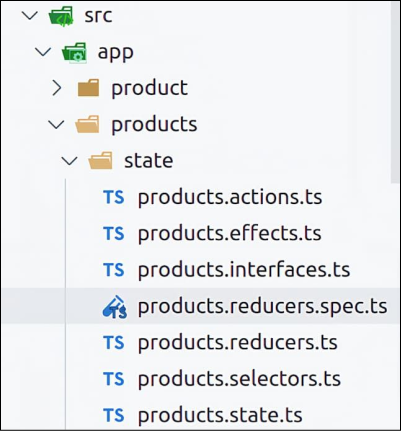
Inside the src/app/products/state folder, let’s create a new file named the products.reducers.spec.ts file. Angular will not run this test file unless we add the spec extension.