PWA Builder - Publish a PWA to Stores
Explore how to package your Progressive Web App for mobile stores using PWA Builder. Understand the process to create deployable packages, requirements for Google Play, digital asset links, and how to manage signing keys. This lesson prepares you to publish PWAs effectively to app stores while managing necessary developer accounts and certificates.
Package a PWA
Once the mandatory parts of a PWA (a valid web manifest and service worker, published to the web and secured through HTTPS) are correctly in place, PWA Builder can create a package targeting a specific platform. We can start the process by clicking on the Package For Stores button:

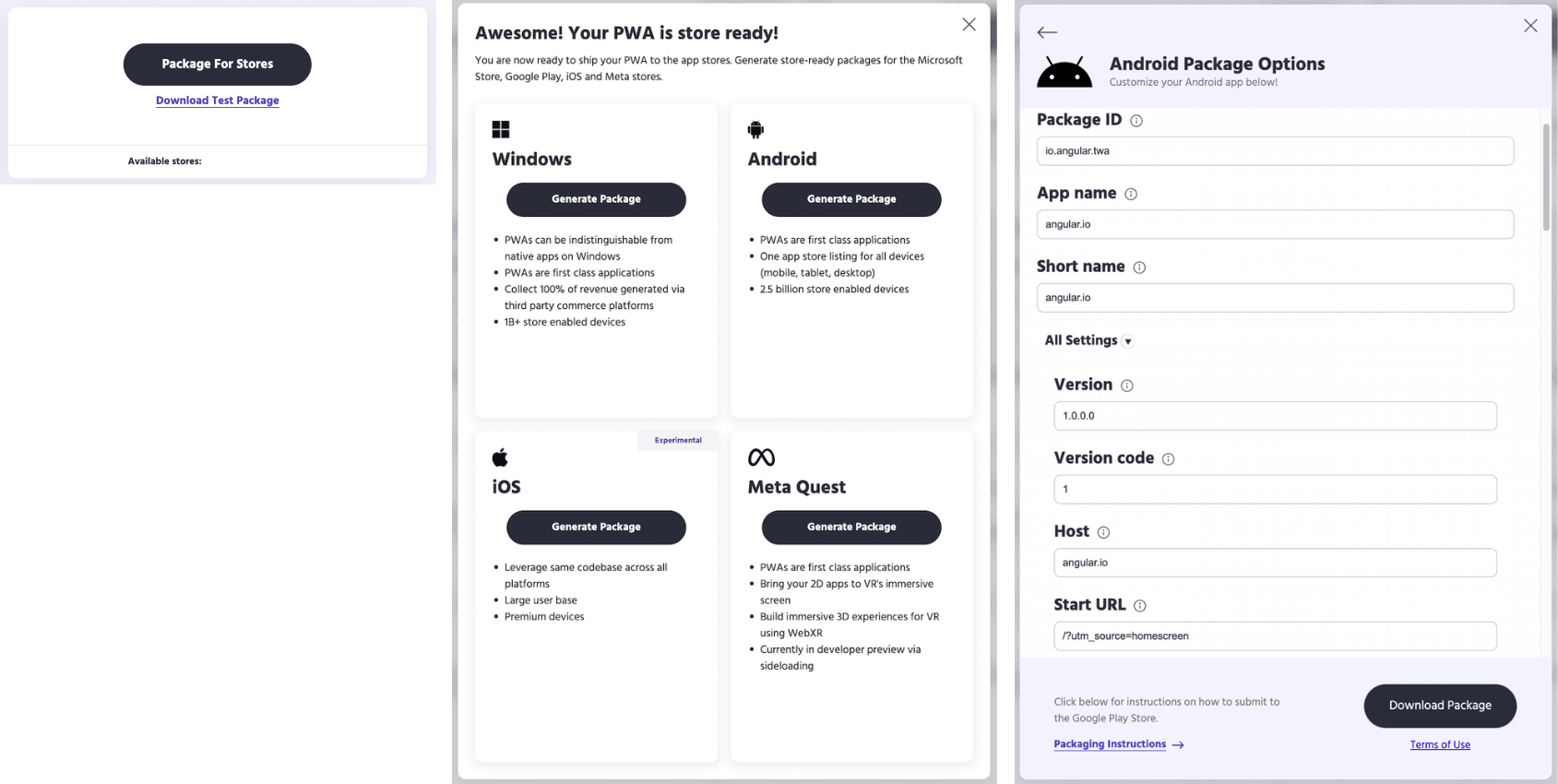
What is really convenient is the possibility of generating a bundle to upload to mobile stores (App Store / Play Store) as well.
This operation was not always straightforward and, in the case of iOS, particularly complicated.
Truth to be said, Apple is still far from accepting PWAs entirely, especially in the App Store. That is the reason why the PWA Builder packaging for iOS is still in an experimental stage:

