Buttons with Gradio
Explore how to create and customize Button components in Gradio, implement click event listeners, and combine multiple interactive elements to build functional dashboards. Understand filtering data dynamically with buttons for improved user interaction in machine learning applications.
We'll cover the following...
We'll cover the following...
The Button component
The usage of a Button is quite self-explanatory. When instantiated, it will create a button, that can be assigned a myriad of arbitrary click events. The button label (or value) can be used as an input or set via the output of a function.

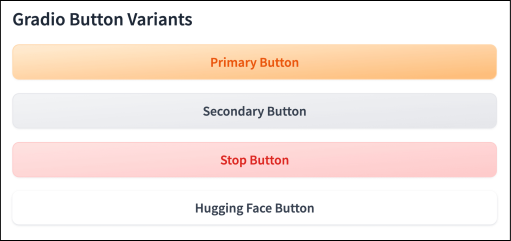
Different kinds of buttons in Gradio
To instantiate a Button, we type gr.Button(). ...