Ratings and Insights
Explore how to retrieve ratings and insights from Facebook pages using the Graph API. Understand the necessary permissions, request parameters, and response fields to effectively access page data.
We'll cover the following...
View ratings
https://graph.facebook.com/v16.0/{page_id}/ratings
Request parameters
The following are the request parameters of the above endpoint.
Parameter | Type | Category | Description |
| String | Mandatory | This is the token that we received in response after making the call to the |
| Boolean | Optional | This tells whether to include a summary of the page's ratings or not. The summary contains the number of ratings and the overall rating of the page. |
| String | Optional | This specifies the maximum number of results we want in the response. |
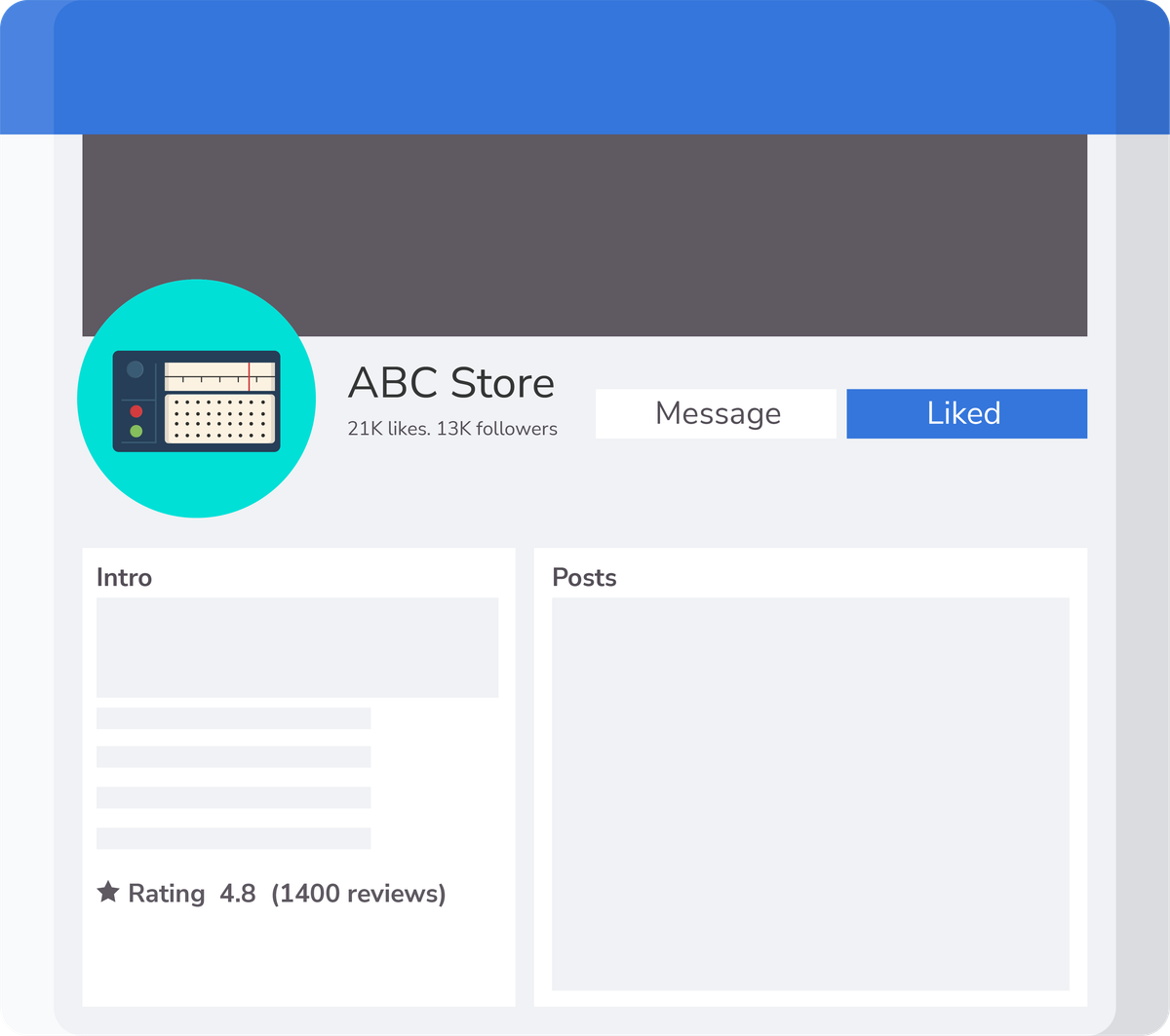
To view ratings on the page using the Facebook Graph API, we can make a GET request to the ratings edge of the page object using the page's ID and a page access token that has the pages_read_user_content permission. Click the “Run” button to see the response.
In the code widget above:
Line 5: We define the endpoint URL in the
endpointUrlvariable.Lines 18–21: We add the
access_tokenand set thelimitto10to specify the maximum number of results to return in response in thequeryParametersvariable.Line 27: We use the
fetchfunction to make the API call.
Response fields
The response fields for the above endpoints are given in the table below.
Name | Type | Description |
| String | This is the ID of the user associated with the role. |
| String | This is the rating value, an integer between 1 and 5. |
| String | This is the information about the reviewer, including ID and name. |
| String | This is the text written by the reviewer as part of the rating. |
| String | This is the time the rating was created. The time is in ISO 8601 format. |
| Object | This is the information about the pagination of the feed. It contains fields such as |
| Object | This is a summary of the feed containing information such as |
Insights
The base URL for the endpoint above is:
https://graph.facebook.com/v16.0/{page_id}/insights
Request parameters
The request parameters for the above endpoint are provided in the table below.
Parameter | Type | Category | Description |
| String | Mandatory | This is the token that we received in response after making the call to the |
| String | Mandatory | This is the metric that we want in the response. For example, |
| String | Optional | This is the period over which the metric is returned. For example, |
| String | Optional | These are the fields we want in the response from the API call. |
| DateTime | Optional | This date represents the lower bound of the range to query data. This is a UNIX timestamp or ISO 8601 date. |
| DateTime | Optional | This date represents the upper bound of the range to query data. This is a UNIX timestamp or ISO 8601 date. |
| String | Optional | This specifies the maximum number of results we want in the response. |
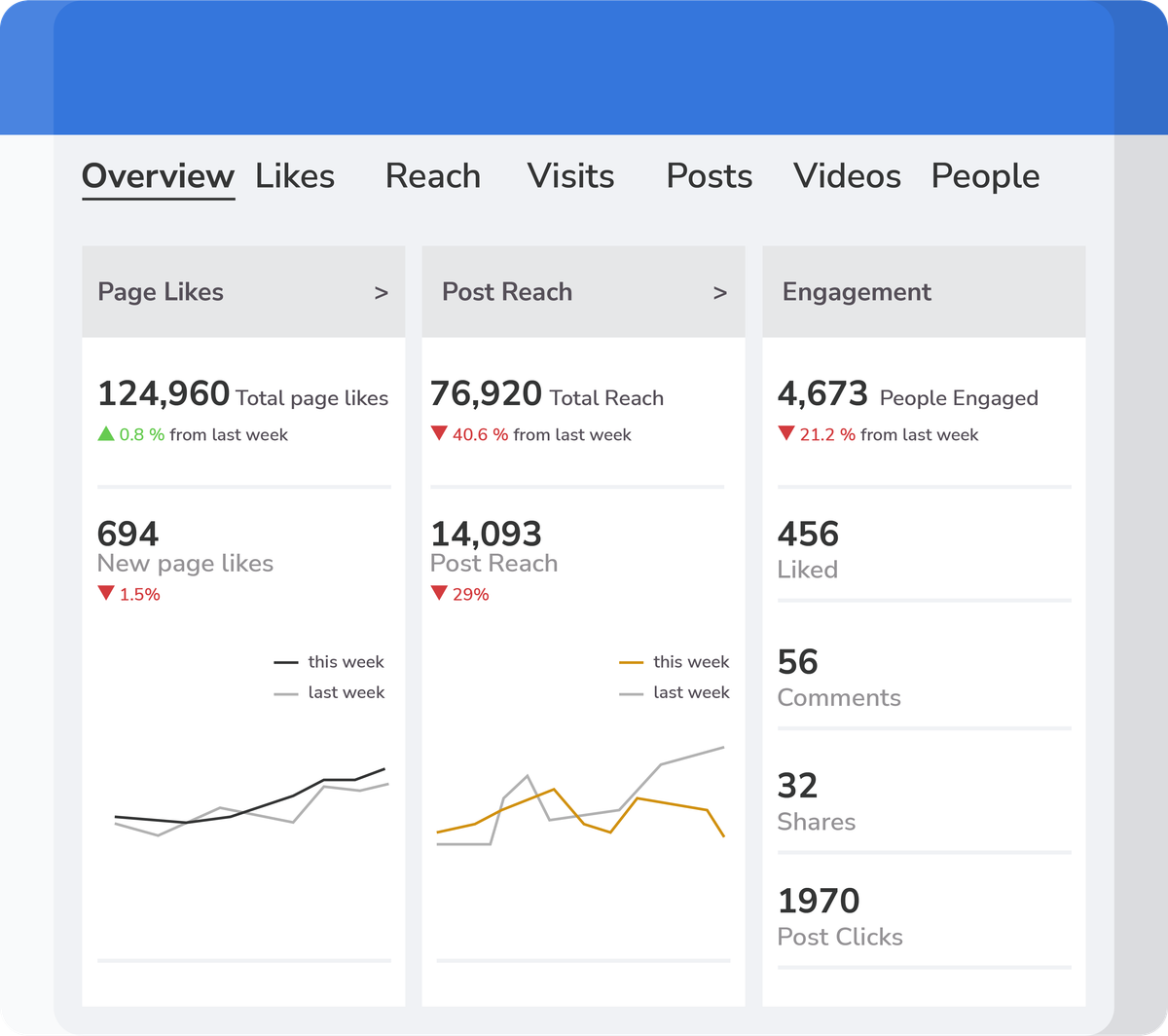
To get insights for a Facebook page using the Facebook Graph API, we can make a GET request to the insights edge of the page object using the page's ID and a page access token with the read_insights and pages_read_engagement permissions. Click the “Run” button to see the response.
In the code widget above:
Line 5: We define the endpoint URL in the
endpointUrlvariable.Lines 18–22: We add the
access_token, specify themetric, and set thelimitto10to specify the maximum number of results to return in response in thequeryParametersvariable.Line 28: We use the
fetchfunction to make the API call.
Response fields
The response fields for the above endpoint are mentioned in the table below.
Name | Type | Description |
| String | This is the ID of the insight. |
| String | This is the name of the metric for this insight. |
| String | This is the period over which the data was aggregated. |
| String | This is the title of the insight. |
| String | This is the description of the insight. |
| Array | This is the array of objects, and each one contains the value and `end_time` of the insight. |
| Object | This is the information about the pagination of the feed. It contains fields such as |
| Object | This is a summary of the feed containing information such as |