Creating Users
Explore how to implement Firebase Authentication in Flutter apps by setting up email login and signup methods. Understand managing user sessions with GetXController, handling navigation based on authentication state, and enabling secure user registration and login workflows for your mobile and web applications.
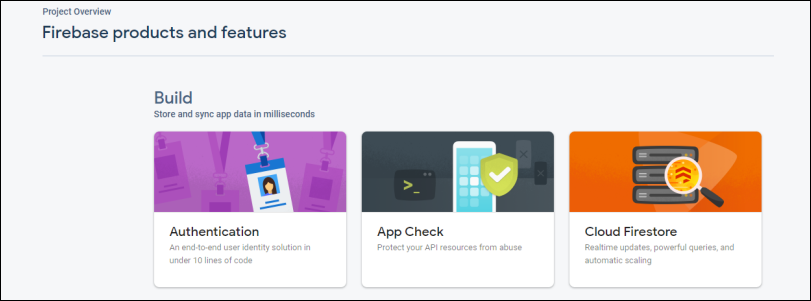
Setting up Firebase Authentication will be the first step in creating users for our app. We must activate the auth package and set email as the default method of authentication in the Firebase console. This allows the users to register and log in using their email address.


Setting up email authentication
A visual walkthrough of this setup procedure is provided in the ensuing slides:

Creating an auth controller
We’ll make use of GetXController to control user authentication within our application. The user’s login status will be checked by this controller, which will also direct them to the appropriate screen.
Line 1: We ...