Creating a New Android Project
Explore how to create a new Android project in Android Studio by selecting templates, choosing Kotlin as the language, and setting the minimum SDK version. Understand key generated files like AndroidManifest.xml and MainActivity.kt. Learn to build and run your app on an emulator or physical device to begin Android development confidently.
We'll cover the following...
Introduction
In this lesson, we’ll learn how to create a new project in Android Studio and run it on an emulator or a physical Android device.
Creating a new project
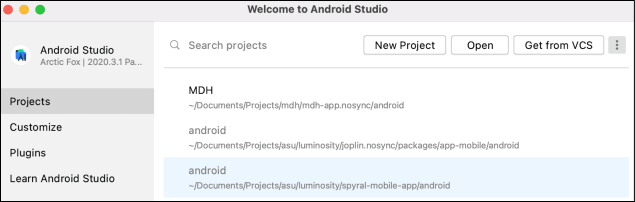
Let’s launch Android Studio on our machine and click “New Project” in the “Welcome Window.”

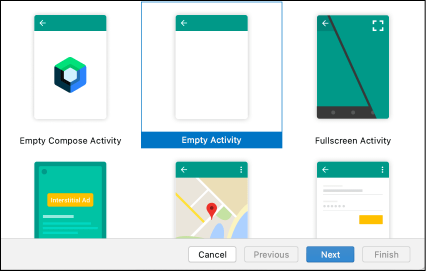
Clicking “New Project” opens a wizard where we’re asked to choose a template for our app. Android Studio will create a new project with some files based on the chosen template. Let’s choose an “Empty Activity” and click “Next.”

On the next page, let’s type a name for our project. We have the option to change the “Language” and the “Minimum SDK version” too. Since Google has declared Kotlin ...