Exercise: Annotate Dataset for Semantic Segmentation
Explore how to annotate a small image dataset for semantic segmentation using CVAT. This lesson guides you step-by-step through creating projects, labeling object categories, and applying polygon and ellipse tools to mark controllers, touchpads, and joysticks. You will organize layers for proper visibility and export segmentation masks for machine learning tasks.
We'll cover the following...
In this lesson, you’ll get hands-on experience annotating a small image dataset for semantic segmentation with the CVAT annotation tool.
You’ll need to access a CVAT service, either running locally on your computer or through a third-party website.
Image dataset
The image dataset will be the three images below. You can take screenshots of the images and save them to your disk.

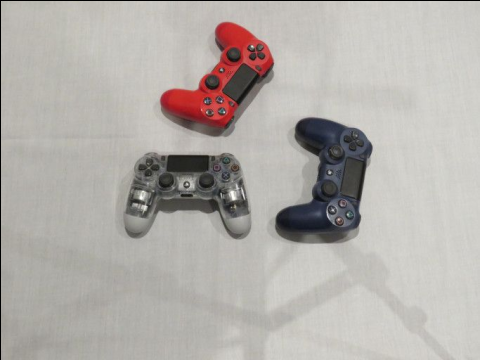
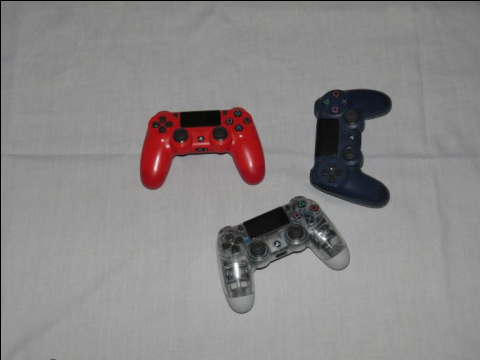
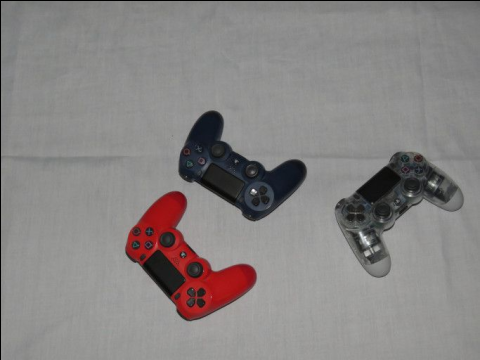
Step-by-step annotation
After logging into the CVAT service, click the “Projects” tab. Click the “+” sign at the top right, then “Create a new project”:

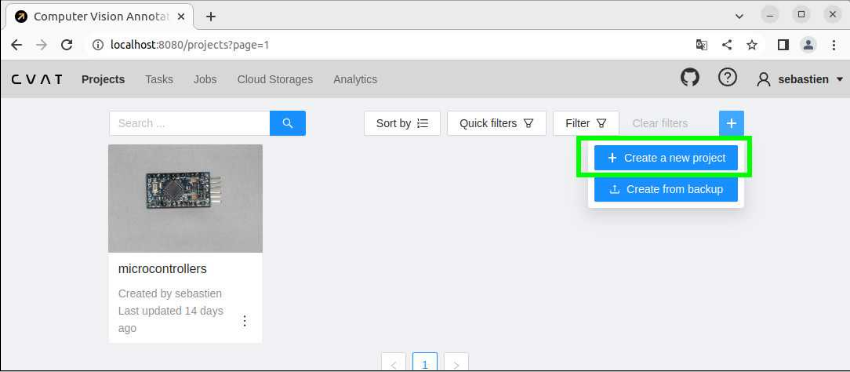
Enter the name of the project. You’ll be working with images of video game controllers, so name your project “Controllers.”
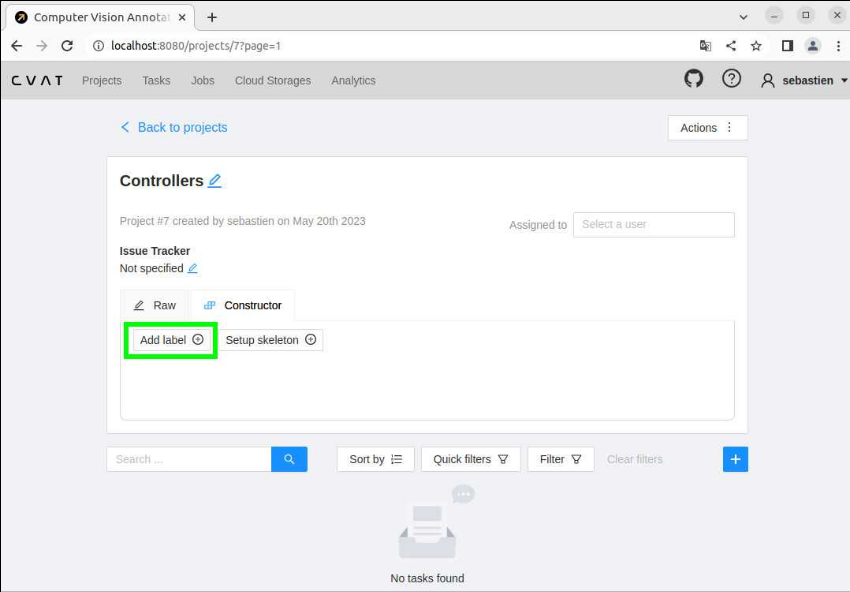
Click the “Add label” button to enter the object categories that you’ll ...