Exploring Model in Admin Interface
Explore how to navigate and utilize the Django admin interface to manage your models effectively. Learn to add, change, and remove data entries, while understanding the importance of security and access control to protect your web application.
We'll cover the following...
We'll cover the following...
The admin interface
First, we need to start our application. Then, we append /admin in the URL and log in.
NOTE: Recall from the previous lesson, our username is
adminand password ispass.
After we are logged in, our Django admin page will look like this: ...
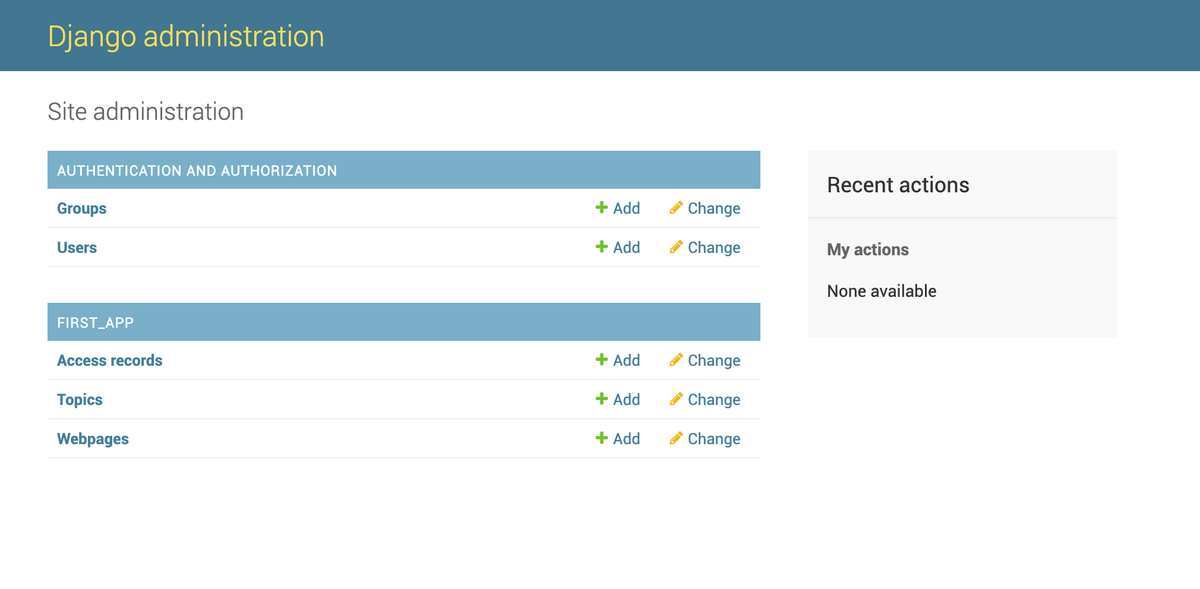
Admin Interface
...