Search⌘ K

A Disassembly Example with Function and Stack

Explore disassembly of functions and stack operations in ARM64 using GDB. Learn to set breakpoints, examine registers and memory, and identify parameter mismatches in C/C++ programs.

Example of disassembled code with comments

Here is the commented code disassembly of the main function with memory addresses removed for visual clarity:

C++
stp x29, x30, [sp,#-48]! // establishing stack frame for
mov x29, sp // parameters and local variables
str w0, [x29,#28] // saving the first main parameter
str x1, [x29,#16] // saving the second main parameter
mov w0, #0x1 // setting the first parameter
// for arithmetic function
mov w1, #0x1 // setting the second parameter
// for arithmetic function
bl 0x4005e4 <_Z10arithmeticii>
str w0, [x29,#44] // setting the result local variable
mov w0, #0x0 // main should return 0
ldp x29, x30, [sp],#48 // restoring the previous stack frame,
// frame and link registers
ret // return from main

Here is the commented disassembly of the arithmetic function, with memory addresses removed for visual clarity:

C++
sub sp, sp, #0x10 // establishing stack frame for
// parameters and local variables
str w0, [sp,#12] // saving the first arithmetic parameter (a)
str w1, [sp,#8] // saving the second arithmetic parameter (b)
ldr w1, [sp,#8] // w1 <- [b]
ldr w0, [sp,#12] // w0 <- [a]
add w0, w1, w0 // w0 <-w1 + w0
str w0, [sp,#8] // [b] <- w0
ldr w0, [sp,#12] // w0 <- [a]
add w0, w0, #0x1 // w0 <- w0 + 1
str w0, [sp,#12] // [a] <- w0
ldr w1, [sp,#8] // w1 <- [b]
ldr w0, [sp,#12] // w0 <- [a]
mul w0, w1, w0 // w0 <- w1 * w0
str w0, [sp,#8] //[b] <- w0
ldr w0, [sp,#8] // w0 <- [b]
// return result
add sp, sp, #0x10 // restoring the previous stack frame
ret // return from arithmetic

We can put a breakpoint on the first arithmetic calculations address and examine raw stack data pointed to by the sp register:

gcc FunctionParameters.cpp Arithmetic.cpp -o FunctionParameters
gdb ./FunctionParameters

After executing and loading the program, we get into the GDB container and see the following output:

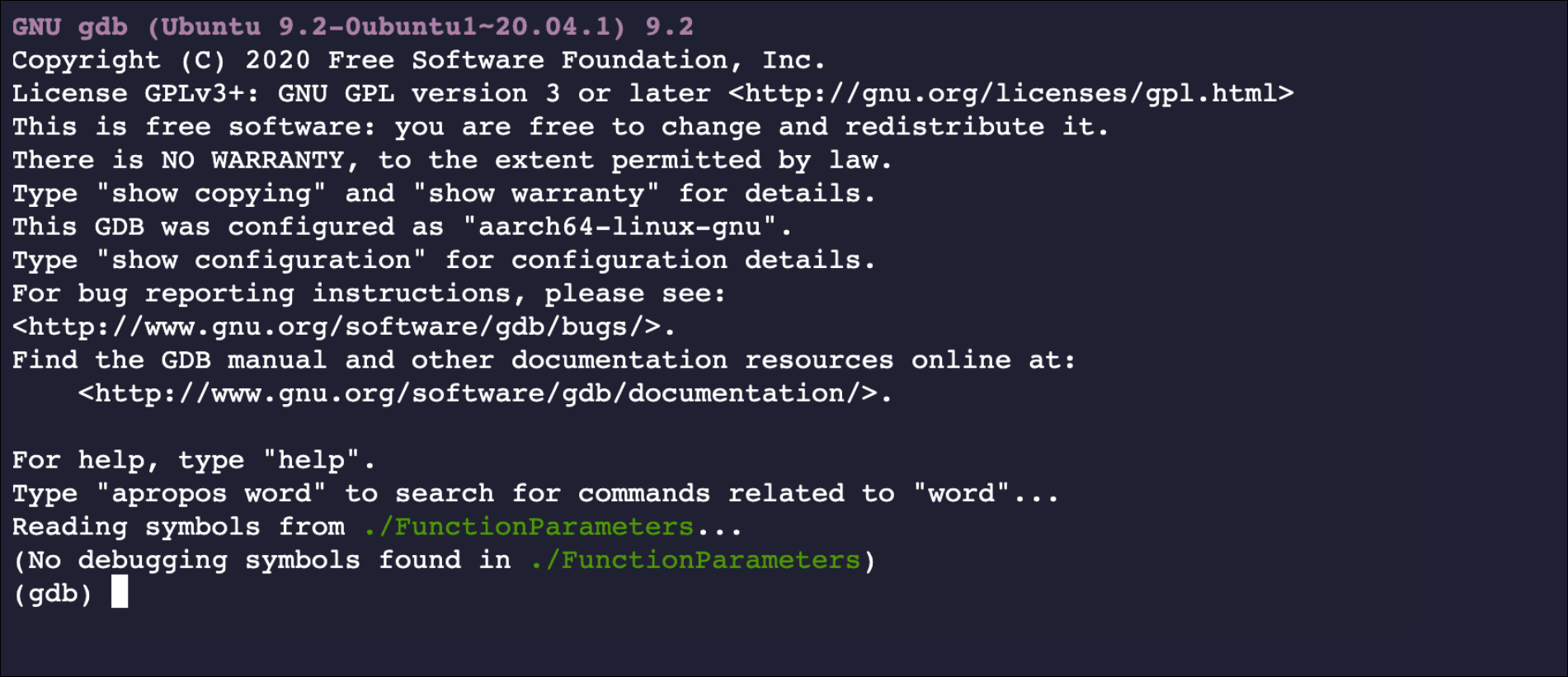
Loading object code into GDB

We create the breakpoint of the programs with the break main command:

break main

The breakpoint is shown below:

C++
Breakpoint 1 at 0x734
(gdb)

Now, we run the program until the GDB breaks in:

set disable-randomization off
run

After running the program, it gives the breakpoint and starts the program’s execution: