Implementation of Function Parameters and Arithmetic Example
Explore how to implement and debug function parameters along with arithmetic operations on ARM64 Linux using GDB. This lesson helps you understand disassembly output, set breakpoints, inspect registers, and analyze code execution within a practical example. You will also gain hands-on experience executing relevant GDB commands to deepen your debugging skills.
The source code for the FunctionParameters example is broken down into multiple files that we’ll discuss in the next few sections.
The FunctionParameters example
The source code of the FunctionParameters example is given below:
Arithmetic program
The source code of the arithmetic program is given below:
Commented disassembly
Here is the commented disassembly we get after compiling the example and loading it into the GDB:
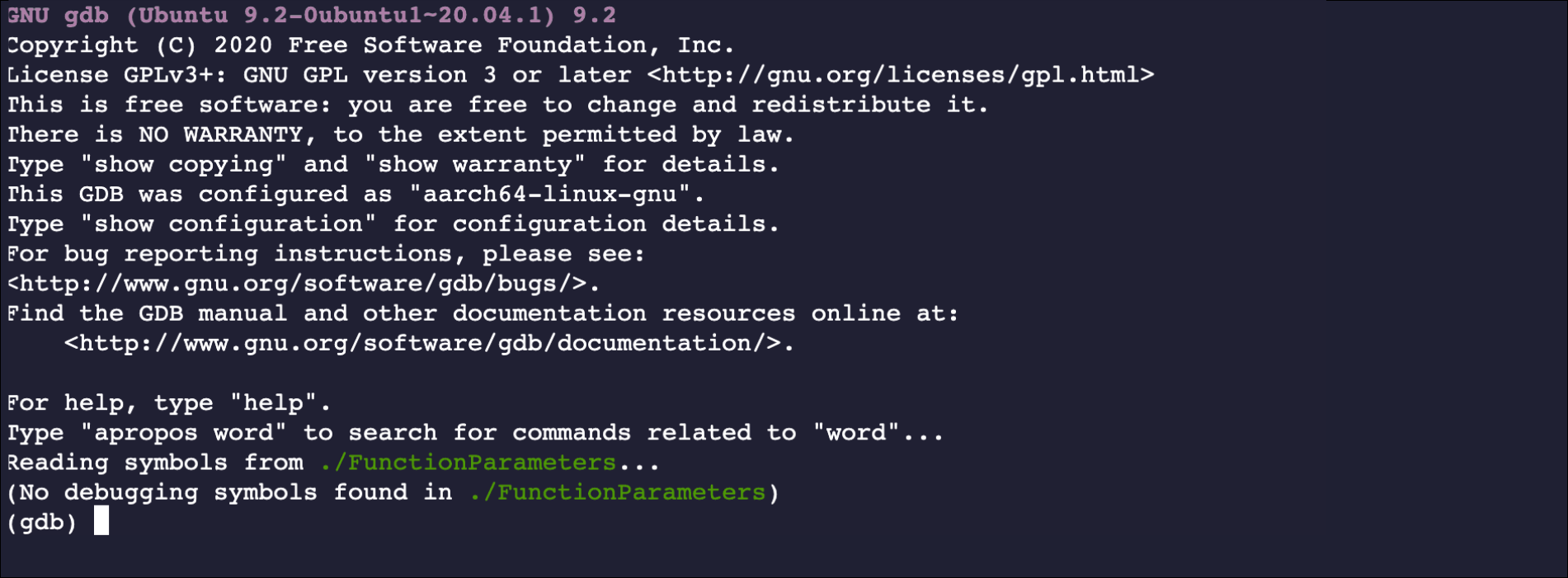
After compiling and loading, we come in the GDB container:

Note: You may practice all the commands in the coding playground, ...