Documentation
Explore how to create and manage documentation for your dbt projects by generating a documentation website, adding descriptions to models and columns, and persisting these in your data warehouse like BigQuery. This lesson helps you understand the setup process using property files and CLI commands to improve data transparency and collaboration.
Overview of documentation
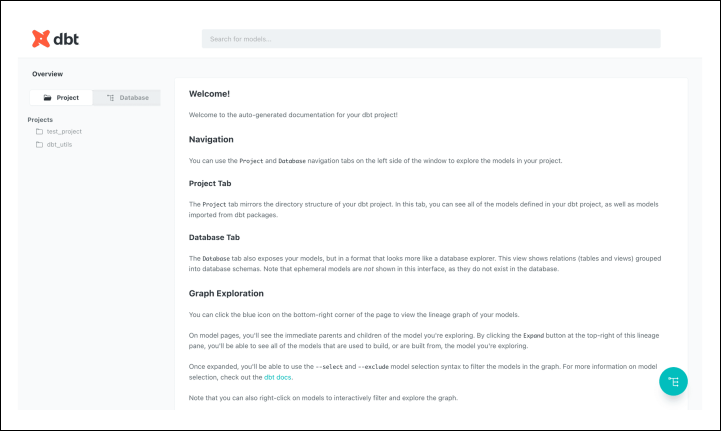
dbt provides the option to render documentation as a website.

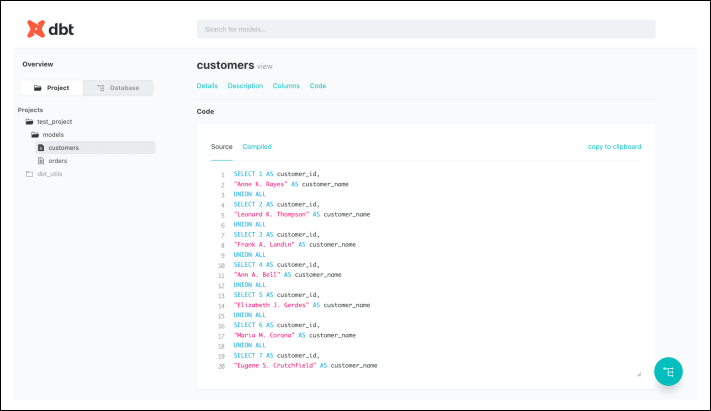
The website includes useful features, such as compiled SQL:

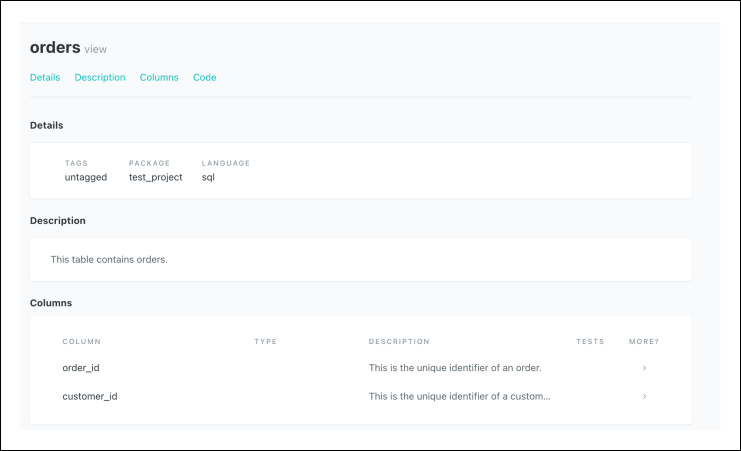
We can also give dbt descriptions for our models and tables:

How to set up documentation
To set up documentation, we need to create some property files and run a series of commands to host our website.
Property files
When setting up documentation, it’s recommended to set up some descriptions in a property file.
Here, we set ...