Configuring linting and adding autoformatting
Explore how to configure ESLint and Prettier in a React TypeScript project using Visual Studio Code. Understand linting setup, rule customization, and enabling automatic code formatting to improve code quality and consistency in your React applications.
We'll cover the following...
Re-open the project in the correct folder
Before we start, we need to open the project we created in the last lesson in the root folder. The root folder should have the same name as your app and should contain the package.json file.
Linting
Linting is the process of running a program that checks for potential errors. The most popular linter in the JavaScript space at the moment is ESLint. CRA has already installed and configured ESLint to check our React and TypeScript code - neat!
Note that TSLint has been a popular alternative to ESLint for linting TypeScript code but is now deprecated. More information can be found here.
Configuring ESLint in Visual Studio Code
We can install and configure an ESLint extension in Visual Studio Code to lint and highlight potential errors. The extension is called ESLint and is published by Dirk Baeumer.
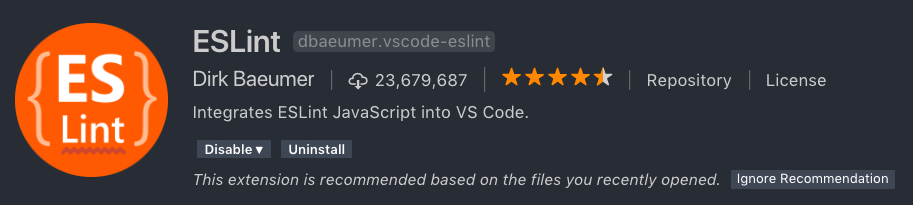
Note that you may need to start Visual Studio Code for the extension to start working.
We need to tell VS Code to lint TypeScript code:
- Open Settings from the Preferences menu on the File menu.