Setting up Cloud Firestore Database
Explore the step-by-step process to connect Cloud Firestore with React Native by creating a Firebase project, registering web and Android apps, obtaining configuration credentials, and initializing the database. This lesson helps you prepare the backend database needed for managing your app's data in real time.
To connect the Cloud Firestore Database with React Native, we have to perform a series of steps. Let’s go through each one.
Creating a Firebase project
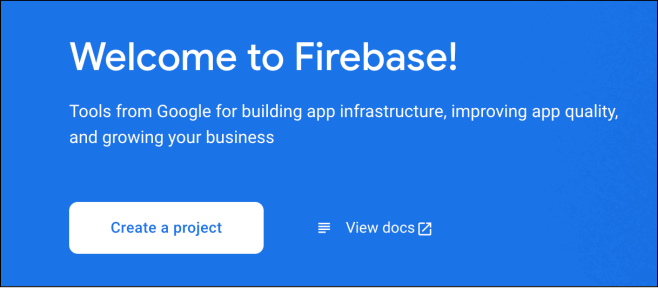
Navigate to the Firebase console and click the “Create a project” button to add a new project.

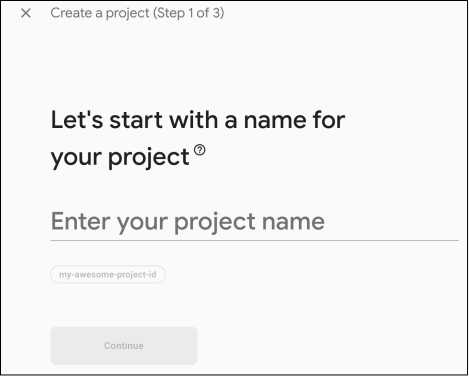
Next, add the name of the project and click the “Continue” button.

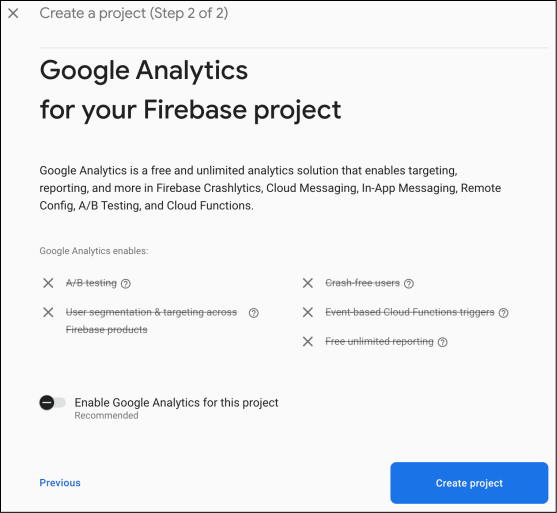
Disable the “Enable Google Analytics for this project” option since we won’t use Google Analytics. After disabling it, click the “Create project” button to create the project.

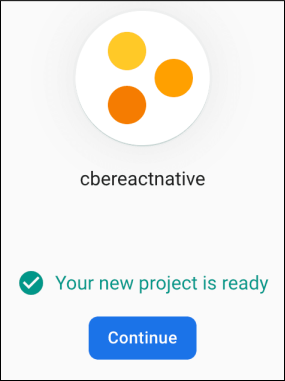
Wait for a few moments while the project is created and initialized. Once it’s created, click the “Continue” button to navigate to the project dashboard.

The illustration below shows a portion of the ...