Making Decisions
Explore how to use JavaScript if-else statements for decision-making in coding projects. Learn to write conditions that let your programs choose actions, like controlling a smart thermostat. This lesson guides you through coding condition checks, handling user input, and refining logic with AI support to make your code adaptable and interactive.
The project
Imagine your thermostat at home. Right now, it only shows the temperature: for example, the temperature is 25. That’s not very helpful on its own. What you’d really want is a system that can decide whether to turn on the heater or the air conditioner based on the temperature and your comfort settings. In coding, we use conditionals for this kind of decision-making. Let’s see how that works in JavaScript.

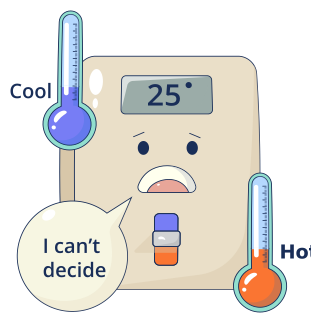
With confidence in your JavaScript skills, you aim to create this thermostat logic yourself! This smart home system should compare the current room temperature with the users’ preferred comfort temperature and decide what to do.
The programming concept
Let’s write a simple program that checks if someone can vote.
If a person is 18 or older → print
You can vote!.If they’re younger than 18 → print
Sorry, too young.
In plain terms: if age ≥ 18 → yes; otherwise → no.
JavaScript can do exactly that with ...